[x86-64][LibreELEC x CB1 Builds] Dolby Vision FEL, HDR10+ and Full 3D

  • I just upgraded my Libreelec mini-pc from a Celeron-based device to a 3500U just for this amazing DV version. It's working great but I seem to have one small issue. After startup, I'd play something and there would be no audio. I checked the audio settings and noticed that my LG C9 on HDMI #1 has defaulted to HDMI #0. I manually set it back to HDMI #1 and all is well until the next restart. I did run "getedid create" but I have always used that.

    It's the same HDMI cable I've been using for years with the old box, so I assume that's okay.

    I don't know if this is a Libreelec-DV issue or a general one but any suggestions would be appreciated

    "getedid create" is used when you have no display connected, like headless setup. You dont need it if you have a connected display. Here is the summary from forum here: Purpose: It bypasses device power-on sequence requirements or allows an x86_64 LibreELEC system to operate without a physical TV/monitor attached (headless mode).


  • Dears,

    I kindly ask some support to solve the missing DV output from my GMKtec K12 to Sony OLED A8 which plays files only in HDR10.

    Consider that DV files are played perfectly by the Ugoos AM6B+ (AVDVPlus 10) with "Dolby Vision" popping up on the screen.

    May you recommend the proper settings to overcome this problem?

    Thank you in advance

  • "getedid create" is used when you have no display connected, like headless setup. You dont need it if you have a connected display. Here is the summary from forum here: Purpose: It bypasses device power-on sequence requirements or allows an x86_64 LibreELEC system to operate without a physical TV/monitor attached (headless mode).

    My TV and LE box are powered on remotely. Without getedid create, if the LE box starts first it doesn't read the TV and you get a black screen. It is a common and accepted solution to this issue

  • I have Firebat F1, and same issue.

    The hdmi sometimes reset itself to 0 however the tv switched on, long time before the pc started. I made getedit, and all good now. For me it's a perfect solution.

  • I am just beginning to test some of my media using the Firebat F1 with CroqueMr mod. While testing some DVD rips and TV recordings, the videos seem too dark. I compared to a Dune HD Duo Cinema 8k and it is much brighter. Can't find the setting to affect the brightness.

    The videos with Dolby Vision P7 with FEL seem to be perfect.....

    Try setting System -> Display -> Colour range to "Limited (16-235)"

  • Hi, feature suggestion. It would be great to have an option inside settings to change display.

    Deluxe feature suggestion, being able to set a display for video output only and another for gui.


    Thanks for the build!

  • I just upgraded my Libreelec mini-pc from a Celeron-based device to a 3500U just for this amazing DV version. It's working great but I seem to have one small issue. After startup, I'd play something and there would be no audio. I checked the audio settings and noticed that my LG C9 on HDMI #1 has defaulted to HDMI #0. I manually set it back to HDMI #1 and all is well until the next restart. I did run "getedid create" but I have always used that.

    It's the same HDMI cable I've been using for years with the old box, so I assume that's okay.

    I don't know if this is a Libreelec-DV issue or a general one but any suggestions would be appreciated

    okay, it's not a Libreelec-DV issue. I discovered that getedid create is not supported for AMD. I forced the audio output in advancedsettings instead and all is well

    Just thought I mention it in case anyone else has the same problem

  • I’ve already sold my AM6b+; I’d been looking forward to DV support ever since LE11, and now it’s finally perfect. Thanks to CroqueMr for all the hard work!

    As an aside, I’m using an Intel DG1 graphics card. It works perfectly in every respect, except that it’s unable to play videos when set to 4096×2160 resolution.


  • Hi CroqueMr,

    A huge thank you for checking in and for the incredible work on R1.0.0 Stable (CB1)!

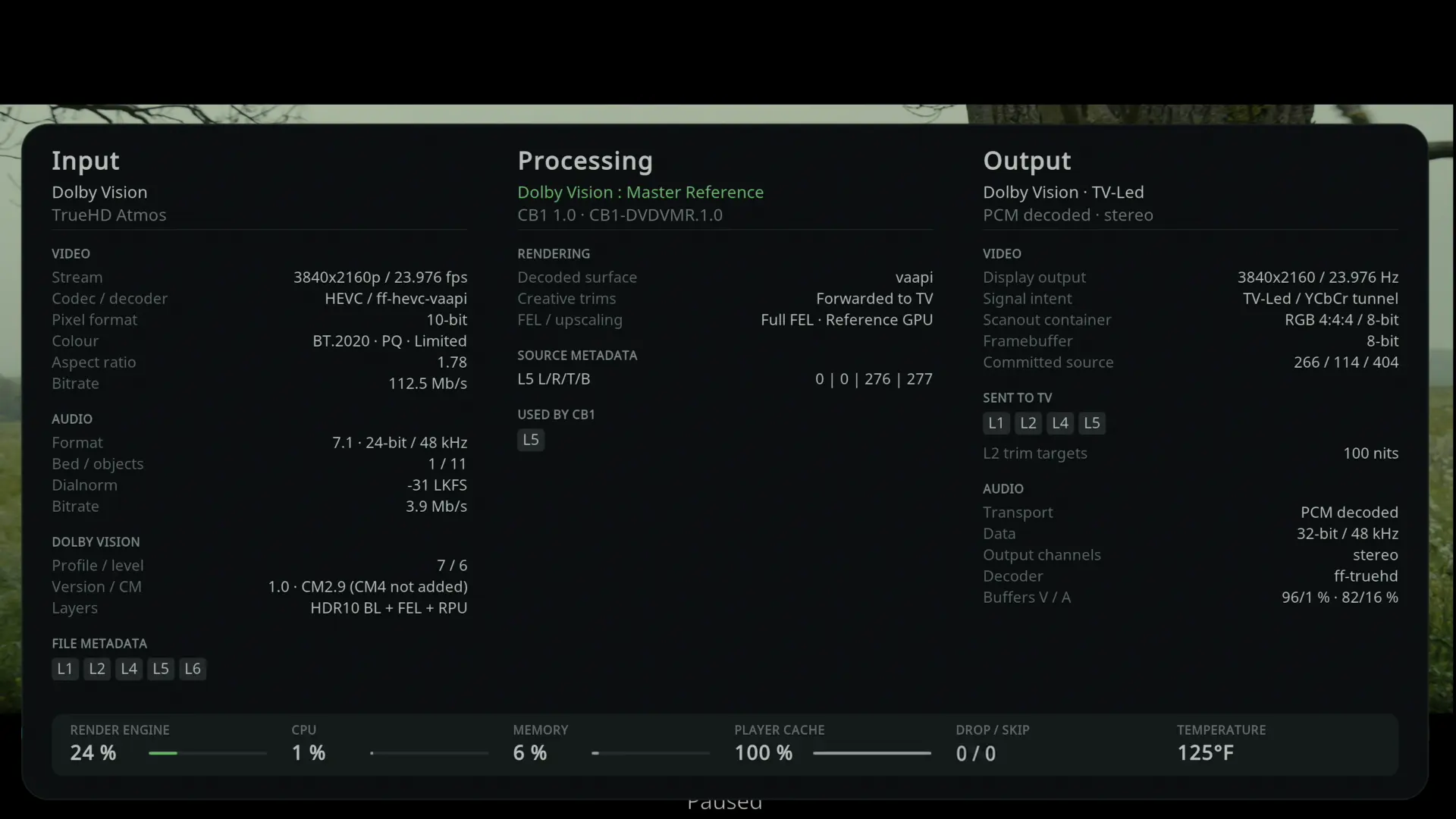
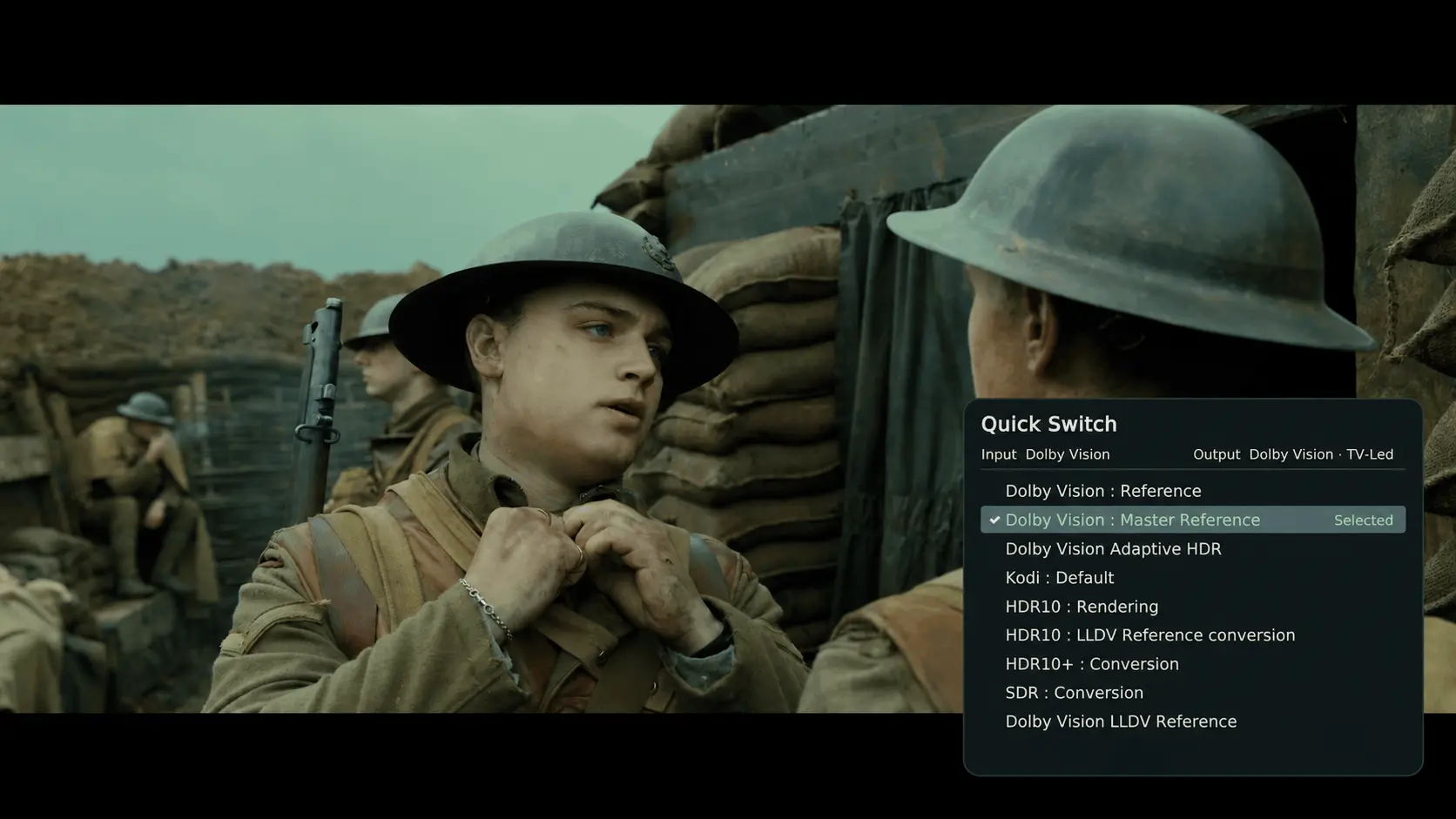
    On my setup (Intel Arc B570 → Denon AVR-X2800H → Sony A80K OLED), Dolby Vision Profile 7 FEL (Master Reference, TV-Led) works flawlessly—VAAPI hardware decoding is active with zero dropped frames.

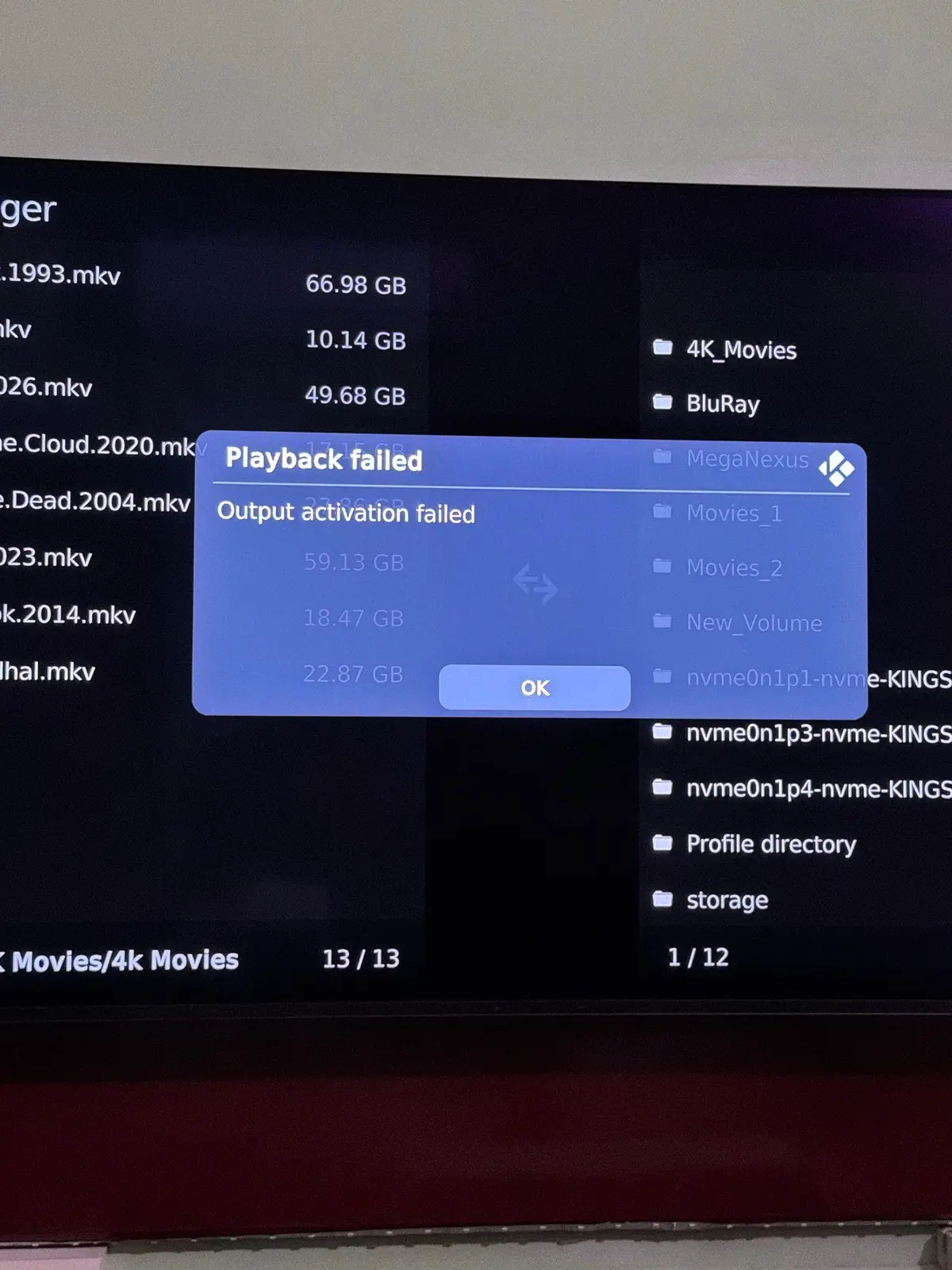
    However, I ran into one issue when testing HLG playback with Dolby Vision : Rendering enabled: it fails with Playback failed — Output activation failed.

    Full Debug Log:

    https://paste.libreelec.tv/boggish-aniya.log

    Relevant Error Snippet (INTEL_4_TILED_BMG_CCS):

    warning <general>: CB1 HDR10 AI: requested rendering failed stream=6 revision=6 policy=4 stage=analysis-submit status=3 queue=26 coverage_s=1 pictures=0 gpu_submissions=1 readback_bytes=0 inferences=0 prepared=false committed=false end=false paused=false head=3 last_submitted=0 stream=0 picture=0 revision=0 policy=0 suppressed=0 truncations=0

    Switching HLG default playback back to Native works around it completely, while Profile 7 FEL DV remains rock-solid. Thanks again for all your support and for delivering such a great release!

    L.Srinivasan

  • Support build has been pushed to the private repo, you can install it, I will send you a connexion key tomorrow or later today if you are available ;)

  • I’ve already sold my AM6b+; I’d been looking forward to DV support ever since LE11, and now it’s finally perfect. Thanks to CroqueMr for all the hard work!

    As an aside, I’m using an Intel DG1 graphics card. It works perfectly in every respect, except that it’s unable to play videos when set to 4096×2160 resolution.

    4096 is really important for you? I think it is like to the bitrate. If 3840x2160 work it is an important issue IMO, but I will check the drivers on my side.


    "CEC detection on compatible setups"


    Any more elaboration on this? Because I'd love to use my TV remote to control this.

    CEC need a hardware support, if your mini PC is compatible with CEC the build will support CEC function. But on mini PC it's often limited only to power on/off CEC function

  • But on mini PC it's often limited only to power on/off CEC function

    I've had a look into cec on a intel nuc. Don't think the code is there to support it, but the hardware seems to be able to transmit any literally any cec message you would like and receive a response - so you could control your tv volume, etc. What is does not seem capable of doing being set up to listen for and recieve cec data like button presses from a tv remote.

  • I've had a look into cec on a intel nuc. Don't think the code is there to support it, but the hardware seems to be able to transmit any literally any cec message you would like and receive a response - so you could control your tv volume, etc. What is does not seem capable of doing being set up to listen for and recieve cec data like button presses from a tv remote.

    From my investigations in the past couple of weeks I don't think you got that right, as I've only read about CEC on/off functionality. If you have sources stating the opposite, I'd be happy to have them (not ironical, please post them :) ).