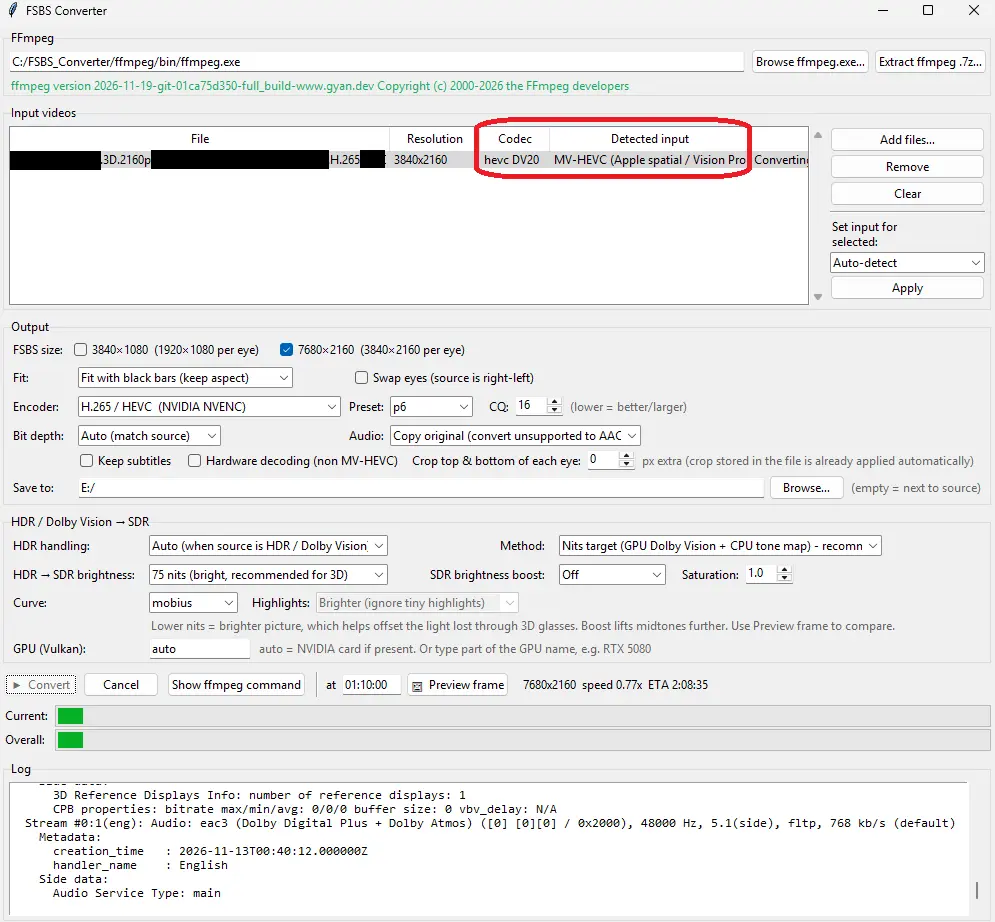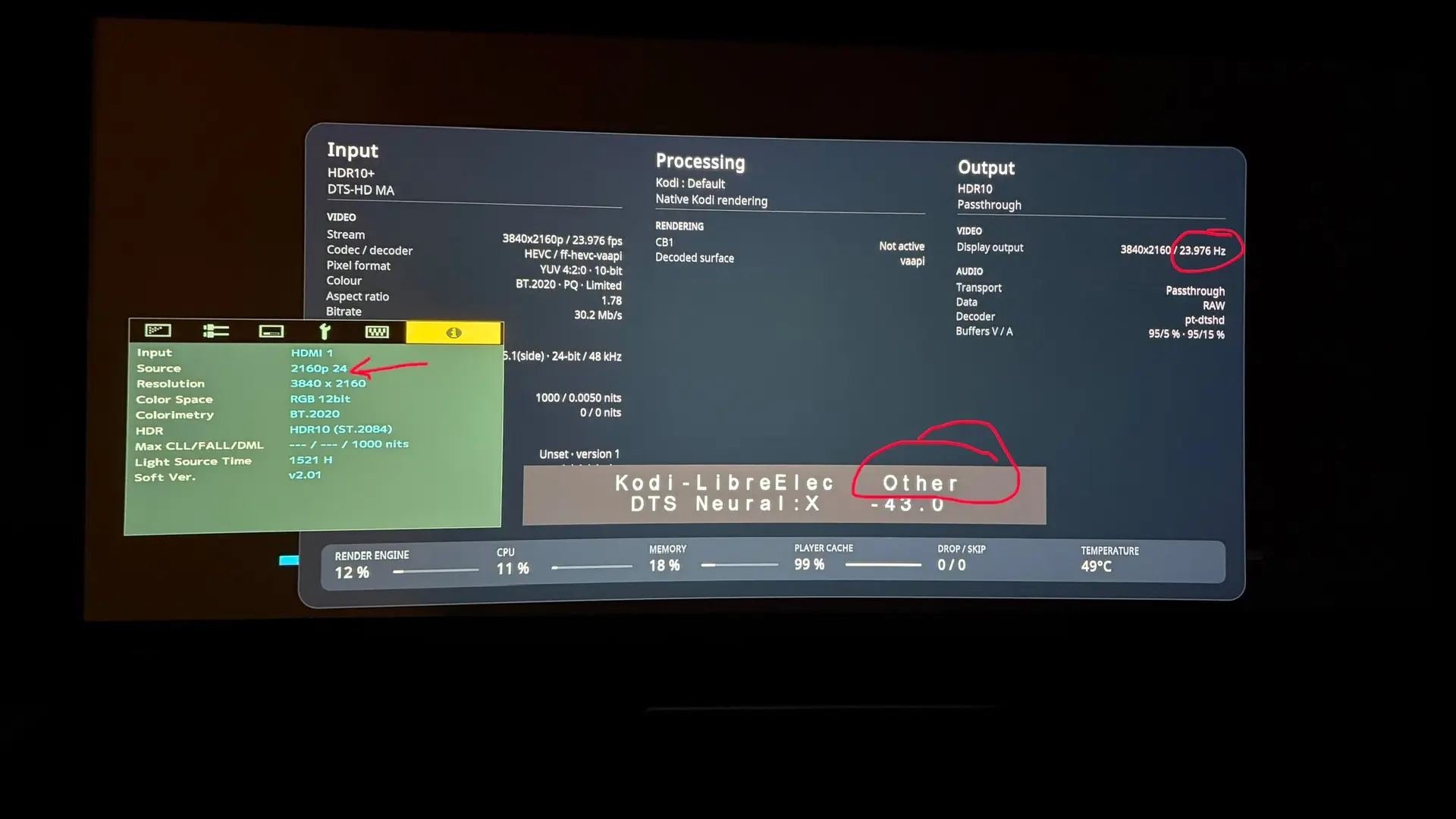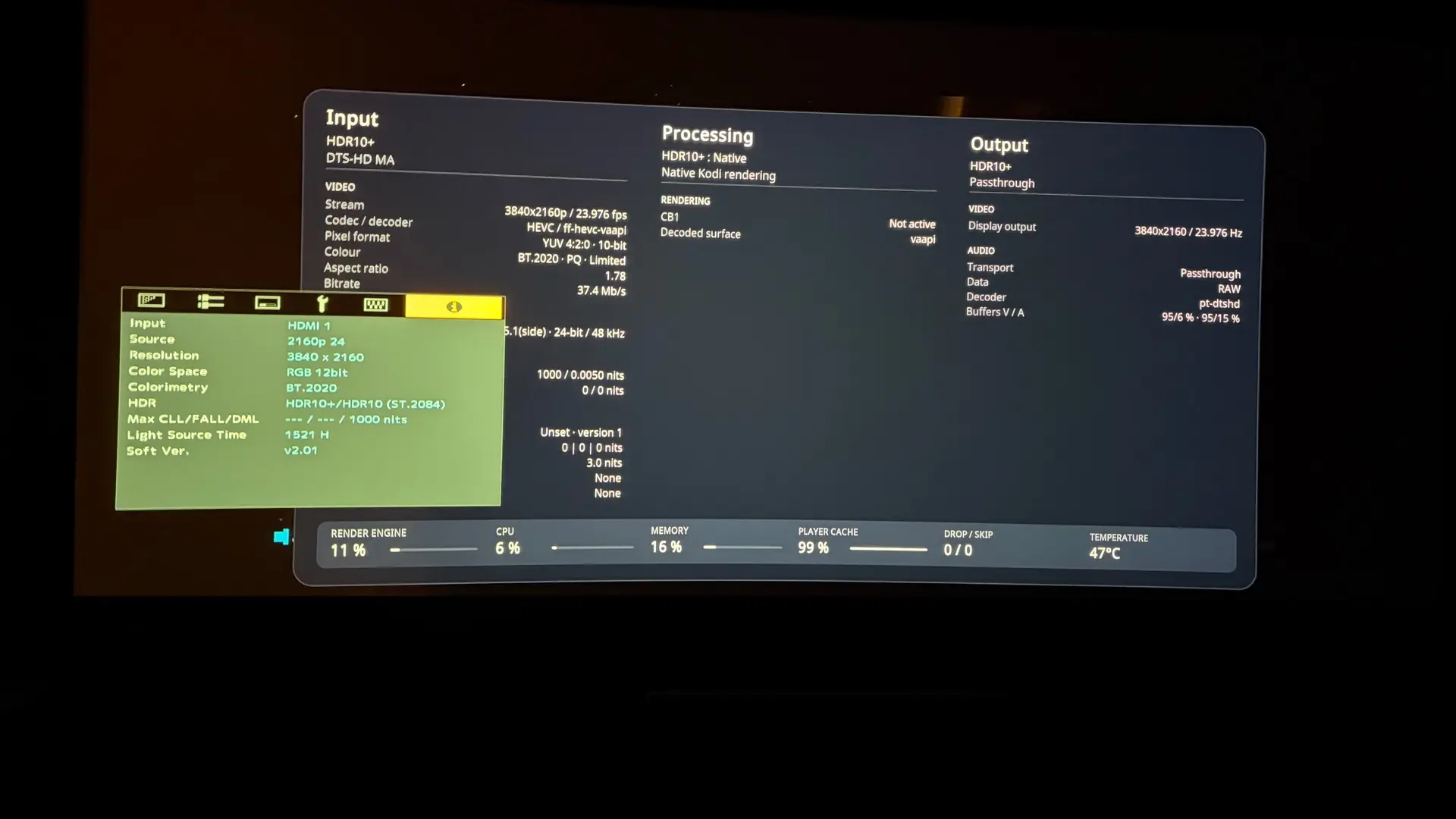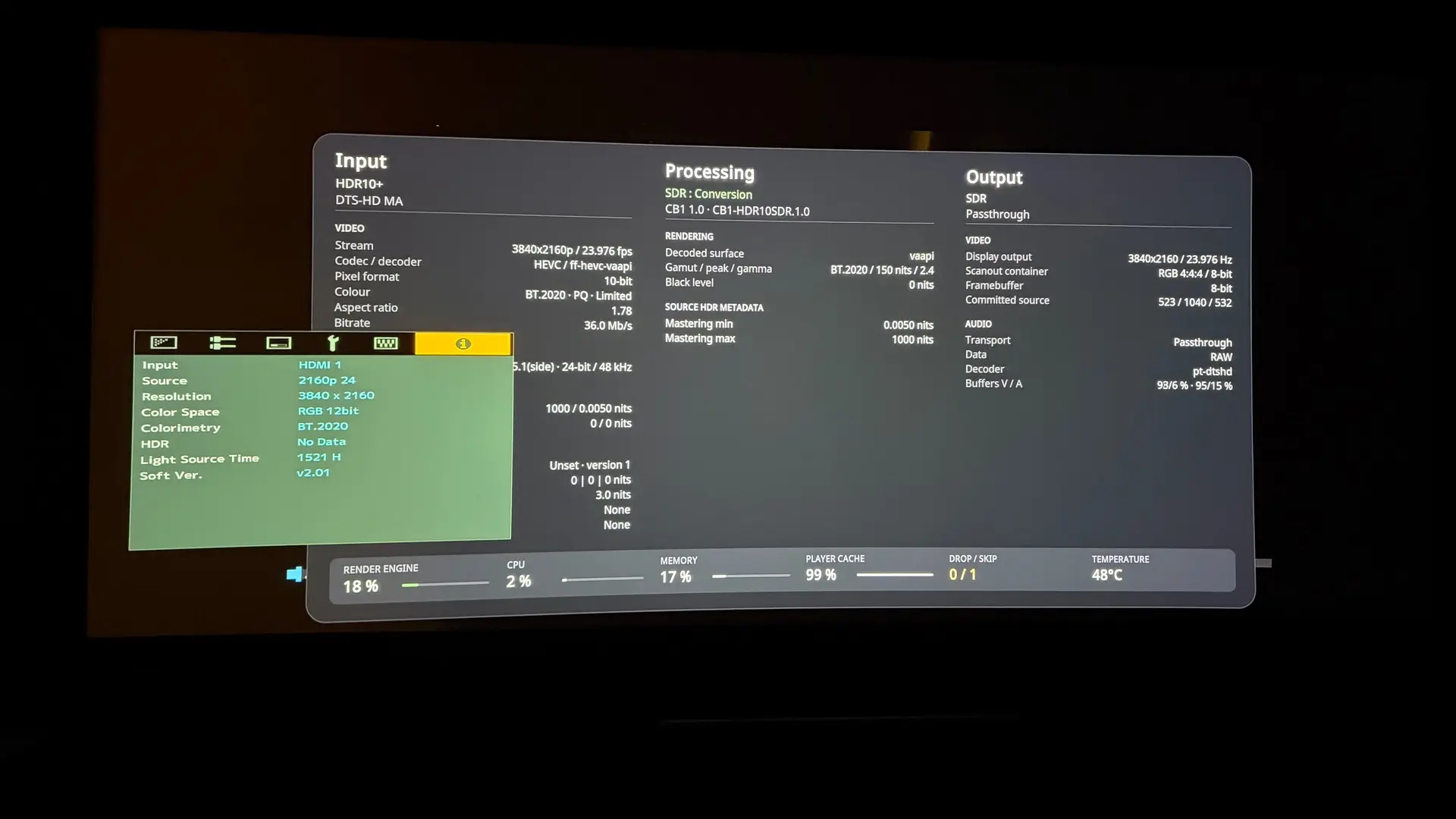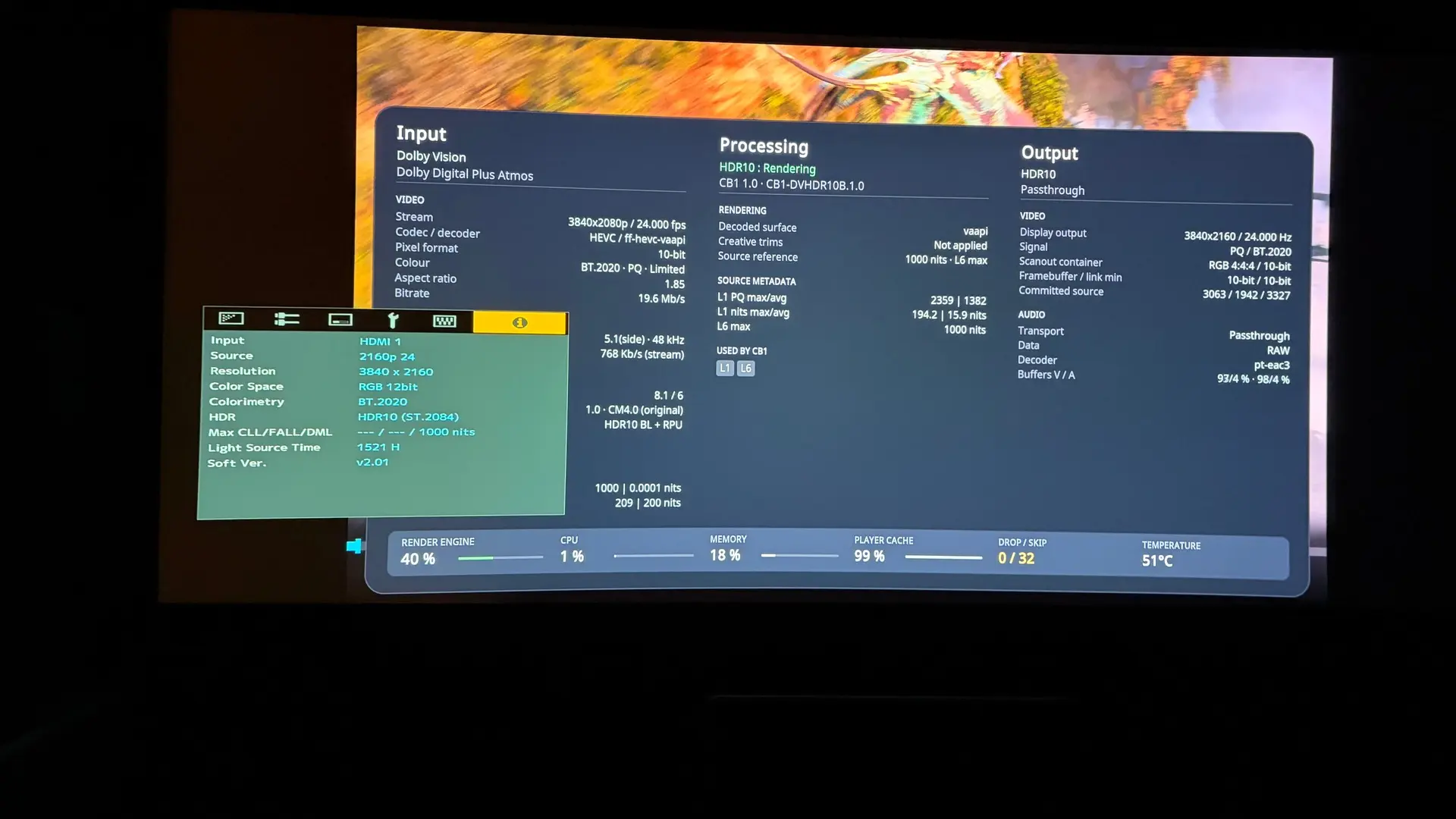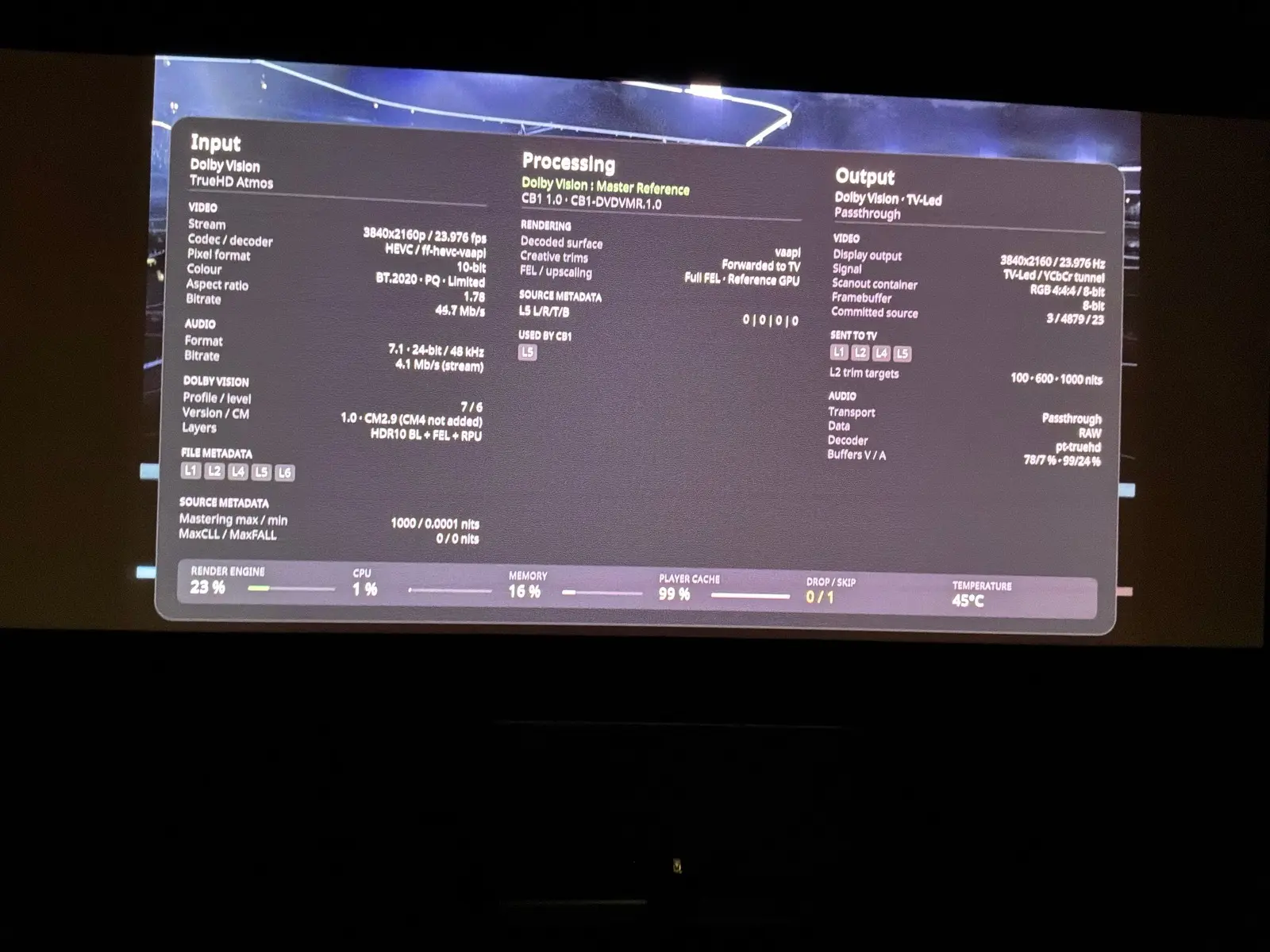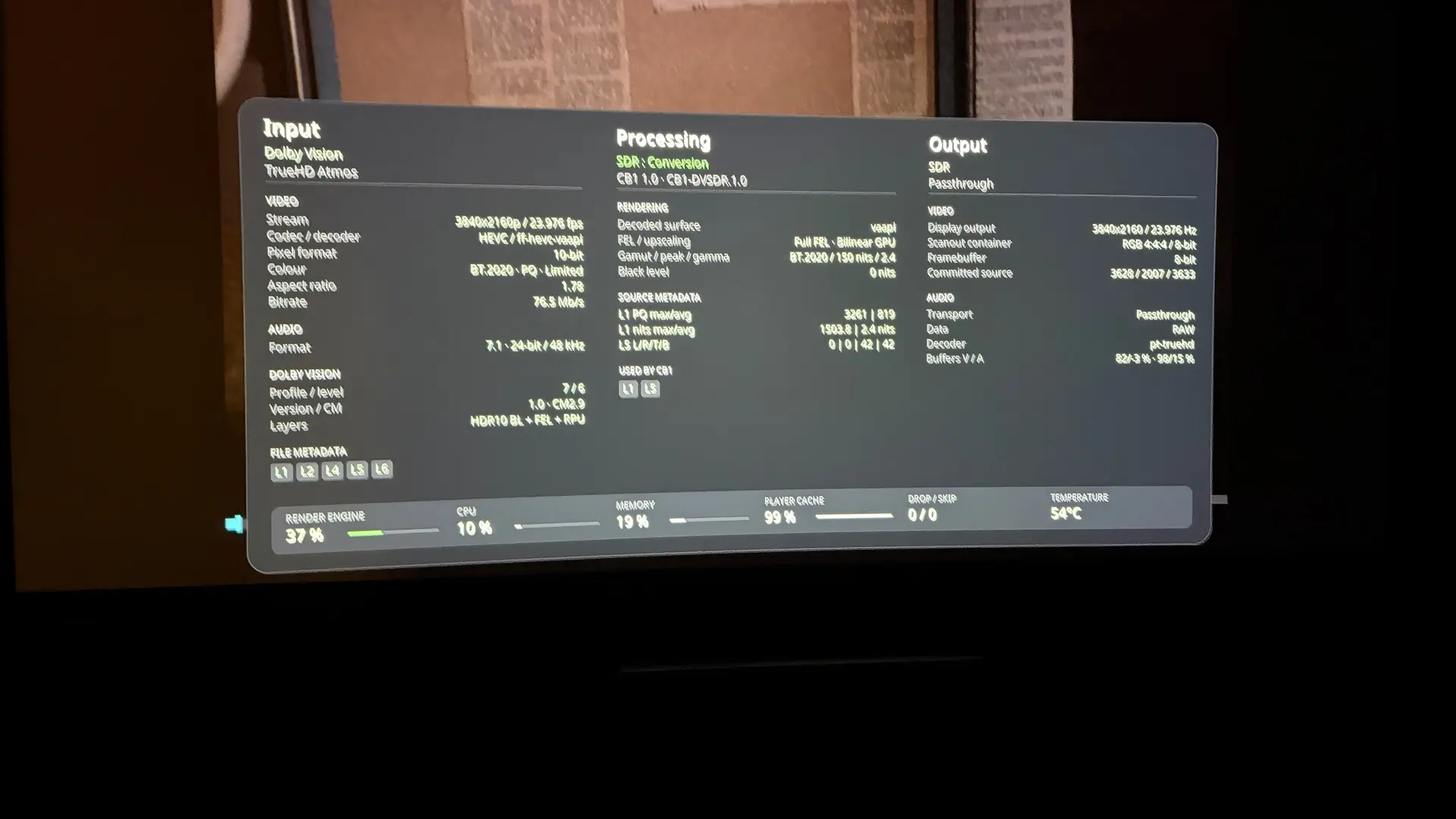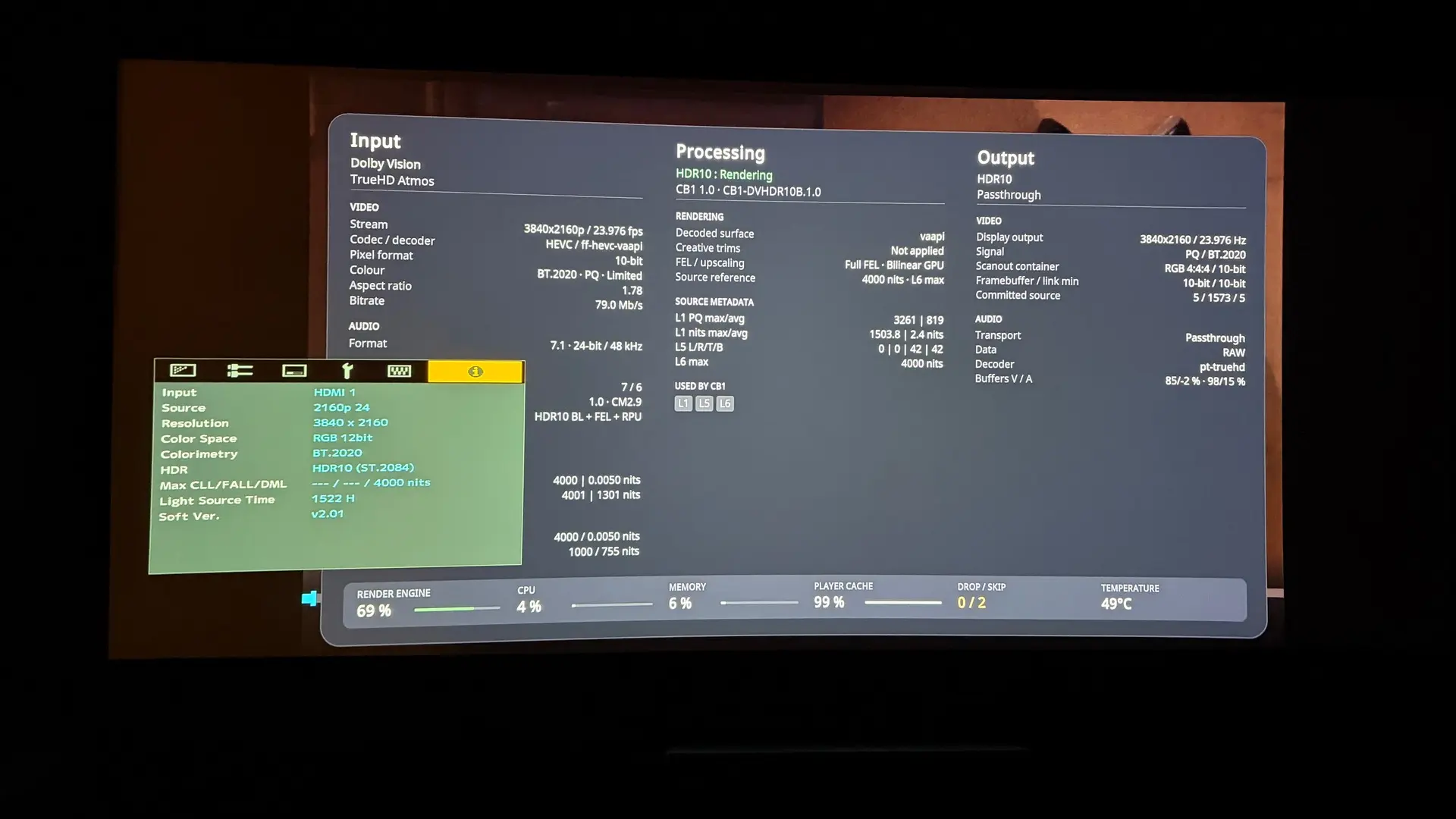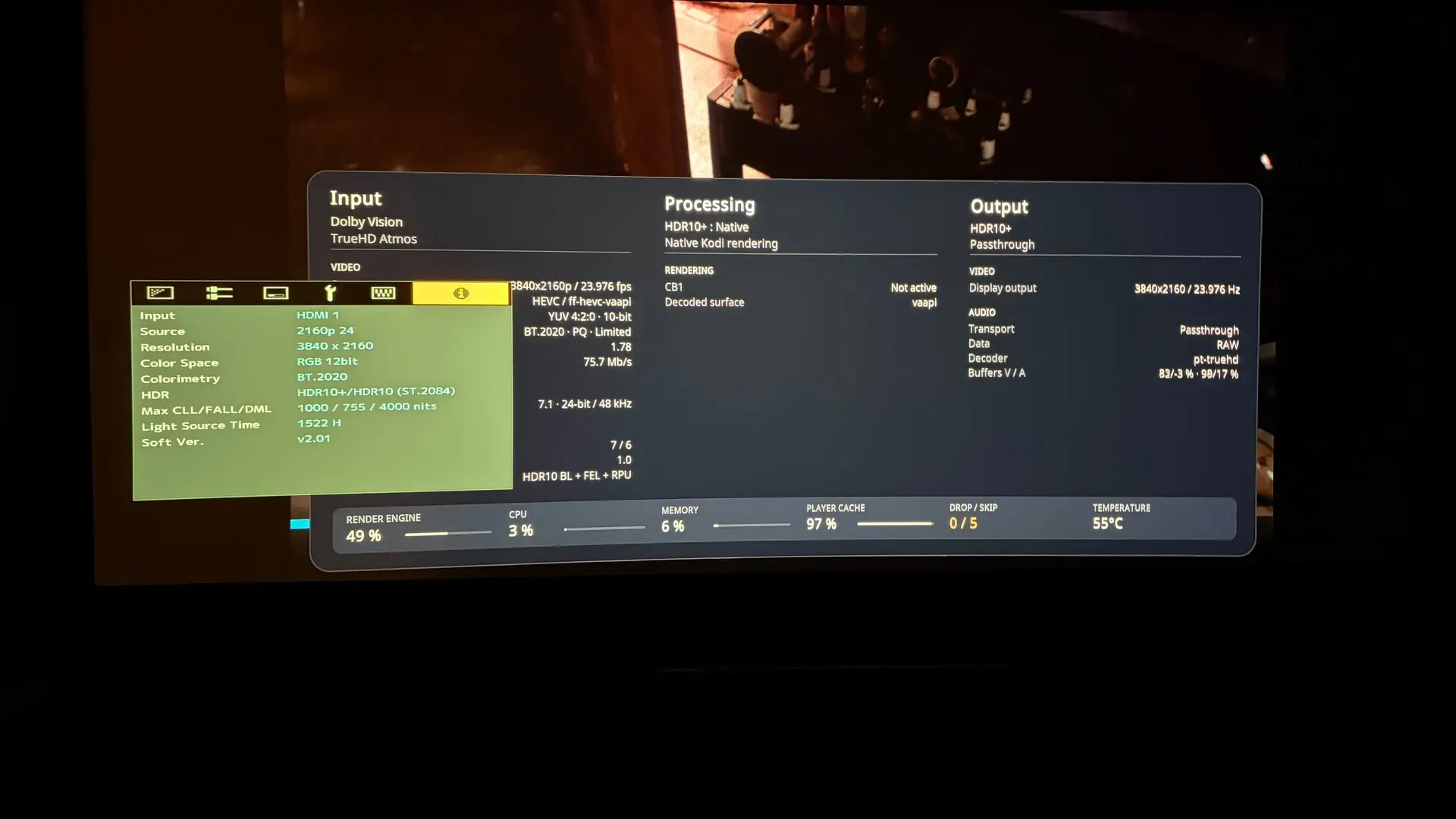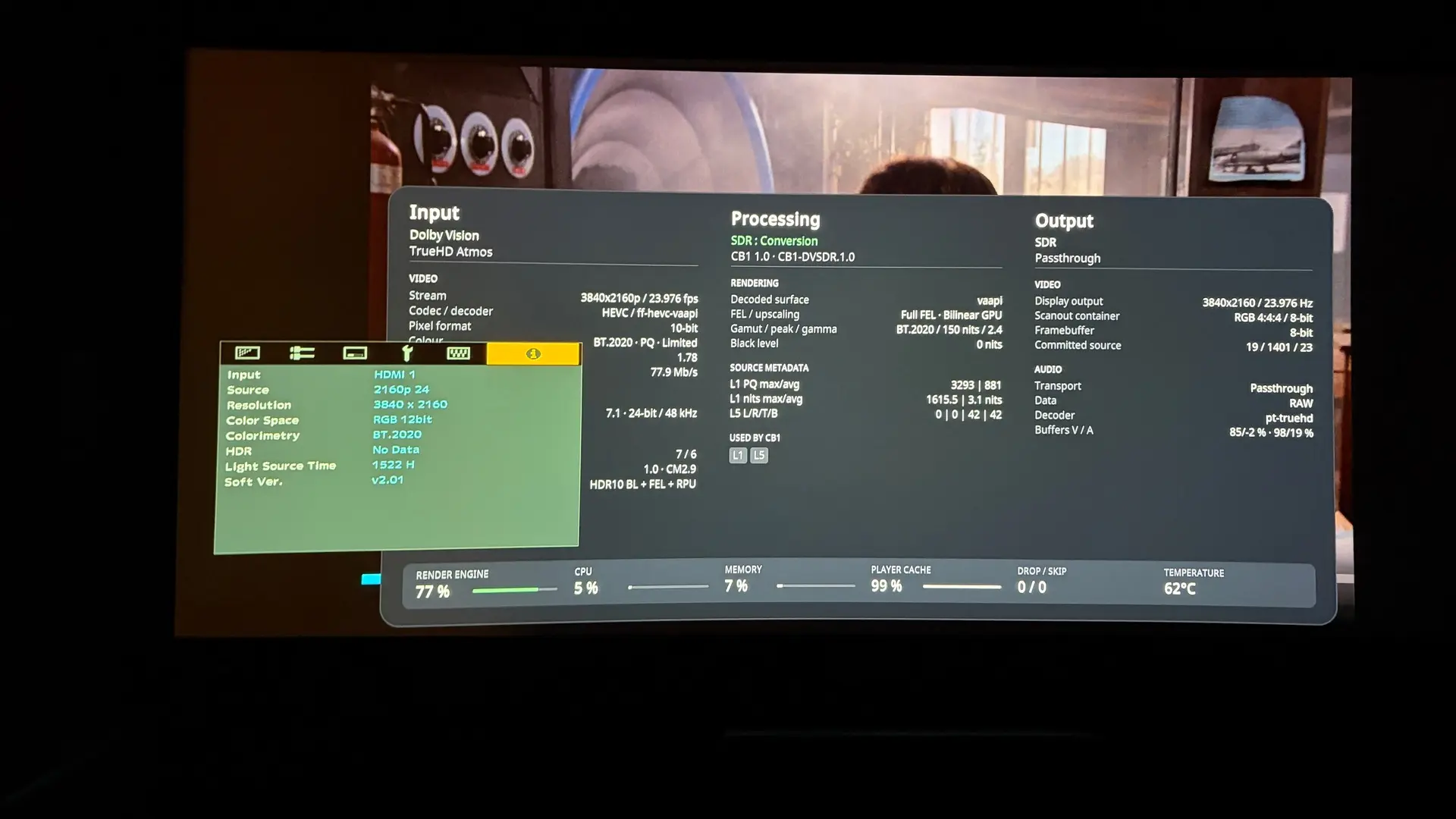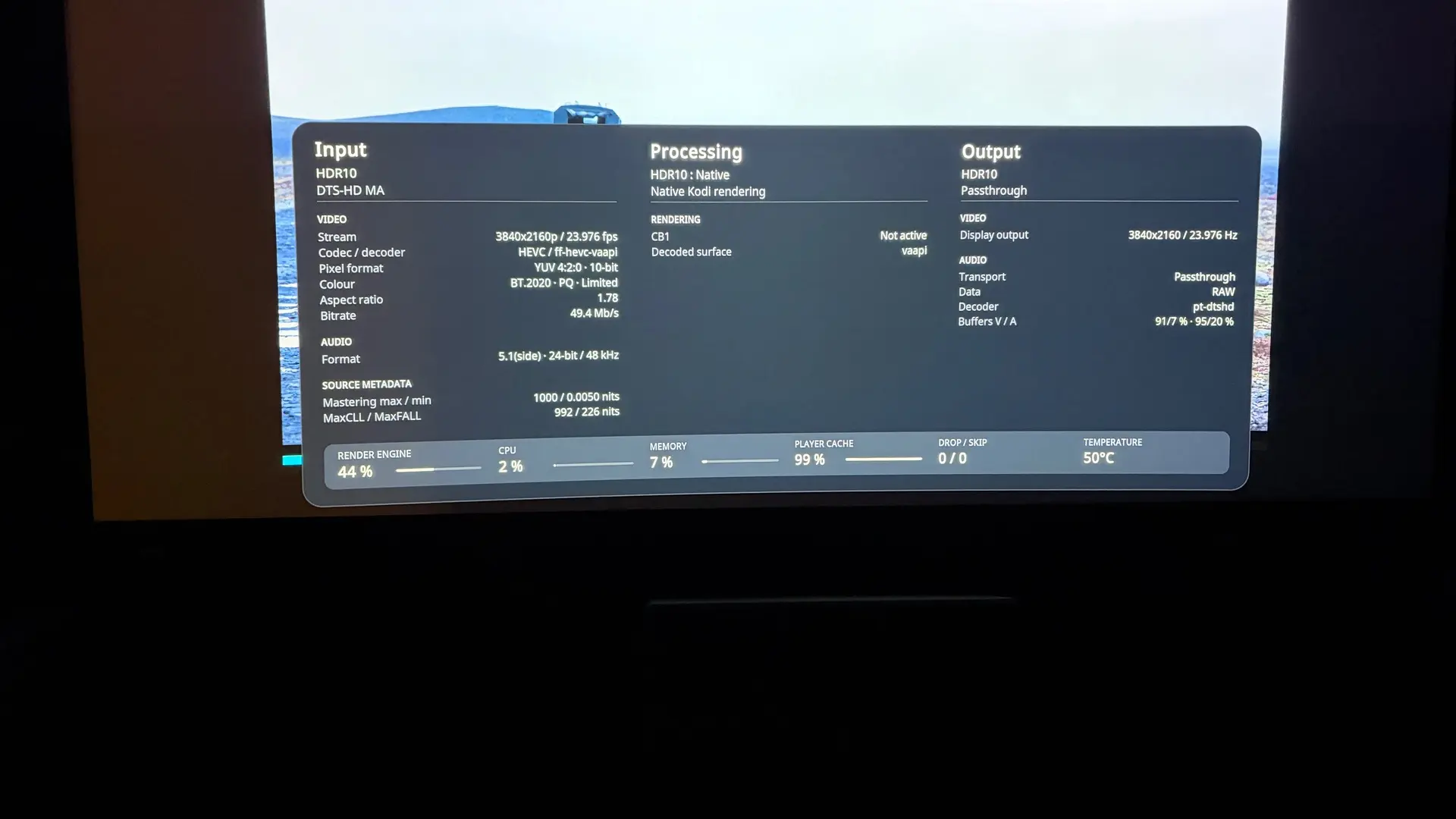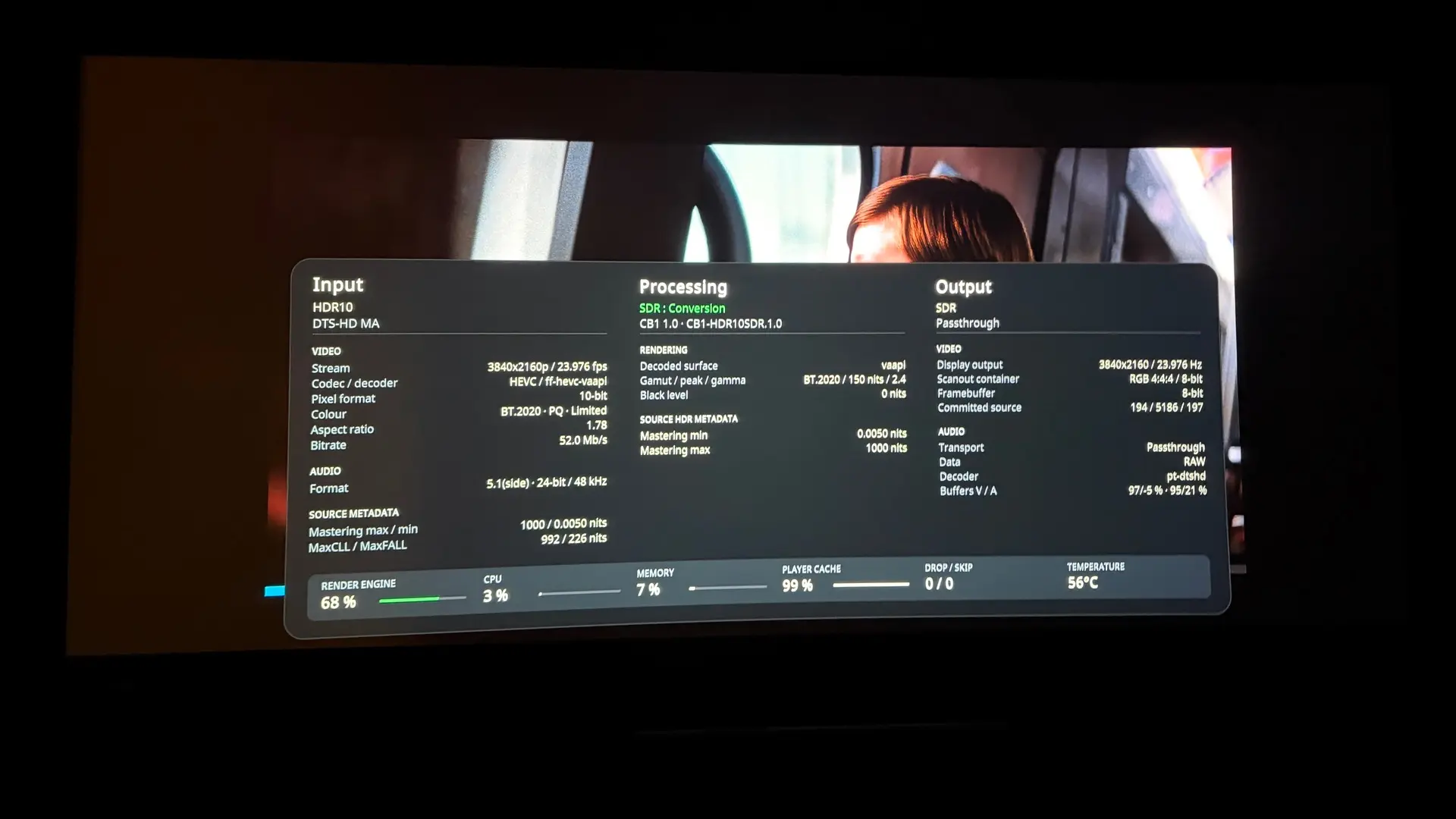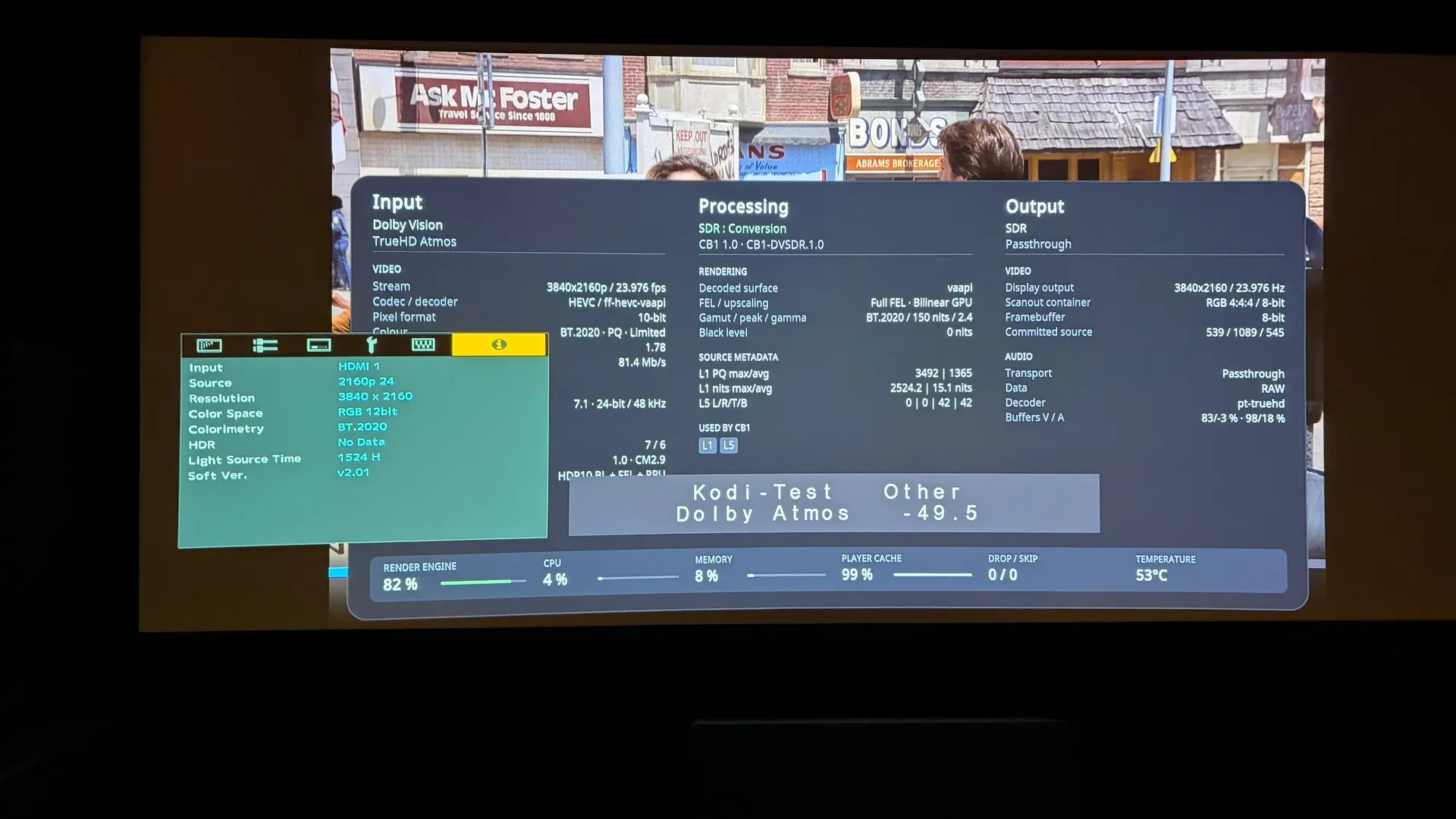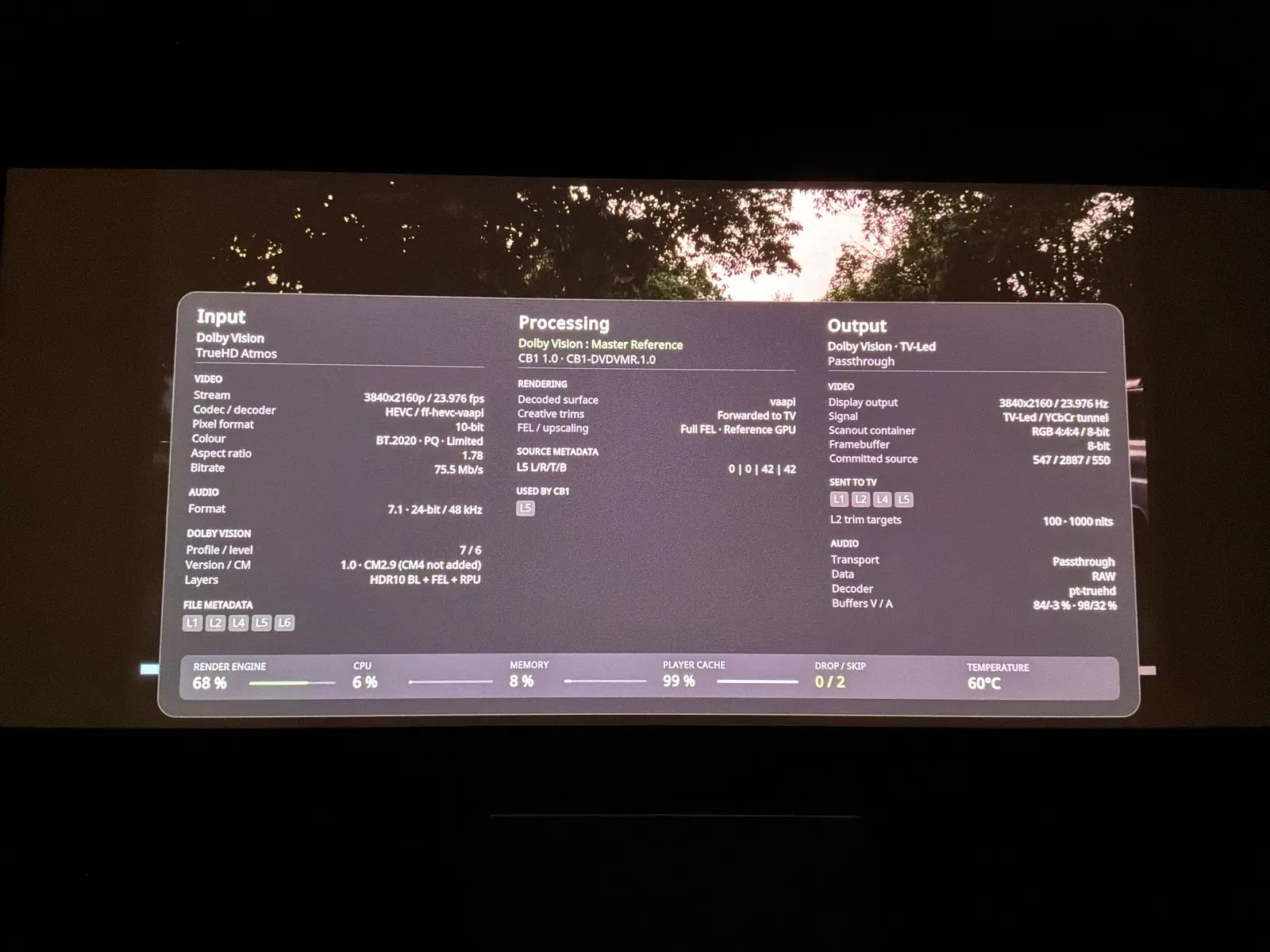
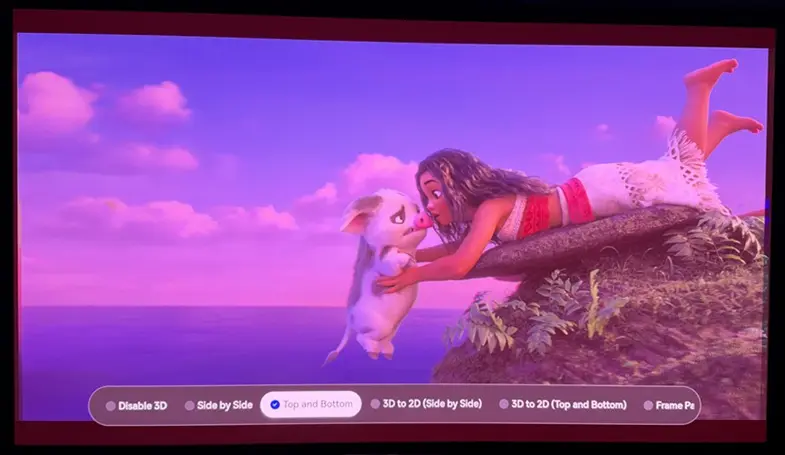
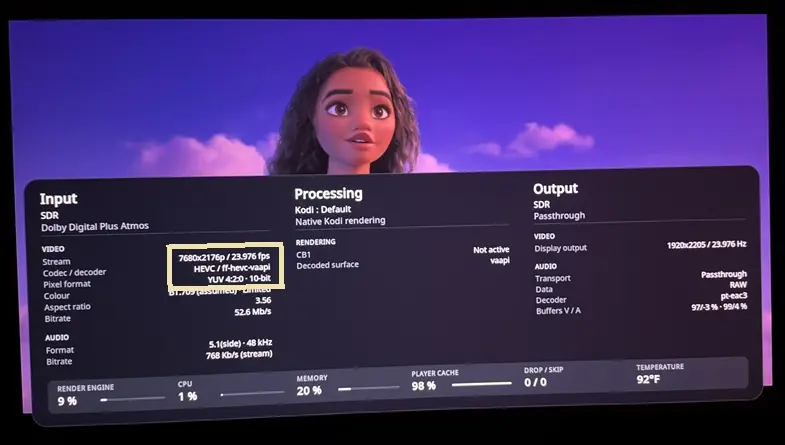
So, I'm amazed this 3D 4K FSBS is playing perfectly using this build w/AMD H255 with my Titan Noir Max projector:
Code
General
Unique ID                                : 267115332169282101898501191610387637788 (0xC8F48AABBC4C3A4BEE98C550C177A61C)
Complete name                            : Z:\Test Bench\Animated Feature.3D.FSBS.ATMOS.mkv
Format                                   : Matroska
Format version                           : Version 4
File size                                : 45.8 GiB
Duration                                 : 1 h 39 min
Overall bit rate mode                    : Variable
Overall bit rate                         : 65.8 Mb/s
Frame rate                               : 23.976 FPS
Title                                    : Moana 2 (2024)
Encoded date                             : 2026-11-22 16:54:03 UTC
Writing application                      : mkvmerge 103.0 ('The Darkness') 64-bit
Writing library                          : libebml v1.4.7 + libmatroska v1.7.2

Video
ID                                       : 1
Format                                   : HEVC
Format/Info                              : High Efficiency Video Coding
Format profile                           : Main 10@L6@High
Count of views                           : 2
MultiView_Layout                         : Side by Side (left eye first)
Codec ID                                 : V_MPEGH/ISO/HEVC
Duration                                 : 1 h 39 min
Bit rate mode                            : Variable
Bit rate                                 : 65.0 Mb/s
Maximum bit rate                         : 65.7 Mb/s
Width                                    : 7 680 pixels
Height                                   : 2 160 pixels
Display aspect ratio                     : 16:9
Original display aspect ratio            : 3.556
Frame rate mode                          : Constant
Frame rate                               : 23.976 (24000/1001) FPS
Color space                              : YUV
Chroma subsampling                       : 4:2:0
Bit depth                                : 10 bits
Scan type                                : Progressive
Bits/(Pixel*Frame)                       : 0.163
Stream size                              : 45.2 GiB (99%)
Language                                 : English
Default                                  : Yes
Forced                                   : No
Color range                              : Limited
Matrix coefficients                      : BT.709

Audio
ID                                       : 2
Format                                   : E-AC-3 JOC
Format/Info                              : Enhanced AC-3 with Joint Object Coding
Commercial name                          : Dolby Digital Plus with Dolby Atmos
Codec ID                                 : A_EAC3
Duration                                 : 1 h 39 min
Bit rate mode                            : Constant
Bit rate                                 : 768 kb/s
Channel(s)                               : 6 channels
Channel layout                           : L R C LFE Ls Rs
Sampling rate                            : 48.0 kHz
Frame rate                               : 31.250 FPS (1536 SPF)
Compression mode                         : Lossy
Stream size                              : 547 MiB (1%)
Title                                    : Dolby ATMOS
Language                                 : English
Service kind                             : Complete Main
Default                                  : Yes
Forced                                   : No
Complexity index                         : 16
Number of dynamic objects                : 15
Bed channel count                        : 1 channel
Bed channel configuration                : LFE
Dialog Normalization                     : -27 dB
compr                                    : -0.28 dB
dmixmod                                  : Lo/Ro
ltrtcmixlev                              : -3.0 dB
ltrtsurmixlev                            : -4.5 dB
lorocmixlev                              : -3.0 dB
lorosurmixlev                            : -4.5 dB
Dialogue normalization, average          : -27 dB
Dialogue normalization, minimum          : -27 dB
Dialogue normalization, maximum          : -27 dB

Menu
00:00:00.000                             : en:Chapter 1
00:06:43.570                             : en:Chapter 2
00:09:51.049                             : en:Chapter 3
00:11:39.032                             : en:Chapter 4
00:16:25.776                             : en:Chapter 5
00:23:21.900                             : en:Chapter 6
00:28:08.270                             : en:Chapter 7
00:29:55.252                             : en:Chapter 8
00:34:41.871                             : en:Chapter 9
00:45:07.663                             : en:Chapter 10
00:53:14.233                             : en:Chapter 11
01:00:47.853                             : en:Chapter 12
01:06:36.910                             : en:Chapter 13
01:13:10.094                             : en:Chapter 14
01:23:46.521                             : en:Chapter 15
01:29:22.649                             : en:Chapter 16
01:31:48.837                             : en:Chapter 17
01:32:51.649                             : en:Chapter 18
01:39:41.767 : en:Chapter 19Yes, it's outputting at 1920x2205, but fact that it can play it is amazing. Believe NexiGo MKII can actually play 4K 3D.