Dolby Vision w/FEL + 3D for PC (AMD/Intel/nVidia)

  • Hi CroqueMr , I tested Beta5 and the DV DT file does not play correctly still, it seems to just display nothing or some vague wavy stuff, I think I was seeing my purple kodi theme in the back or something, like see-though? Not a big deal as nothing is in DT in MKV.

    I found a bad bug for me, if I put PGS subtitles ON, if any GUI is on, may it be the standard kodi gui, or my plexmod gui, etc. everytime there is a subtitle on screen, the video freezes and then plays correct when the subtitle disappears.

    It seems to be fine with SRT subtitles though and there is no freeze on those, only on PGS.

    Can you reproduce that and find a fix please?

    Thanks to you and hadesdevls for your work!

    Thank you for the feedback.

    DT is a known issue and a PR is already merged to fix this issue, the first fix was insufficient.

    For the subtitle I will invesrigate some fixes are also ongoing, but I don't think it will cover your point.

  • Hi, first of all, thank you very much, I'm testing on a MINISFORUM Mini PC UM760 Slim (AMD Ryzen 5 7640HS) and it's been working great !

    One question, I see that we already have HDR to DV tonemapping, is it possible in a future release to add SDR to DV too ? Like the avdvplus build does on Amlogic using VS10 ? That would be awesome.

  • Hi, first of all, thank you very much, I'm testing on a MINISFORUM Mini PC UM760 Slim (AMD Ryzen 5 7640HS) and it's been working great !

    One question, I see that we already have HDR to DV tonemapping, is it possible in a future release to add SDR to DV too ? Like the avdvplus build does on Amlogic using VS10 ? That would be awesome.

    I’ve already looked into it on my end, and it’s not really in my plans since I don’t see the benefit, though I could be wrong.

    VS10 essentially just wraps SDR content into a DV container, no important metadata is generated to actually leverage the panel. It’s pretty much equivalent to playing SDR natively and setting your TV to Filmmaker mode.

    At most, what could be interesting would be trying to genuinely generate HDR or Dolby Vision metadata a bit like what I did for the HDR-to-DV mode. The AI relies on scene-by-scene analysis to generate L1 and L3 metadata. We stay very conservative: we don't force a creative direction that the director didn't intend, nor do we recreate creative trims. We simply leverage Dolby processing capabilities through L1 and L3 metadata.

    For SDR, this approach isn’t viable, or we won't have any major gain. The other direction would be attempting to convert SDR to HDR, but that’s a whole different beast: it requires heavy lifting to get right, and you end up completely overriding the original director intent.

    I prefer to focus for now on features that benefit more people.


    CroqueMr

    https://paste.libreelec.tv/bonnetlike-tempie.log

    This is my log file. Display still outputs to laptop screen and not tv. Using beta 5 debug build on rtx 40 series gaming laptop. I was away and couldn't send it sooner. Hope this helps. Thank you.

    Thanks.

    I had two laptop yesterday with Nvidia GPU for my tests and I did not see any issue I will check your log

  • CroqueMr

    ok, i get rtx 3050 used, and DV & HDR work fine!

    i have issue with HLG when try Channel via PVR addon

    when playing TV channels: the screen turns green, and sometimes the system restarts when a channel is launched. The problem goes away when I disable "Use HEVC VAAPI"

    but I need to keep it enabled for other types of video content; furthermore, without it, Dolby Vision cannot be played.

  • CroqueMr

    ok, i get rtx 3050 used, and DV & HDR work fine!

    i have issue with HLG when try Channel via PVR addon

    when playing TV channels: the screen turns green, and sometimes the system restarts when a channel is launched. The problem goes away when I disable "Use HEVC VAAPI"

    but I need to keep it enabled for other types of video content; furthermore, without it, Dolby Vision cannot be played.

    I will check, thanks for the log, for HLG it use the native Kodi playback and behavior, do you have the same issue with the latest x86 build?

  • Noticed an AMD R2544 for $184 (use coupon DP2R). Never heard of this chip, but appears a little more powerful than the 3200U you mentioned you had received to use for development.

    While it isn't 2024 or early 2025 with great PC deals we used to see, some do pop-up on slickdeals or similar.

  • Noticed an AMD R2544 for $184 (use coupon DP2R). Never heard of this chip, but appears a little more powerful than the 3200U you mentioned you had received to use for development.

    While it isn't 2024 or early 2025 with great PC deals we used to see, some do pop-up on slickdeals or similar.

    Yes overall it's a 3200U made by GlobalFoundries, this is why I focus the 3200U, the R2544 is CPU easy to find, and since it isn’t made by TSMC, it should remain reasonably priced.
    Optimizing the 3200U is much more complicated than expected. I managed to get the FEL at 30fps and DV playback at 60fps in Master Reference, but it was clearly not a simple task.
    The next build will include a massive upgrade for AMD, DV to HDR10+ and a complete rebuild of the repo to meet GPLv2 or later licencing requirement. I planned to drop the next release mid week, it will be the RC1

  • (First time poster, long time lurker)

    Just chiming in to say that DV performance on my fanless, passively cooled 5700u based system is excellent in fast rendering mode, full FEL works perfectly, and it is also mostly good in slow reference mode if there is no ui on screen.

  • Thank you, I’ll continue testing. I think that although the standards allow both color representation options, for some reason all players output ITP in an RGB 8‑bit tunnel. This may be due to the need or desire to send the same ITP Full range signal to the TV so that the TV perceives it identically. Since both DV P7 with Ycbcr and DV P5 with ITP are presented in the same ITP Full range in the tunnel.

    Any further testing results? Is this good to go? :)

  • Hi everyone, first post!

    Anyone is using a dual boot solution? My problem is, I already have a relatively powerfull Windows HTPC NAS with a i3 12100 (that I could update to anything from there to top of the 14th) with 16 GB RAM, that I bought in the good times where hardware had reasonable prices :D

    I've all the tools there and I find a bit silly to buy another PC with lower specs when I can have it in the same machine.

    I already tried and it boots using bcedit, but I still need to fix how to keep bluetooth remote paired in both systems, and still not sure about need to switch from one to another.

    I'm looking forward for similar experiences.

    PD: I also own a VeroV, for me, at this moment, is something more like a backup, the huge diference I would say is the speed of the UI vs OSMC due limitations of amlogic SoC, and maybe how the HDMI chain is handled sometimes.

  • Seemed vague, but there are two different dev builds for these features.

    For Intel based mini pcs,

    Is 3D over HDMI working well at this point?

    I have a Pi5 and have been using popcorns 3d builds there. I see a lot of talk of AMD 3D over hdmi but not so much for intel.

    Is intel just supported and well developed for 3d support, or is it non-functional.

    I currently have a 10th gen nuc would like to experiment with.

  • You can use CroqueMr's latest build in post #1 for DV and 3D. It includes popcornmix and cinemaONE's 3D work. 3D is working great, including Intel. I've been using it on a GMKtek G3 Plus N150 mini-PC. cinemaONE mentioned:

    Quote

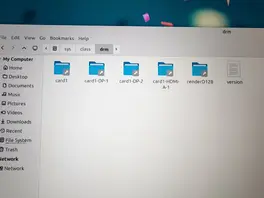
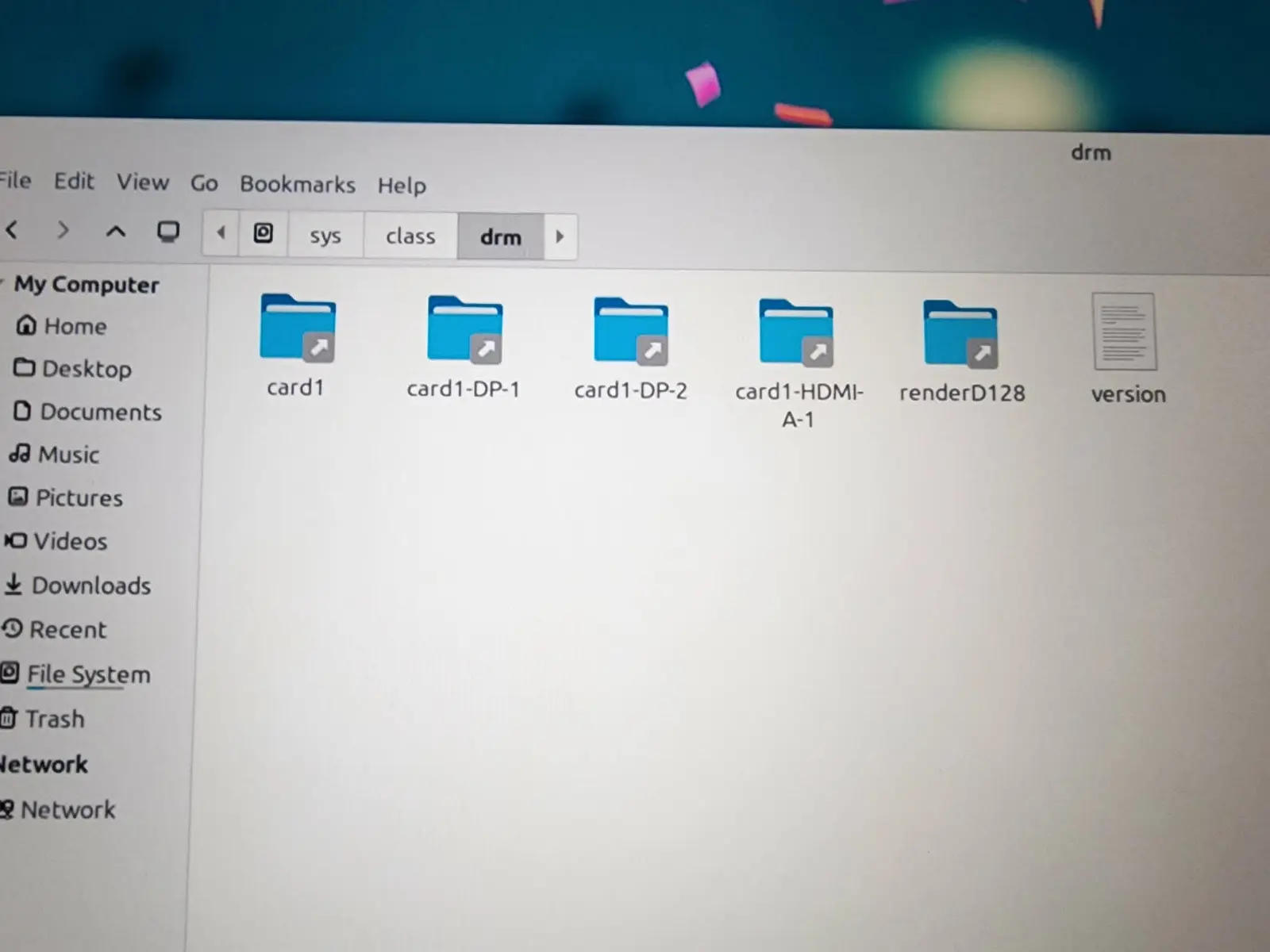
    One catch on mini PCs: the HDMI port must be native. A port driven by a DP-to-HDMI converter chip shows up as DP-x instead of HDMI-A-x in /sys/class/drm and gets no 3D.

    Same goes for hadesdevls' latest build here. I have not tested 3D extensively with it yet.