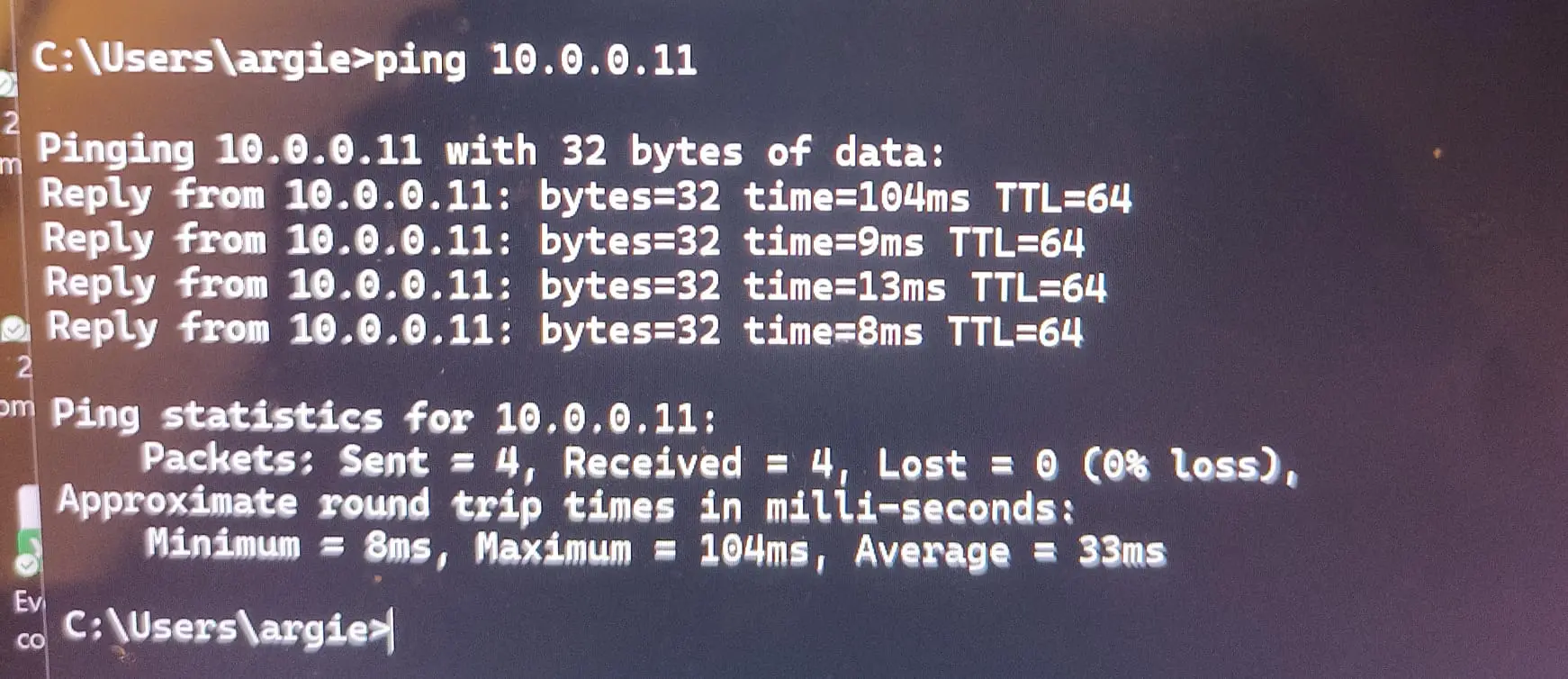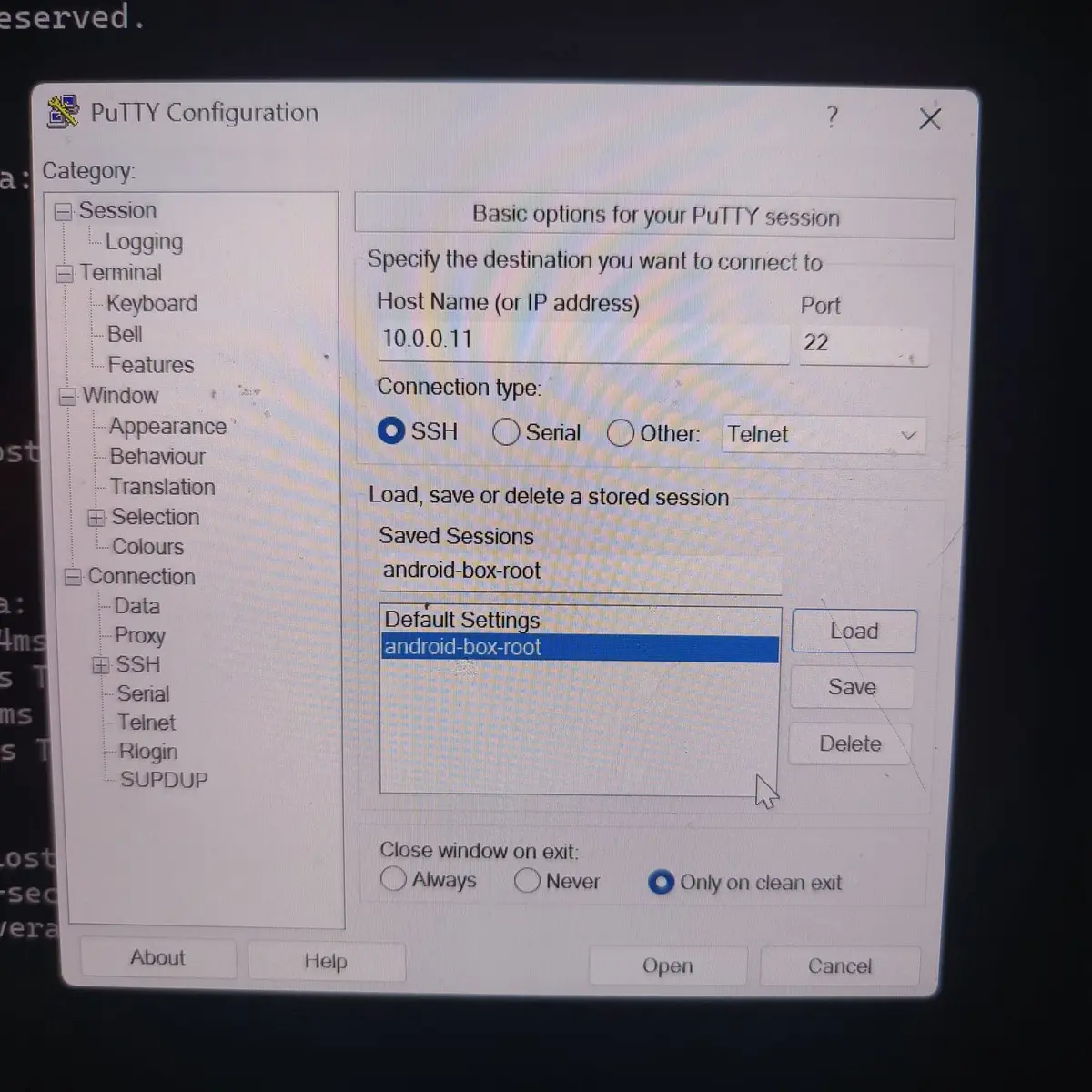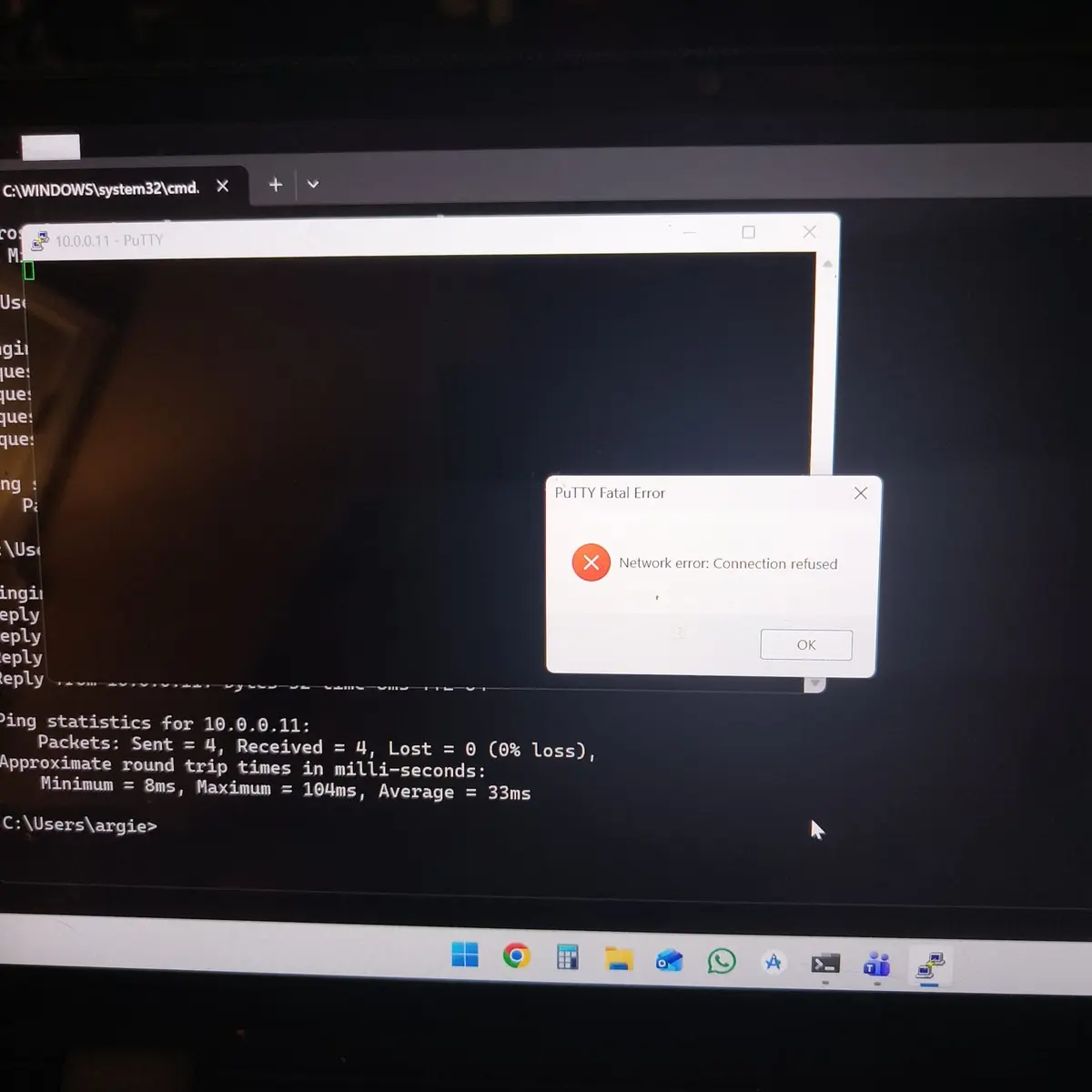
Now I'm in a bit of a dilemma because from the information I found, the T8 Plus is equipped with the S812 SoC, and the T8 Plus 2 is the one with the S912. So which one do you have?
Edit: I assume that you really have a T8Plus-2 with S912, since Android 6 was not released for the previous model.
The opening post of this topic contains all the important information, from which I have highlighted the installation part. Otherwise, I highly recommend reading the entire post.
The RESET (Restore) button is on the right side of this box, near the WiFi antenna, based on the photos I found.
Sorry for the delayed response - I assure you I wasn't farting around despite the username.
The version of the box I have says:
- Amlogic 64Bit Octa Core A53 S912
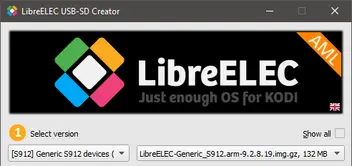
To make sure I get the procedure right, I have to download that USB Creator (Windows), install, then I need to select the file I want to download ... but which one do I want to download?
Then once downloaded, do I copy and paste the "raw" file onto the USB? Or how does that work?
Then once I put it in the unit and do the reboot / toothpick method, what should the unit / screen do if I was successful?