

Nice talk on Rockchip mainline status from Collabora at FOSDEM last weekend: https://fosdem.org/2026/schedule/…nline-rockchip/ .. LE is some way ahead with our crazy sized patchset, which will hopefully slim down over the next couple of kernel cycles.

LE13 Testing for RK3288, RK3328, RK3399, RK3566, RK3568, RK3576, RK3588
-
chewitt -
August 28, 2025 at 8:08 AM -
Thread is Unresolved
-
-
The RK3588, RK3567, RK356X images in my test share have been updated to use Linux 6.19.0 and HDR is now working on RK3588 and hopefully RK3576 too (limited tested on RK3588, no testing on RK3576 yet). I'm finding the output a little dark compared to the family daily-driver RPi5 board, but different hardware will always give different results, and most users won't have multiple devices wired up to the TV for comparisons; meaning you can tweak TV settings/profiles to get things as you like.
-
I did some new tests and these are my findings:
Rock64 (RK3328):
- LE Add-ons gave error msg "Could not connect to repo" (too old image?)
- BBB 1080p: AVC or HEVC including 10-bit -> perfect
- BBB 4K: almost perfect, just a couple of minor display problems ('shocks')
- 'Costa Rica' 4K: 8-bit -> works reasonably, including HDR, but also several 'shocks'
10-bit: quite a lot of artifacts, including green lines
Probably expected as those files are likely encoded above the RK3328's specs - Jellyfin: AVC/HEVC-8bit/HEVC-10bit @30M all played fine
- Bo Burnham and Elementary: subtitles didn't work and several artifacts on 10-bit variants; 8-bit was quite a bit better
RockPro64 (RK3399):
On bootup, my TV (I think) reported "Invalid format" ?!?That also happened on my own Sway system (with 6.19-rc7+media-patches kernel). On LE the display seemed fine afterwards, but on my own system, the right ~1/3th of the screen had some white/gray 'overlay', obscuring most of what would be shown there.
EDIT: The "Invalid format" message seems related to U-Boot stored on the eMMC (ie my U-Boot). After removing the eMMC (LE is on a SDcard), I did NOT get the "Invalid format" message.- LE Add-ons gave error msg "Could not connect to repo"
HDMI audio did NOT work on LE... but did work on my own Sway system, but not exactly flawless either. I did not test analog audio with LE, but it hasn't been working on my own system for quite a while. Apparently known to several people ...
Several errors reported in dmesg wrt audio on my own system (for quite a while); didn't check on LE.
FTR: The HDMI cable is not a/the problem as it works/worked fine with all my other tests
EDIT: This too is related to my U-Boot version on eMMC. The one provided with LE works fine and I do get HDMI audio.- Tried BT audio which technically worked, but audio was delayed by 1-2 secs and of very poor quality. May be caused by the WiFi+BT adapter though? (I have nothing to compare its performance with yet)
EDIT: Removing the eMMC did NOT improve the BT 'performance'. - 'Costa Rica' 4K: pretty good including HDR, but small 'shocks'. It seems my HEVC 10-bit variant played perfectly \o/
- Jellyfin: AVC/HEVC-8bit/HEVC-10bit @30M all played fine (AV1 in 'slow motion' though)
- Bo Burnham and Elementary: subtitles worked, but sometimes resulted in minor artifacts ... but only with 10-bit files. The 8-bit variants played without artifacts
Quartz64-B (RK3566):
- LE Add-ons worked just fine (installed System Tools successfully)
- BBB 1080p: AVC or HEVC including 10-bit -> perfect
- BBB 4K: Several display issues like hickups ... and then a black screen (again/still) with rk_iommu page faults.
vop2_isr ~386K callbacks suppressed
[drm] *ERROR* POST_BUF_EMPTY irq err at vp0
rkvdev fdf80200.video-codec: Frame processing timed out!
last msg was printed only once, the others MANY times
No return to visible list of files when stopping playback; reboot was only remedy - Jellyfin: All played fine, but no playback (at all) with AV1 (I know HWDEC doesn't support AV1 on RK3568) ... but LE still indicated it was playing 'something'
- Elementary: Subtitles worked on 8-bit file ... but also resulted in black screen. Looks like subtitles cause the problem as without it, it played fine.
HTH
-
RK3288/RK3328/RK3399 depend on a different kernel patchset which I am still trying to encourage (re)work on from knaerzche and Kwiboo. I'm not really able to judge the state of things and I don't have working test hardware. I'm not suprised there are issues, and I don't plan to do much about it for now.
RK356X is expected to have issues with page faults as there's been zero development on fixing buffer sizes. As I don't really code, I plan to have Claude AI investigate that problem, but first I need to prepare all the relevant source materials for the prompt, and then I'll need to have enough tokens/time to let it work on the issue. AV1 isn't supported on the hardware.
-
treedav I've picked the Armbian patch that Yasai-san flagged, and pushed an updated image to my test share. On reboot the card should now be detected, but firmware will be missing. Check the system log for errors and filenames.
See https://wiki.libreelec.tv/how-to/add-firmware for instructions on manually adding firmware. This repo has firmware files with a blind guess at the needed filenames: https://github.com/chewitt/brcmfm…re/tree/ap6275p
https://forum.armbian.com/topic/36744-or…dComment-214649 suggests this might not be enough, but best to try. If it does work I can send the patch upstream and add the firmware to our collection. Please share the journal log, e.g. journalctl | paste and share the URL.
LibreElec noob checking in here. I am looking to upgrade my streaming box on my TV with LibreElec, and the RK3588 on the Orange Pi 5 family is great on paper for hardware video decoding. My idea is to have H265/AV1 HDR 10-bit files stream from my local Jellyfin server over Wifi without any transcoding for quality reasons.
Was anyone able to get the Wifi on the 5B to work? My other question -- on the Orange Pi 5 Plus, with the M.2 slot for a Wifi card, would any card with kernel support (e.g. Intel AX200) be recognized automatically by LibreElec, or would I need to build my own custom version of LibreElec? Just trying to figure out what I'm getting into before buying. Also open to any other SBC (H265/AV1 HDR 10-bit hwdec + wifi) recommendations.
Thanks for all the hard work!
-
> AV1 isn't supported on the hardware
I know. But with RockPro64 it then tried CPU based decoding, which is exactly what I'd expect. Therefor on RockPro64 I did get normal video output, but as said in 'slow motion' (i.e. the CPU wasn't fast enough).
Displaying an error like "format not supported" (and then return to file list) would've made sense to me too.
What doesn't make sense to me is what it actually did.
-
The "format not supported" screen idea is simple, but the implementation logic is non-trivial once you start to think it through; feel free to have a crack at the problem.
-
I don't have the knowledge/skills to do that.
I (probably) should've left out that sentence. What I wanted to point out is that I don't understand why there is (completely) different behavior based on SoC (or board) ... which may indicate some bug in the kernel or somewhere else in the display pipeline. I don't have the knowledge/skills to do that either, but hopefully someone on the LE team does.
-
have tested this shortly, cant say much about it.
will there be audio passthrough or is this not as yet planned for these boards?
tested on a rk3399 , rockpro64, all other boards i have seem to offer the feature.
thanks

-
kapqa RK3588/RK3576 use a newer variant of the DesignWare HDMI hardware. It's probably not that hard to add pass-through support, but I'm not aware of anyone working on it at the moment. I'm sure it will happen, but not immediately.
-
NanoPC-t6
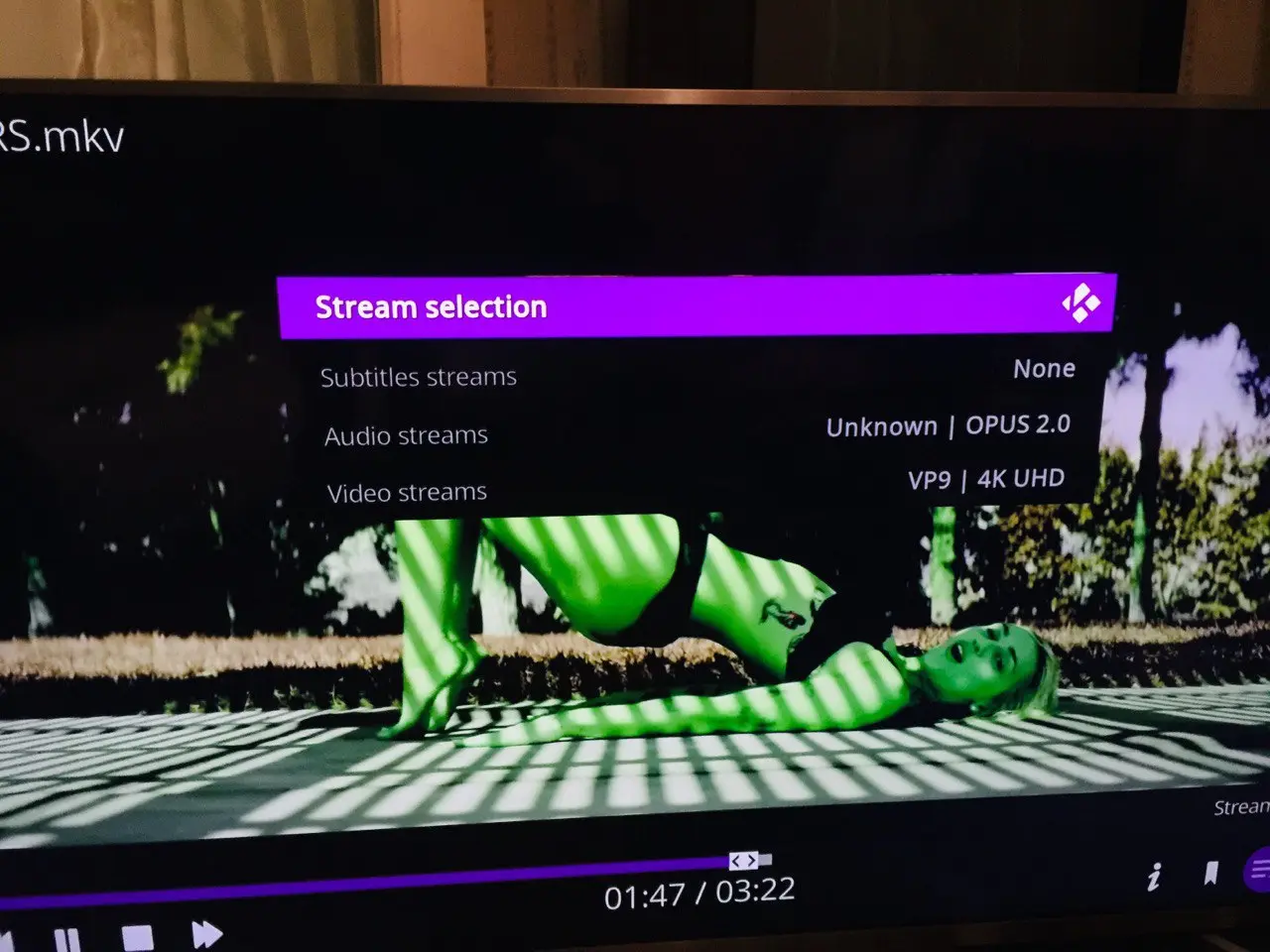
The interface and video (except HDR) turned "green" after any video stream.
U-boot only works up to 1.09.25, all recent builds will not boot without rewriting u-boot from the working LE image. -
rkman i'd same issue, and changing my TV (TCL) HDMI setting version from 1.4 to 2.0-2.1 solved the issue
Hope it helps
-
I noticed full multichannel PCM audio works on RK3588s (Nanopi R6S) in these builds.
Would love to see that support in mainline armbian builds.
chewitt are you able to point me to specific patchsets that made this possible?
I believe the issue in mainline has to do with the ALSA rockchip-i2s-tdm driver needing to support more than 8 TDM slots or support the HDMI multi-TDM mapping for 5.1 / 7.1 ?
-
hello , tested the new image, thanks fo rthe passthrough! its available now.
overall volume is a bit too "scratchy-high" hope you dont mind me commenting on it.
+ samba is sketchy, also nfs doesnt pickup on my NAS.
thanks for the effort, looking good.
-
Images for RK3588/RK3576/RK3568/RK3566 have been updated with hardware deinterlacing support. Watching the Winter Olympics and F1 pre-season testing from DVB sources that use 1080i is now hugely improved. I'm also investigating pass-through audio support on RK3588 and RK3576. Formats like DTS and Dolby Digital that use 6-channels (5.1) are working but the 8-channel (7.1) HBR formats like TrueHD and DTS-MA are still handled as PCM and anything with Atmos seems to result in no audio at all. This probably points to the HDMI driver missing support for the 8-channel packing/handling needed for HBR audio, but Claude seems to think the driver can handle this already so more digging is needed.
Images for RK3399 and RK3328 are now created from the same Linux kernel source as RK3588/RK3576/RK356X. Merging the patches has needed some guesswork from me in a few places. It all compiles, so must be good? - I am interested to know about regressions on RK3399 and RK3328 boards as I don't have board samples and depend entirely on your feedback. I am keen to know about things that don't work now, that did work on images in recent weeks/months. Things that have never worked or missing for ages are still nice to know about, but are a lesser concern.
Images for RK3288 are not updated as there are some compile failures on Linux 6.19.y that I need to investigate.
NB: As part of the pass-through experimenting I changed the alsa config used, and the new one changes the names/presentation of audio devices to Kodi. After updating you will need to reselect an audio output in Kodi.
DeViLRuNNeR-dev there are now 200+ patches in my Rockchip 6.19.y kernel branch so I can't put my finger on specific things that make PCM output work on that hardware. I do know that working multi-channel PCM output is not a new thing for LE images, it's been around for a few months now.
-
chewitt Just tested your build on my Nanopi R6S and it works very good; gpu acceleration, 5.1 PCM and even DD passthrough was working.
It's a shame I cannot get this level of functionality on my EDK2 Uefi + Grub + current-rockchip64(armbian 6.18) build running PxVirt.
It would be lovely to spin up LE in an LXC while also running some other things.
btw which uboot version are you using?
-
LE uses u-boot 2026.01 but with the vendor rkbin used in the boot recipe rather than TF-A which still seems to be maturing; I leave boot things to Kwiboo to guide on since that's more his thing. You should be able to achieve the same under Armbian with the same kernel/ffmpeg/kodi versions and patches and the same alsa configuration, although if using Kodi under Wayland you will be stuck with everything running at the desktop resolution/refresh rate as Wayland does not support the dynamic switch that LE uses when running Kodi GBM. NB: there are way too many patches required right now, but over the next couple of kernel cycles a large number of things should have been merged and the delta between the bleeding-edge and upstream will reduce.
-
Thanks for providing all these builds chewitt!
I will need to test the latest build. Last weekend I tested the builds from 23/01/26 on my Radxa Rock 5 itx+, and playback was pretty good... and HDR worked perfectly (so far)! I rechecked with my HDfury Aracana to see if all HDR metadata values are transmitted correctly, and they are! The bt.2020 flag was correctly set, min/maxLum was transmitted, maxCll,maxFALL, whitepoint, and content mastering colorspace were also correctly transported! ... and all that with a 10Bit HDMI link and HEVC hardware decoding.
PCM audio was also working remarkably better than before... At that pace of developement the rk3588 could become a pretty decent media playback powerhouse soon. The only thing left for me would be HBR audio passthrough support.
The HDMI timings, however, do still seem a bit off - my AVR still cannot overlay its info screen... not an issue though.
About HEVC decoding and your problematic files... Are those publicly available? Or could you explain what is broken with them? chewitt
I'm also collecting such samples to test any kind of hardware...
-