Posts by Creator44

    Thank you, I’m just happy to contribute. Your iGPU is similar to mine and considerably more powerful than the N100, so the heavier logging should be less of an issue. I’d still recommend updating to the latest version.

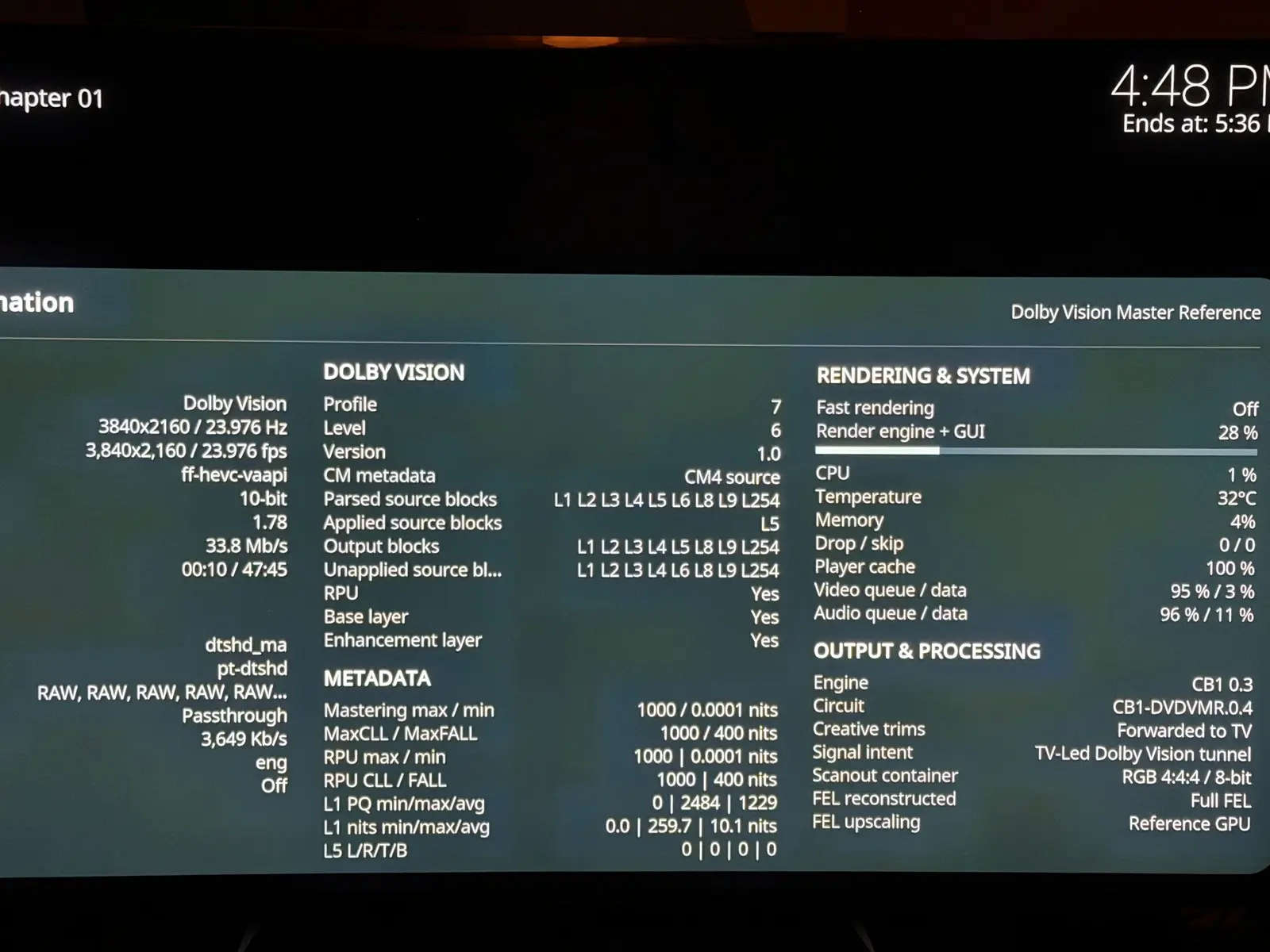
    Regarding information similar to CoreELEC, I’m not very familiar with exactly what it displays. But details like the DV profile and CM version should be straightforward to expose, since I already have them in the logs.

    As for playback options, I’m currently focusing on standard, TV-led Dolby Vision. Adding LLDV (player-led) would be a substantial project. The player need to handle the display mapping currently done by the TV. That could increase GPU load and make things harder for small Intel iGPU. The main benefit would be compatibility with old TVs that require player-led DV and can not perform the display mapping. That said, I’m less familiar with LLDV, so there may be other use cases or benefits

    For me, the most interesting Dolby Vision processing features are:

    • Baking DV into HDR10
    • Generating HDR10+ metadata from DV

    As far as I know, CoreELEC doesn't support this. With a stronger GPU on x86, we actually have the performance headroom to experiment with this kind of workload, and this challenge drives me more. But if you seen more usefull usecases to cover I am listening.

    I'm interested in HDR10+ to DV, which I already use on AM6B+ but I have very few HDR10+ only videos.

    This is insanely good news! I wonder if the DV is "off" in the colors and brightness of it like the HDR is on my AMD mini pc though, compared to my AM6B+ ? The HDR on my AMD mini PC is not useable because it's too off and I tried everything. So I use it for SDR, especially high framerates H264 SDR which does not work correctly on AmLogic.

    But yes, I can test AMD for you but I can't give the mini pc I use it with libreelec already.

    I have Beelink SER8 AMD Ryzen™ 7 8845HS with AMD Radeon™ 780M 12-Core 2700 MHz model.

    Yes overkill but I software decode everything on it.

    Does the DV work in software decoding if you have the power?

    I will be watching this thread to help you out when you make AMD builds.

    Thanks a lot for your efforts!

    Hi,

    Is it possible to force the GUI to render in true 4K in LibreELEC for x84 boxes ?

    For example, coreelec added that in CE-NO in guisettings.xml:

    <setting id="coreelec.amlogic.disableguiscaling">true</setting>

    On the Amlogic boxes it works but it is kinda slow because of the low end Mali GPU but on my AMD mini PC it would be fast if LibreELEC permits it.

    I have nvidia shield but the pq is not as good and theres red push even in sdr because of color space problems.

    Why the mac mini m4? Will it run LibreELEC? I don’t think so? Does kodi run perfectly on macos with hdr, resolution switching, framerate switching, audio passthrough, in sequoia? I doubt it but maybe?

    I got the USBC to HDMI 2.1 adapter, the results are:

    - On the AMD Beelink, the colors in the GUI are not washed out anymore versus when using the display port to HDMI cable but when I play an HDR video the colors are quite washed out like someone turned down the color on my TV to quite a lower amount. The HDR 4K 60 video plays at 4:2:0 12 bits instead of 4:4:4 8 bits with the HDMI 2.1 port directly.

    - On the Intel ASUS, the colors in the GUI are ok but the HDR video has the same washed out picture than on the AMD and the video still plays at the stuck 4:4:4 8 bits value. Also, the AV1 4K 60 video freezes after 3 seconds of playback but that also happens when I use the HDMI port. No freezing on the AMD on any port.

    So, HDR is not exactly stable on LibreELEC with Generic x86 it seems. I think HDR was introduced in LibreELEC 12 so it's kinda new I guess.

    I will probably just use my Amlogic devices with CoreELEC for HDR. It's a bummer but it sounds kinda hard to get a powerful mini PC with correct HDR.

    Maybe if I go back to Intel Iris Xe on a Beelink intel 13900HK or intel 12900HK the HDMI port, HDR and stability would be better?

    I tried hdmi port direct to TV and I don’t loose the picture on syncs anymore but sometimes the image freezes for some seconds on video playback stop and at some point LibreELEC rebooted by itself on a video playback stop.

    I cannot see bit depth of playback because the AVR was the only one telling me that information and i don’t have other hdmi processors.

    This ASUS intel mini pc does not seem as stable as my amd mini pc on my setup.

    Is there a chance that if I get the Beelink Gti14 with the same intel ultra 7 155H cpu that the hdmi port will be different enough to be more compatible or is it almost certain it will be the same behavior? There seems to only be the Beelink Gti14 Ultra 9 185H at amazon.ca so that would be the one I get. It's supposedly as silent as the Ultra 7 155H Beelink and I saw a review of the Gti14 Ultra 7 155H and it's very silent compared to the ASUS (noise becnhmark). It was the most silent in the list at 32-33db max.

    In any case I will not keep this asus because the fan is too much of a vacuum cleaner so the only thing I am wondering is if I try the Gti14.

    Also, I will receive my USBC to HDMI 2.1 adapter tomorrow or wednesday so I will test that on the Intel and AMD mini pc.

    ^ This kernel patch would force 4:2:0 12-bit for 4K 50/60Hz. You'll have to build your own custom LE image to apply this.

    Thank you for this. I am a programmer but I don't know how to compile my own LibreELEC. I guess I follow the wiki page for Build?

    By the way, even 4K 24 fps HDR videos playback at 4:4:4 8 bits on my Intel Mini PC so it's not only about the HDMI bandwidth this time. It seems everything is stuck in 4:4:4 8 bits. Maybe Intel Arc is not well supported yet?

    On my AMD mini PC I did the following tests:

    I used a Display Port to HDM 2.1 cable test on my AMD system except of using the HDMI 2.1 port and the HDR is closer to correct using that method but the colors are washed out in the GUI and in the playback too just like when you are not in the correct color range (Full vs Limited) but if I put limited it's even more washed out so it's not a solution. The video AV1 4K 60 fps HDR video played in 4:2:2 12 bits too if I use my HDMI 2.1 port on the AVR and TV versus 4:4:4 8 bits (changeable to 4:2:0 12 bits with the driver configuration force_4_2_0_video).

    I now understand that HDMI forum blocked HDMI 2.1 support on the amdgpu open source drivers only for HDMI ports but not for DP to HDMI 2.1 or DP to DP connections.

    Tomorrow I receive a USB4 to HDMI 2.1 adapter so I will try that but I expect the same thing than with the DP to HDMI 2.1 cable.

    So, in short on my AMD 8845HS + Radeon 780M system:

    If I use the HDMI 2.1 port:
    - HDR plays too bright with too saturated colors
    - Video plays in 4:4:4 8 bits or 4:2:0 12 bits if I use the force_4_2_0_video option in the drivers

    If I use a DP port to HDMI 2.1:
    - HDR plays at the correct brightness but colors are washed out
    - Video plays in 4:2:2 12 bits

    chewitt I think your version 12.80.2 image uses Linux kernel 6.12. Is it possible to make an image that uses 6.13 or the latest 6.14 please so that I can see if MAYBE AMD fixed the HDMI port HDR?

    I tried Ubuntu but HDR in Ubuntu seems pretty useless as mpv, vlc, etc. are not using DRM from what I understand so far.

    I got the ASUS NUC 14 Pro and yes the HDR is now correct on Intel Arc GPU but there are drawbacks too versus AMD:

    - The device is a vacuum cleaner noise-wise compared to the Beelink SER8 8845HS which I never hear. The Beelink Gti14 Intel Ultra 7 155H is as silent if not more compared to my SER8 AMD according to reviews so I got the wrong NUC for the noise by choosing ASUS.

    - The HDR always play in 8 bits so it's wrong because of the bit depth.

    - I have HDMI sync problems. If I switch inputs on my AVR and go back to the ASUS NUC my image rarely returns. Very annoying. The AMD does not do this. Also, I have a 1080p59.94 video that when I try to play it and the device switches to that res to match it I also loose HDMI sync pretty much all the time so it's hard to play those. Again AMD no problem on resyncs.

    - I need to use LibreELEC 13 as LibreELEC 12 stays stuck on the LibreELEC boot logo. I read that Intel Arc started at Linux kernel 6.6 and that's the very first driver so I guess LibreELEC 12 is too old. The thing is, LibreELEC 13 is probably not stable yet.

    Is there a fix someone can think of or that is already known for the HDR being always in 8 bits on Intel Arc?

    Is there a fix also for my HDMI resync problems? I am using one of the HDMI 2.1 TDMS port on the device. The only other option would be a USBC to HDMI 2.1 adapter but I would prefer not to go that route.

    On the AMD side, I wonder if it's possible to fix that wrong HDR too, maybe a manual update of the driver? I already tried chewitt's latest build 12.80 though so I don't know if there's anyway newer on the amdgpu side. How do you update that driver manually?

    Hi chewitt ,

    I have a Beelink SER8 with AMD 8845HS CPU and AMD Radeon 780M GPU and everything plays perfectly except HDR which is too bright and the colors are "off" compared to all my other boxes (AmLogic AM6B+ or Homatics, Zidoo Realtek or Kodi in Windows on the very same Beelink AMD box).

    I tried my HDR videos in VAAPI HW mode and in FFMPEG SW mode on LibreELEC 12.0.2 official stable, LibreELEC 13 latest nightly and your version here:
    https://chewitt.libreelec.tv/testing/LibreELEC-Generic-gl.x86_64-12.80.2.img.gz

    The problem is present on all the versions and modes.

    In my other thread others said it might be a bug in Mesa or the driver. Since I tried your version of LibreELEC I think I already got the mostly latest amdgpu driver in the process (or maybe I'm mistaking I am not a Linux pro)? So that leaves Mesa possibly being the culprit but I don't know how to get in touch with the Mesa guys.

    Are you aware of that problem and is there is a fix for it? Like I said in Kodi in Windows on the same Beelink AMD box the HDR is displayed properly.

    If I get an Intel based mini PC instead will the HDR have the same overbright and colors "off" picture or is there a chance they will display correctly?

    If so, can I get a very recent Intel mini PC with Arc GPU like this one:

    ASUS NUC 14 Pro AI Mini PC, DDR5 5600 32GB RAM&1TB PCIe 4 SSD with Intel Core Ultra 7-155H Processor(16C/22T/24M Cache, Up to 4.8GHz) Intel Arc Gpu/AI GC/AI Boost/AI Ready/Type C 3.2/8K/BT5.3/WiFi 6E

    https://www.amazon.ca/Intel-Ultra-7-155H-Processor-4-8GHz/dp/B0D7M3RD7S

    Or is it better to go with an older Intel CPU for correct LibreELEC/Linux support like this one:

    Intel NUC 13 Pro, Arena Canyon NUC13ANKi7 Mini PC with Core i7-1360P Processor, Intel Iris Xe Graphics, 32GB RAM&1TB NVMe SSD (12C/16T/18M Cache,Up to 5.0GHz) Support 8K/WiFi6E/BT5.3-Win11 Pro

    https://www.amazon.ca/dp/B0DK8JJ249?ref=emc_p_m_5_i_atc

    My goal is to SW decode everything up to 8K 60 fps (downscaled to 4K 60fps by LibreELEC) for best PQ so I would prefer the first Asus NUC one with the newer Intel CPU because that would be roughly equivalent to my 8845HS I currently have.

    Does LibreELEC correctly use all performance and efficient cores of an hybrid CPU like that Core Ultra 7-155H ? My current AMD 8845HS is a simple 8 cores / 16 threads performance cores and I can see in LibreELEC that all cores are being used and I go up to 60-65% usage with an AV1 8K 60 fps video in SW decoding.

    Thanks in advance for your help and support!

    No, my Sony TV does not have a PC mode, just a Game mode and it needs to be switched manually by me using the TV remote. I am in Cinema mode on all my players. What I noticed too is that the brightness is way too high on HDR on Beelink in LibreELEC. It is less high and correct on Beelink in Kodi in Windows or on all the other players.

    I am on LibreELEC 13 latest nightly, I think it was the same on LibreELEC 12.0.2 official stable but I can try again to see.

    The command works and the file is now displayed at 4:2:0 12 bits just like on am6B+ but unfortunately the colors are still "off" compared to all my other players?

    I even tried kodi in Windows on the same Beelink mini PC using the same AMD GPU of course and the colors are OK so it's not a limitation of the AMD GPU on the Beelink.

    Is it just that LibreELEC badly display HDR with amdgpu driver in general? Or maybe a bug?