

Posts by offbeat

    Thank you, tested HDR video, mode switched to 4:2:2, no green line anymore.

    So according to strict interpretation of EDID this particular monitor isn't allowed to use pixel clocks between between 300MHz and 340MHz over HDMI? I could try connecting it over HDMI to amdgpu PC some time next week, test how it behaves. Over displayport this monitor has different EDID with max pixel clock 690MHz, allowing 1440@175 mode.

    As for 1440@120, this is an unfortunate limitation of Allwinner, being multiple of 24/30/60 is such a good refresh rate for typical video content, it's also kind of OK for 25/50 videos. Whitelists and refresh adjust options in Kodi are nice, but monitors/TV's are typically slow to adjust rates, which is annoying.

    Anyway, messed around a bit with EDID editor, 1440p modes can only be described in DTD blocks, and only four of these fit in EDID. Defined 60/50/48/47.95Hz modes with CVT-RBv2 timings, created edid override in LE, all four modes run in 10bpc RGB.

    1440@144 issue still persists. I mean 144Hz itself isn't really usable for video playback purposes because of display engine limitations, etc. But this bug is bad for usability reasons. On new installation, Kodi boots to 1080p60 because of default cmdline, user then tries to change resolution to monitors native 1440p, Kodi automatically chooses highest refresh rate for that particular resolution and UI goes brrr. Workaround is playing single video in some other resolution, then UI doesn't corrupt at 1440@144 anymore (until next reboot).

    Test following image

    VP9 is now working straight after reboot :thumbup:

    As for 1440p modes:
    1) Every 1440p mode from EDID is now 8bpc+YUV422 :( But non-EDID ones supplied in cmdline like video=HDMI-A-1:2560x1440@61 are still 10bpc+RGBfull!
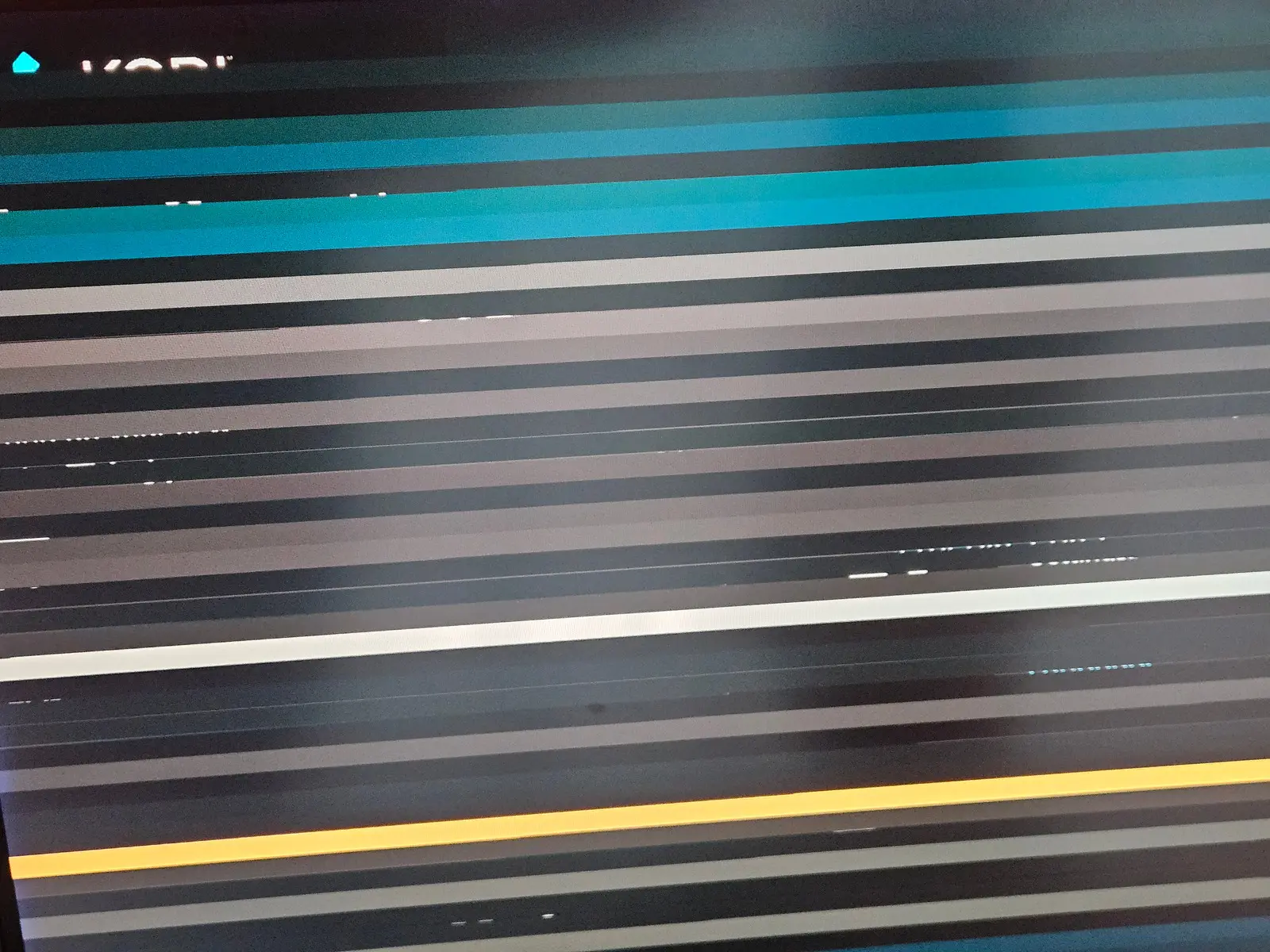
    2) [email protected] modeswitch now works. No stripes in video playback.
    3) 2560x1440@120 is fine on boot, in Kodi UI and in videos up to 1080p, but playback breaks to horizontal stripes on 4K videos.
    4) [email protected] works in console, stripes in Kodi UI on first boot until some video played. Video playback is fine upto 720p, 1080p and 4K video playback breaks to stripes.


    Also, in 8bpc+YUV422 modes there is a green vertical line on the left, probably first 1px wide column.

    Did some tests, a few modesets on GS1 with 1440p monitor.

    Monitor EDID

    TL;DR
    1) Broken [email protected] and semi-broken [email protected]
    2) Limited RGB in some but not all of 1080p modes
    3) Way too conservative downgrade to 8-bit and YUV422. Theoretically, assuming HDMI 2.0, for this monitor everything up to 1440p@120 can be 10bpc+RGB, 4K@60 can be 8bpc+RGB

    Gigabit ethernet was always broken on Beelink GS1, at least on my box. Could never hold more than a few minutes of sustained load, dying with transmit queue watchdog timeout.

    Spent some time investigating, it seems this marvel of Shenzhen AZW Technology Co. engineering requires some additional tx delay.

    I have absolutely no idea on how to tune the actual tx-delay-ps value properly.
    200 seems to work, box survived overnight iperf3 test with 5 TiB transferred and no link drops or errors in eth0 stats.

    I don't even think I need it as the passive cooling with the Argon One is so good...

    Generally yes, you don't really need fan with this case, unless you load your RPi4 CPU to 100% for hours, which is unlikely in case of typical LibreElec box.

    My rather heavily loaded (load average: 1.71, 1.22, 1.04) RPi4 running Frigate NVR in docker goes higher than 55C, and I've set fan curve to start at 65C. Such little fan is annoying too, so you'd better keep it off unless really needed.

    But there is another reason to install and configure argoned: it correctly sets up Argon internal microcontroller/PMIC, which allows you to completely power off RPi4 resulting like ~0W power usage, and the turn it on using either infrared remote or power button.

    Failed at step EXEC spawning /storage/sbin/argononed: Exec format error

    You've probably built it on x64 workstation.

    Their build system doesn't support cross-compiling, you have to build it on RPi4 running either PiOS or Ubuntu, 32bit because LibreElec still only supports 32bit userspace programs.

    [Question] Is it prossible to cross-compile? How? (#21) · Issues · DarkElvenAngel / Argon One Daemon · GitLab
    Like the title says, I want to be able to cross-compile for one of the supported OSes without building inside the target OS itself. For example...
    gitlab.com

    Also, Beelink GS1 gigabit ethernet is still unstable and timeouts under load. I'm using heartbeat shell script to reload driver on connection loss, but it messes up CIFS mounts and Kodi.

    Any way to report it upstream, without going through mailing lists?

    Latest master is broken on Beelink GS1: kernel is booting but no MMC devices are detected, resulting "Could not mount" error and drop to debug shell.

    Rather painful bisecting session of download/flash/boot nightly images points to regression between LibreELEC-H6.arm-11.0-nightly-20221008-0af4c55-beelink-gs1.img.gz and LibreELEC-H6.arm-11.0-nightly-20221008-1d2cd1d-beelink-gs1.img.gz

    My wild guess is this commit could cause it "3ed35a87b6 (jernejsk/aw_atf) Allwinner: atf: update power patch"

    Is there any to customize OpenSSH server configuration in LibreELEC?

    I mean either override /etc/ssh/sshd_config as a whole, or by including additional snippets.

    Need to customize ssh port, as well as tighten encryption algorithms.

    Default configuration is rather lax, ssh-audit gives following recomendations: