

Backup help

  • Hi everyone!

    I've been using Kodi for a few months, first on PopOS and now with LibreELEC because I discovered after some struggles that Wayland wouldn't allow the refresh rate of my TV to be adjusted.

    Now I've almost created my perfect Kodi/LibreELEC setup, but I'm struggling with the backup tools:

    -I've discovered that there is some kind of built-in backup tool inside the LibreELEC section
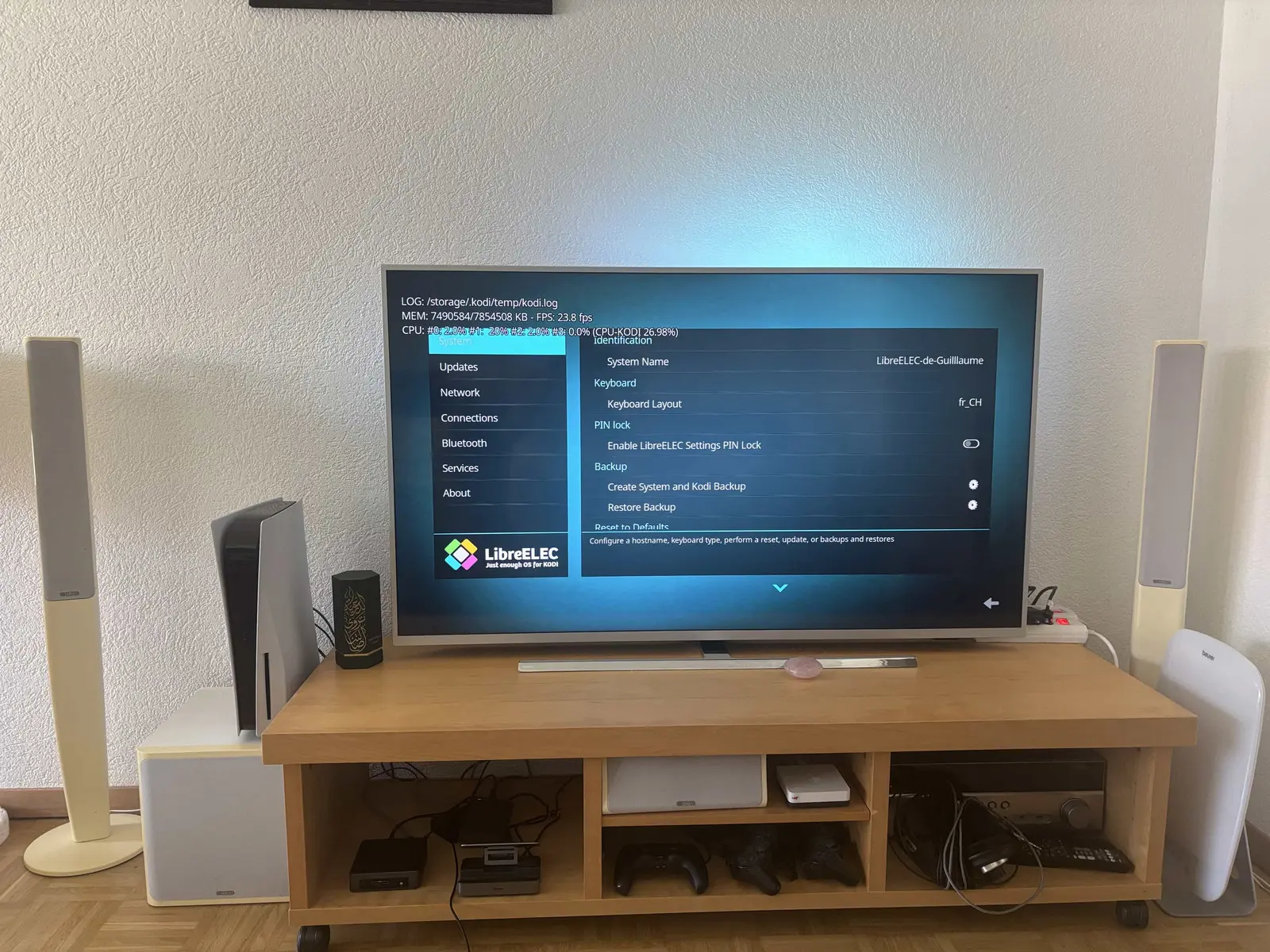

    Because I didn't know how to use that tool and was trying it, I created a few backups that I don't know how to delete now. How can I delete them and how can I export a good backup to use on another machine?

    - I've also discovered that there is also a backup addon and I don't know if I should use this one instead of the built-in one?
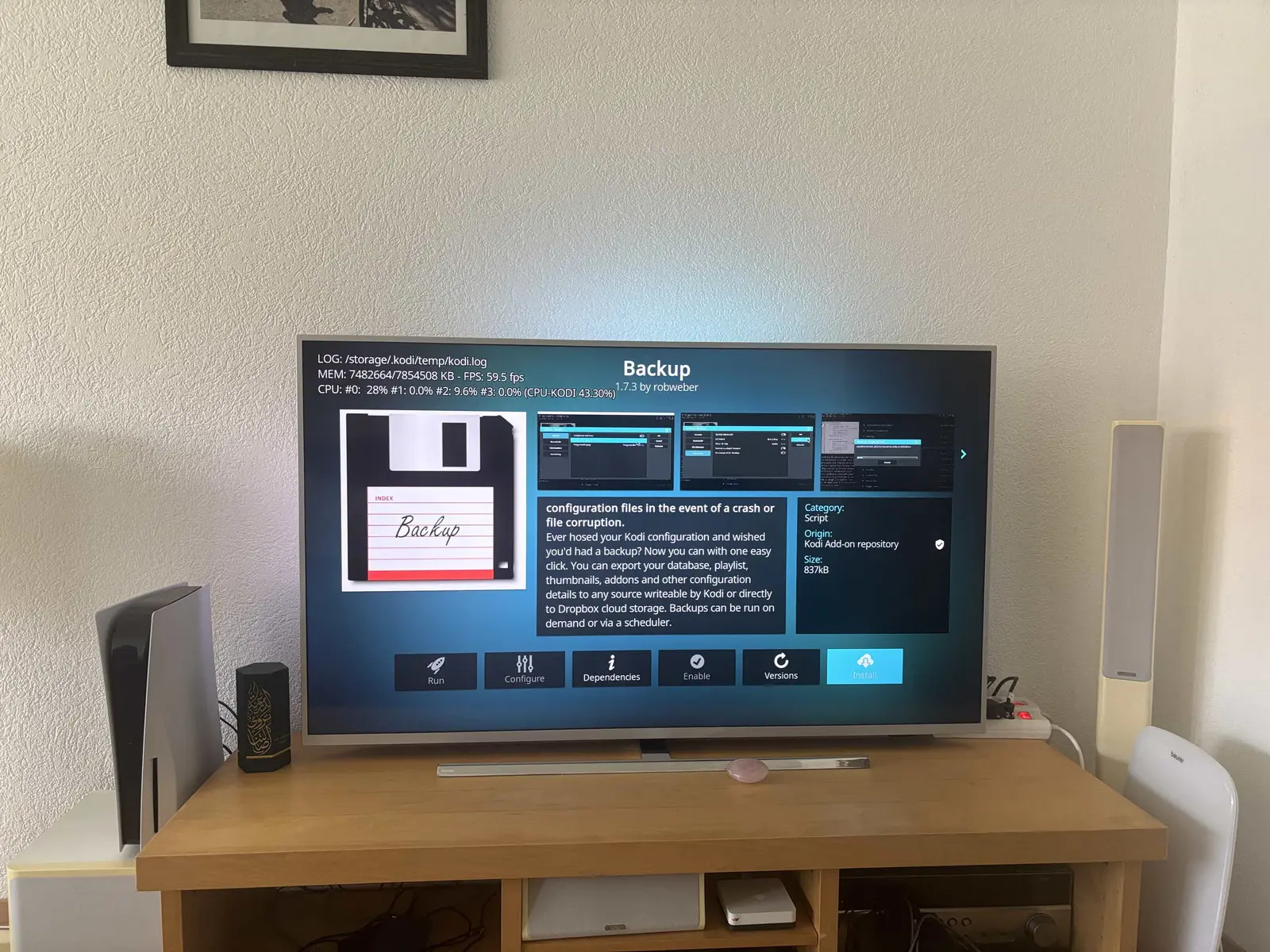
    My goal is really to have a backup that I could use on another machine without losing my settings and the way my library is organised. Thanks in advance for helping a beginner!


  • The LE settings add-on backs up only /storage/.cache|.config|.kodi .. and nothing else; the design assumption is that covers all the essential config items to restore to another device, but not media which is normally too large to duplicate/store. The backup files are saved to /storage/backup if you want to move them off-box or delete them to free up space.

    The backup addon in the Kodi repo will be more flexible .. but is someone else's problem to educate and support on.

    If you have other Linux devices you can save to, installing the network-tools addon and using rsync from a cron task is probably the easiest approach to an automated backup.

  • Well then I guess I'll have to see if the buit-in backup tool is enough for me or not.

    I'm sorry but I still don't understand how I'm supposed to delete old backups created that and if there is a way to export a good backup as there is no file explorer in LibreELEC.

    Is it only doable through a network way and not with a simple USB stick?

    I don't need automated backup. I just want to find my perfect settings and save them in my cloud storage for emergencies.

  • Kodi Settings > File browser. If you have a favourite backup you can copy files to an inserted USB, or use the delete function to clean up files you don't want from /storage/backup. Or learn some rocket science and use an SSH client to log-in to the console and delete created backup files from /storage/backup.

  • The file manager I thought was missing is litteraly the same file manager I used to find my movies. Gosh I feel stupid (even if it’s not so easy to understand how to use it)! Thanks for your help as I managed to do everything I was looking for.


    In the end, I’ll have one backup from the built in tool and another one from the add-on. That way I should be covered!