Hi everyone.
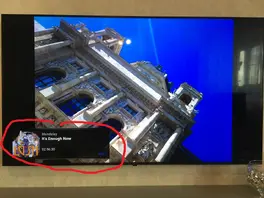
Could you please help me hide or completely disable the banner that is displayed in slideshow mode while playing audio?
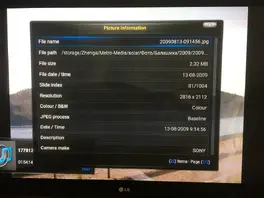
I usually start some audio, most often it is SomaFM plugin and then I start picture slideshow.
The problem is Kodi sometimes shows this "now-playing" audio banner and I can't hide it. I searched through settings and I can't find any related option and I can't find any related button or hotkey that would hide it. Googling didn't help either.
I don't even understand if this banner is from Kodi itself, the Confluence skin or the SomaFM plugin.
I would preferably disabled this banner completely.