Any idea when we might see Beta 4? Really looking forward to trying it. 😊
Any idea when we might see Beta 4? Really looking forward to trying it. 😊

I will push today
Can't wait to try Beta 4! 😊
 Display More
Hi everyone. This thread and CroqueMr's fork got me started, so I'd like to share where it led: LibreELEC Hades, an unofficial LibreELEC build for x86_64 PCs that sends native Dolby Vision (Standard, TV-led) over HDMI from NVIDIA, AMD and Intel graphics, dedicated or built into the processor, profile 7 with the full enhancement layer included.
It began from CroqueMr's dvbridge module and Intel output (credited in the README) and adds:
- NVIDIA output with NVIDIA's open kernel modules (GTX 16, RTX 20 and newer), through the driver's vendor InfoFrame property, 8 bpc and dithering off.
- AMD output (amdgpu, recent display hardware, not DCN 1 or 2). It needs an HDMI TMDS link.
- Profiles 7 FEL, 8.1 and 5, and Dolby Vision in two video tracks (Blu-ray .m2ts structure).
- For integrated graphics: where a frame takes most of the refresh period it is prepared one refresh ahead, and the faster of two drawing paths is measured and remembered.
- Kodi's refresh rate is kept, exact rates included. On NVIDIA it adds the exact 24, 30, 60 and 120 Hz modes the driver did not offer.
- It fails closed: if the video, TV, link or driver does not qualify, the video plays the normal way, no black screen.
- Dolby Vision shown as HDR10 (no tone mapping) where native output is not possible, profile 5 by default.
- Safer defaults for a PC with other disks (internal disks hidden when started from USB), a small Windows installer and a diagnostic switch.Seen working so far, with the test builds that led to this RC, on an LG C5: RTX 4080 SUPER, the integrated Radeon of a Ryzen 9 7950X3D, and an Intel Core i5-12450H laptop. Profile 7 FEL on all three (measured on the 4080 and the Radeon: 240 frames every 10 s, none dropped, FEL in every one), 8.1 and 5 on the 4080, TrueHD Atmos passed through on all three and DD+ Atmos on the 4080.
Everything else is untested, and that is where help would be great: other NVIDIA, AMD and Intel graphics, other TVs, and 3D (new in this version: 3D Blu-ray MVC decoding and switching a 3D display over HDMI, never tried on a 3D display).
Repository: https://github.com/hadesdevls/LibreELEC-Hades
Release 1.0 RC1 (image, update .tar, Windows installer and the complete source): https://github.com/hadesdevls/Lib…es/tag/v1.0-rc1Before trying: Secure Boot has to be off, and the TV input must advertise Dolby Vision Standard (on the LG C5, Quick Frame Transport off on that input; Hades tells you when an input offers only low-latency Dolby Vision). A USB SSD is much smoother than a stick.
It is unofficial: please report problems in the GitHub issues, not to LibreELEC or Kodi. A report with the diagnostic switch on helps a lot (a tick box in the installer, or rename DIAG-OFF.TXT to DIAG-ON.TXT on the boot partition); docs/diagnostics.md explains.
Many thanks to CroqueMr for the fork this grew from, to Dom Cobley and cinema-ONE for the 3D work it uses, and to everyone in this thread.
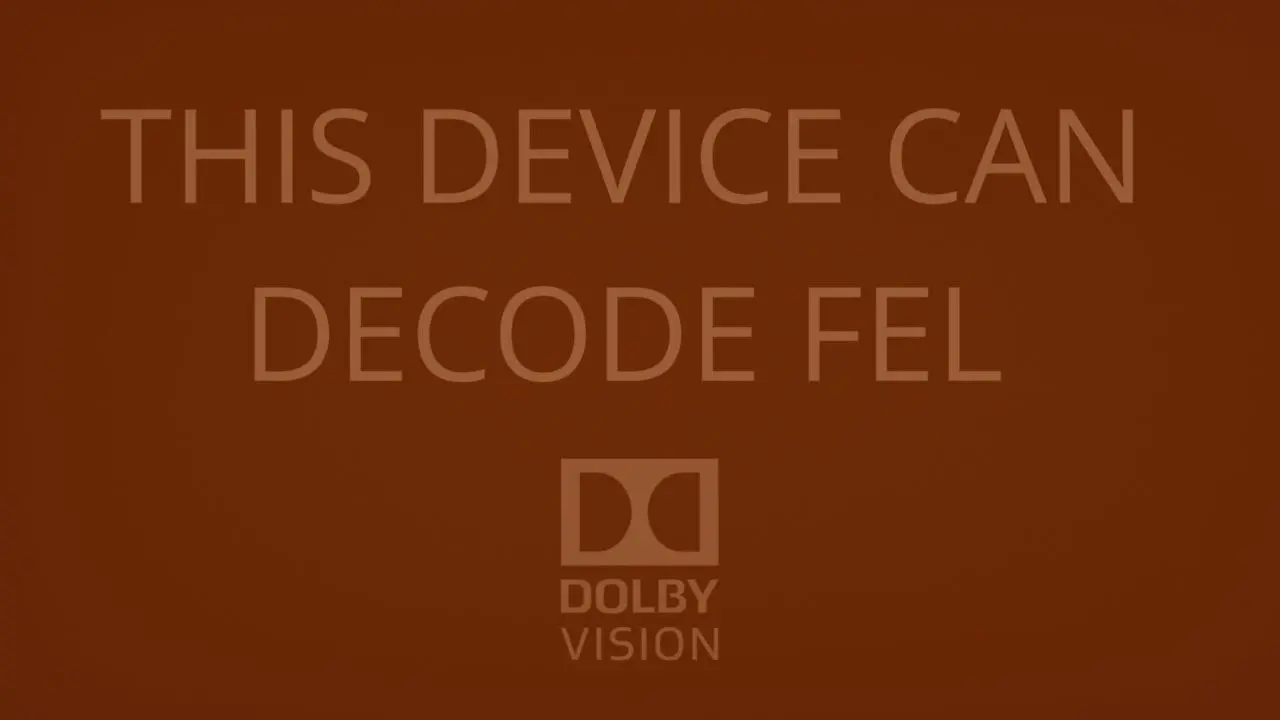
Hi everyone. This thread and CroqueMr's fork got me started, so I'd like to share where it led: LibreELEC Hades, an unofficial LibreELEC build for x86_64 PCs that sends native Dolby Vision (Standard, TV-led) over HDMI from NVIDIA, AMD and Intel graphics, dedicated or built into the processor, profile 7 with the full enhancement layer included.
Hi, thank you for sharing your project and for all the hard work you've put into it.
I'm really looking forward to trying your build. I'll definitely give it a try and share my feedback and any issues I come across.
I also hope you can collaborate with CroqueMr and other developers in the future. It would be great to see everyone working together towards a LibreELEC build that supports a wider range of hardware, including Intel and AMD integrated graphics, as well as dedicated NVIDIA and AMD GPUs.
Most importantly, I hope we can achieve full Dolby Vision Profile 7 FEL support, with the entire enhancement layer properly processed without any compromises.
Really appreciate your efforts, and I wish you all the best with this project. Keep up the great work.
Thanks I will investigate on that, if you want to remove all framedrop in 60fps you need to activate the quick dolby vision rendering, it impact a little bit color detail it is almost invisble but since it affects a little bit the picture this settings is optional and disable by default, in beta4 I will add an option to activate this settings only when you play a 50fps+ DV track.
For your other points I will try to cover all of them for beta4.
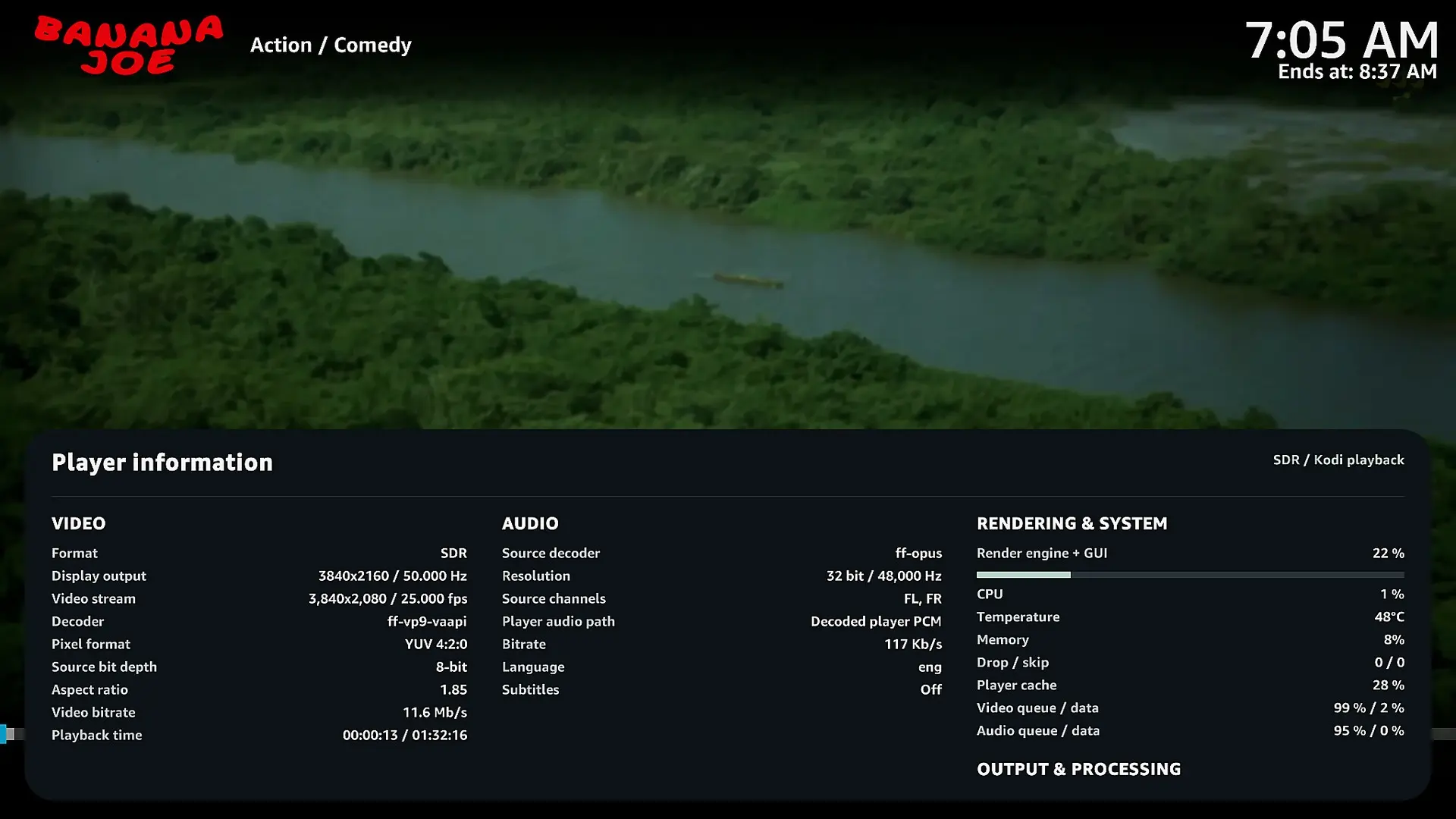
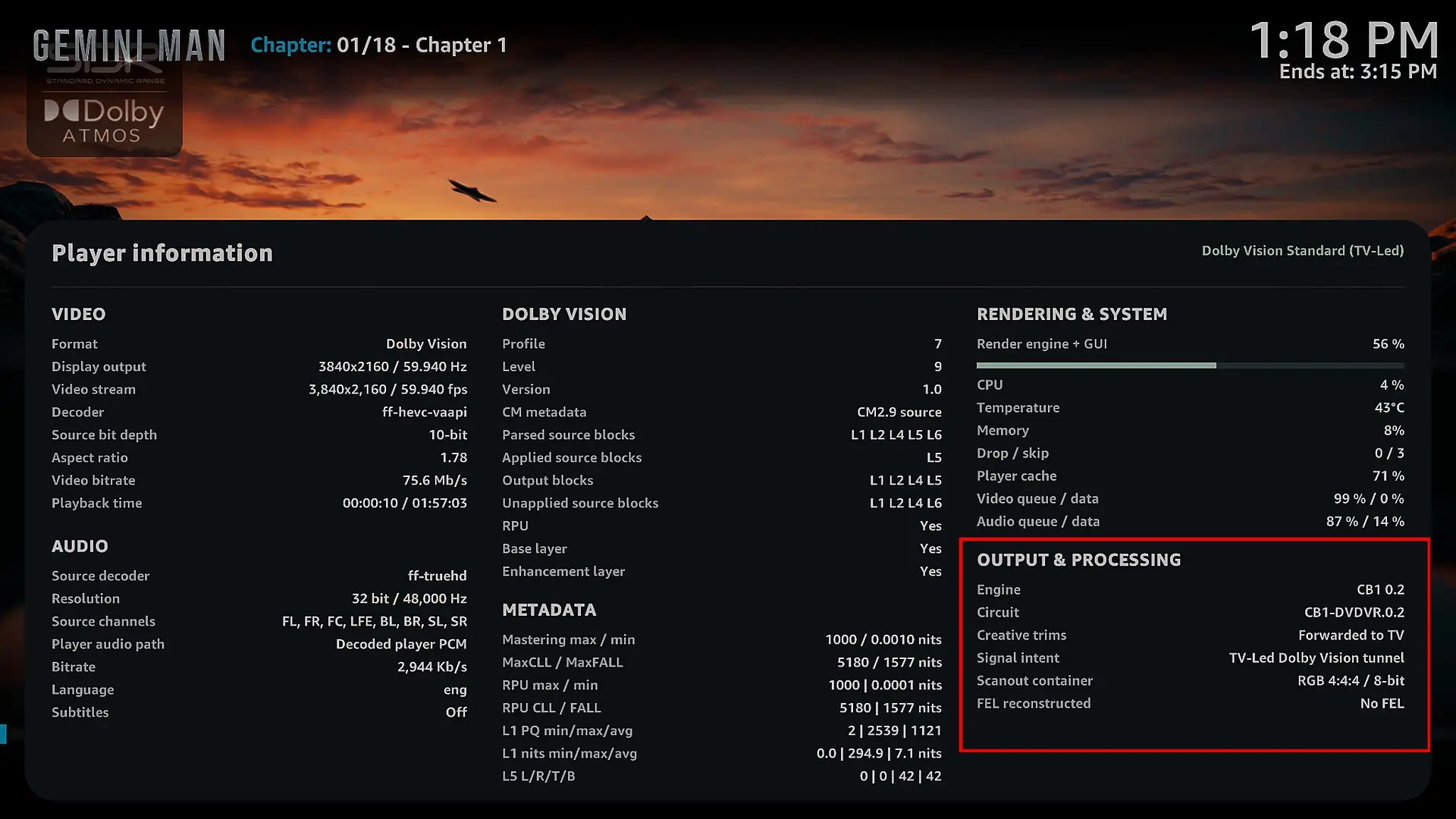
I actually have fast rendering enabled already, as you can see in the screenshot. I'm still getting around 7 dropped frames with Gemini Man at 4K 60fps, but it's definitely much better than before. Thanks again for all your work.
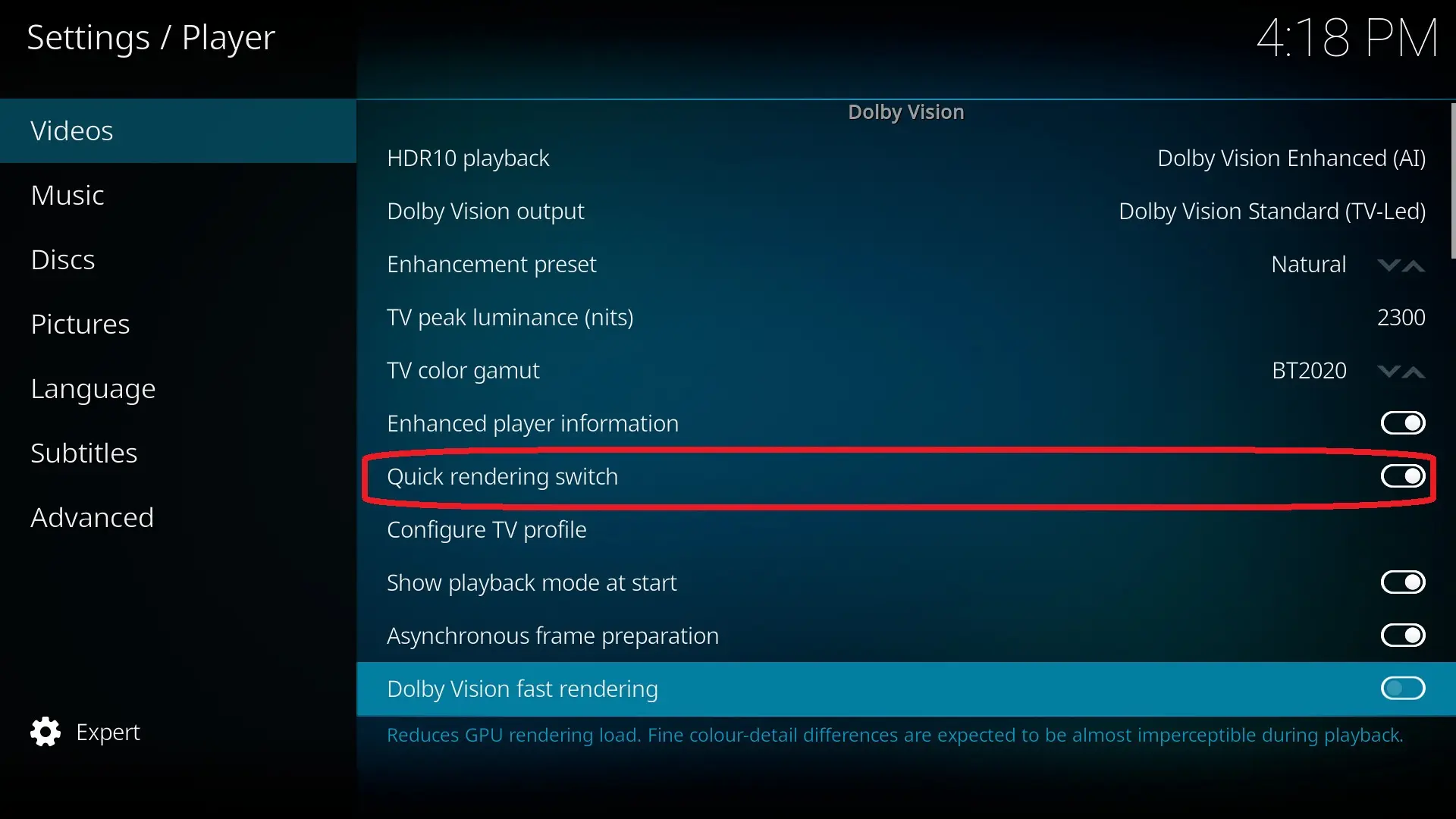
Hi CroqueMr,
First of all, thank you so much for all the hard work you've put into this project. I've been testing Beta3 on my Mini PC (Intel Core i7-1360P / Iris Xe), connected to my LG OLED G5 (TV-Led Dolby Vision), and I have to say this is by far the best version I've tested so far. The improvements are really impressive!, and I have to say this is by far the best version I've tested so far. The improvements are really impressive.
I wanted to share a few things I've noticed:
1. Huge improvement in 4K 60fps playback
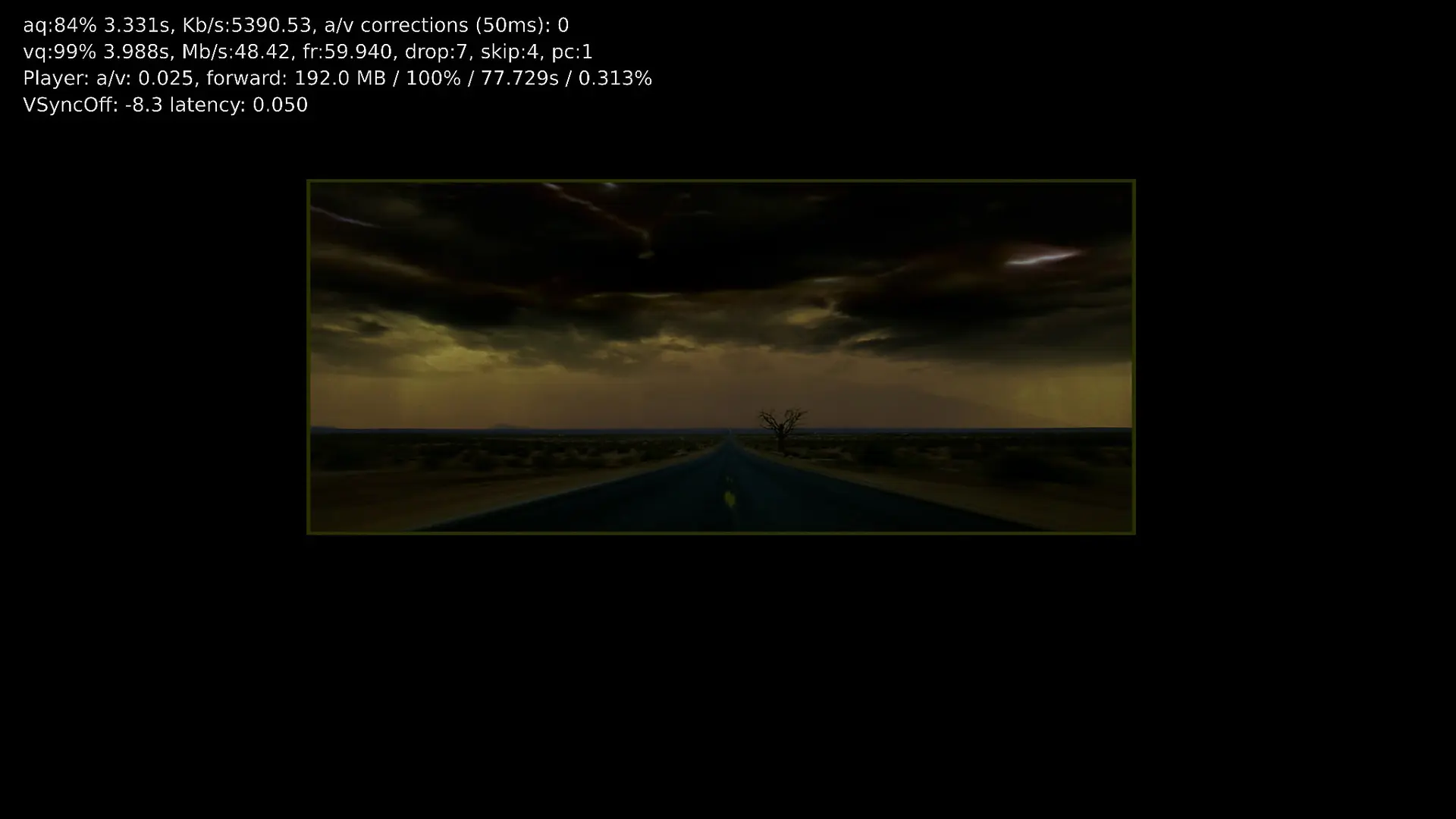
This is probably the biggest improvement for me. In previous builds, movies like Gemini Man had really bad frame drops, sometimes exceeding 100 dropped frames.
With Beta3, I'm now seeing fewer than 10 dropped frames, usually around 7. There are still a few drops, but compared to the previous versions, this is a massive improvement. Really great work here!
2. HDR10 to Dolby Vision conversion and player information
HDR10 to DV conversion still has a couple of issues.
When I stop a movie that's being converted from HDR10 to Dolby Vision, the screen sometimes goes completely black for a few seconds before the picture comes back.
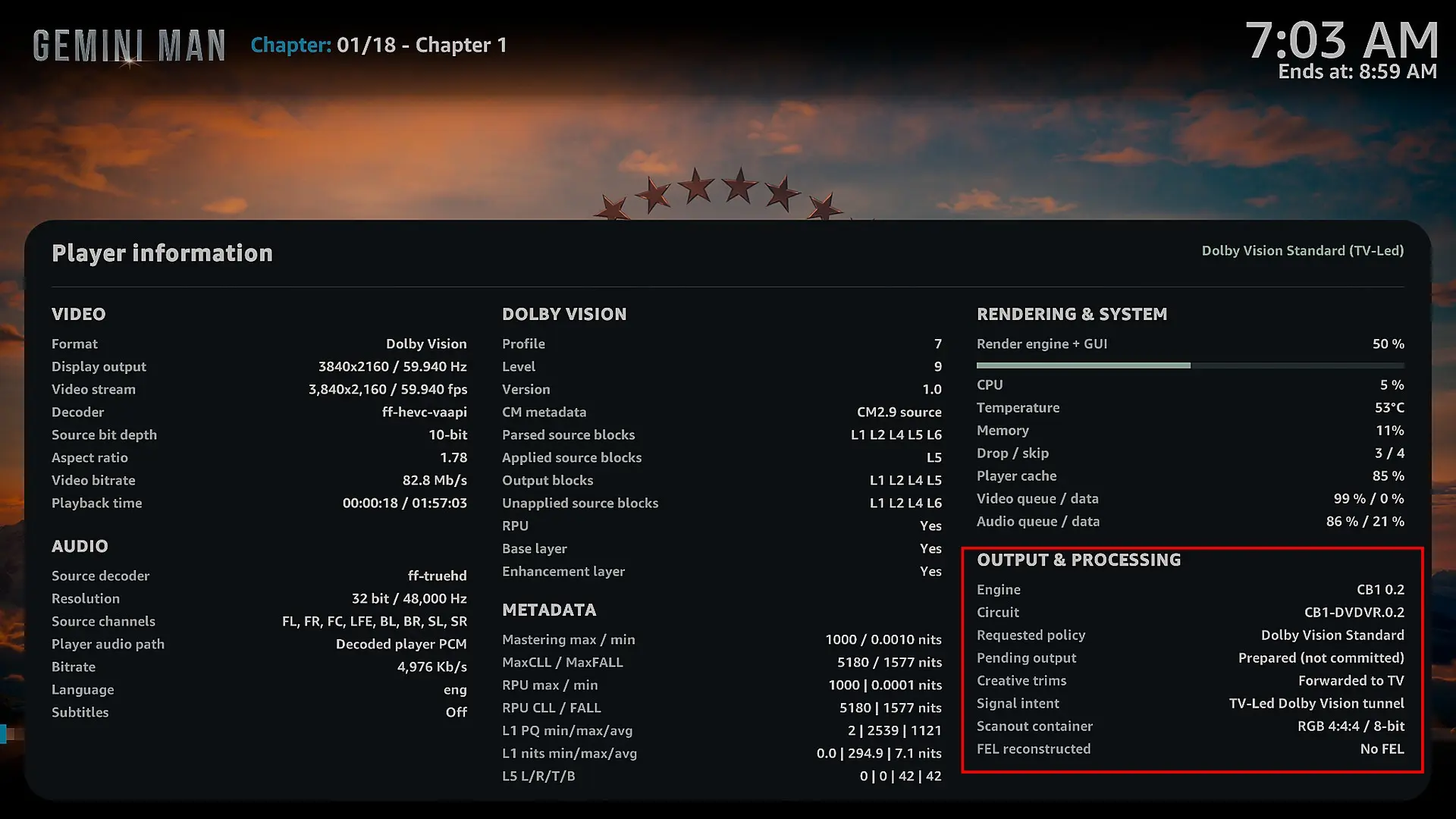
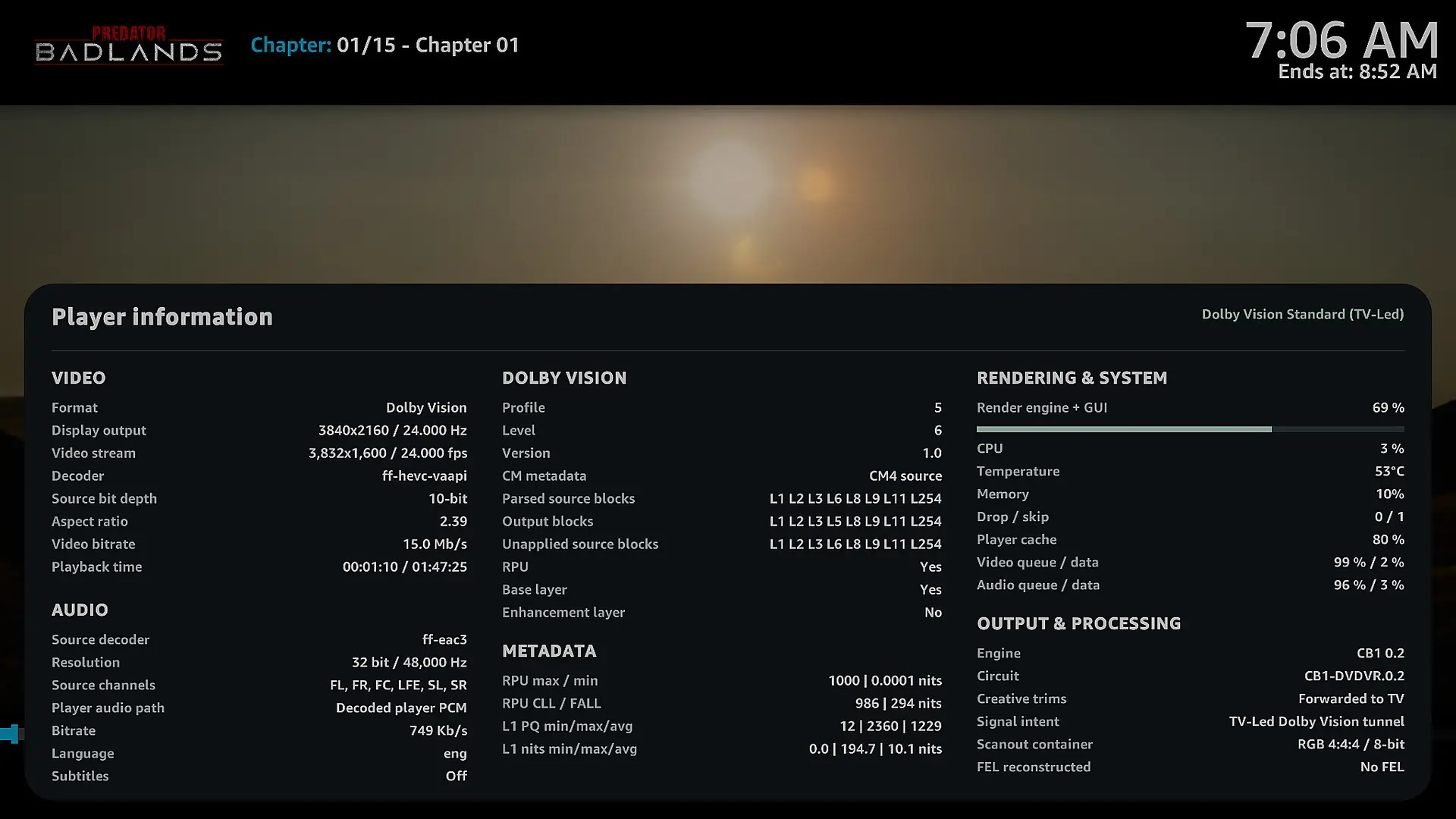
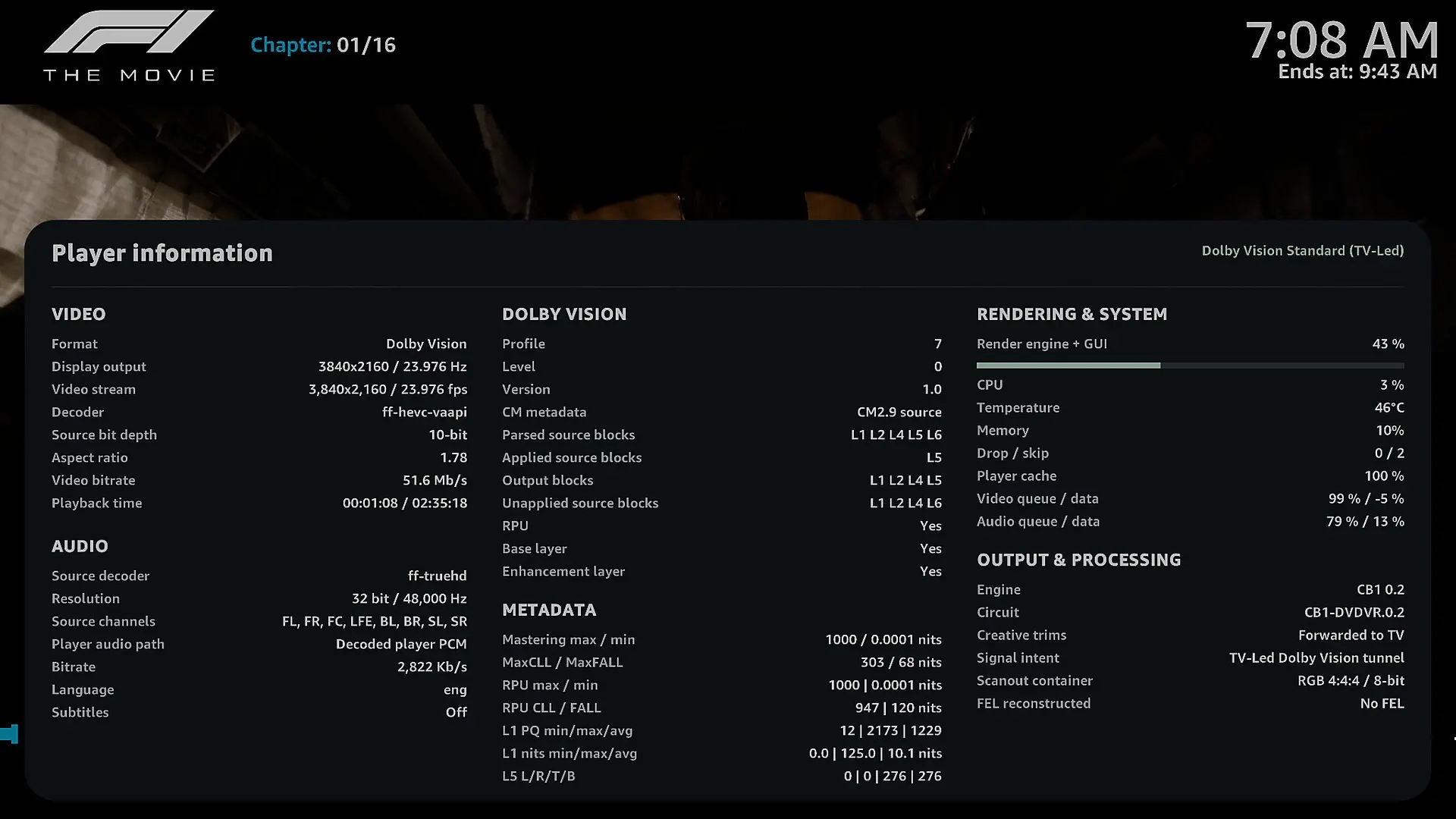
I've also noticed something strange when pressing "O" to display the player information. The information under Output & Processing doesn't stay consistent. Some fields appear, disappear, or change unexpectedly while the movie is playing.
I've attached screenshots with red boxes showing exactly what I mean.
3. Kodi crash when stopping playback
Unfortunately, I experienced a crash while watching Boy Kills World. As soon as I pressed Stop to return to the Kodi interface, Kodi crashed and restarted automatically.
I've attached a privacy-cleaned technical crash log. The log shows a failure during the transition back to the GUI, including GBM initialization and EGL errors, followed by SIGABRT.
Hopefully, it helps you track down the issue.
4. Audio information still shows PCM
When pressing "O" during playback, the audio information still shows Decoded player PCM, even when the source audio is Dolby TrueHD or Dolby Digital Plus.
I'm not sure whether this is just how the decoded audio path is reported, but it would be great if the player information could clearly show the original audio codec and whether passthrough is being used.
5. Request for Beta4 – Correct Dolby Vision and HDR10 codec logos
There's one more thing I'd really love to see in Beta4.
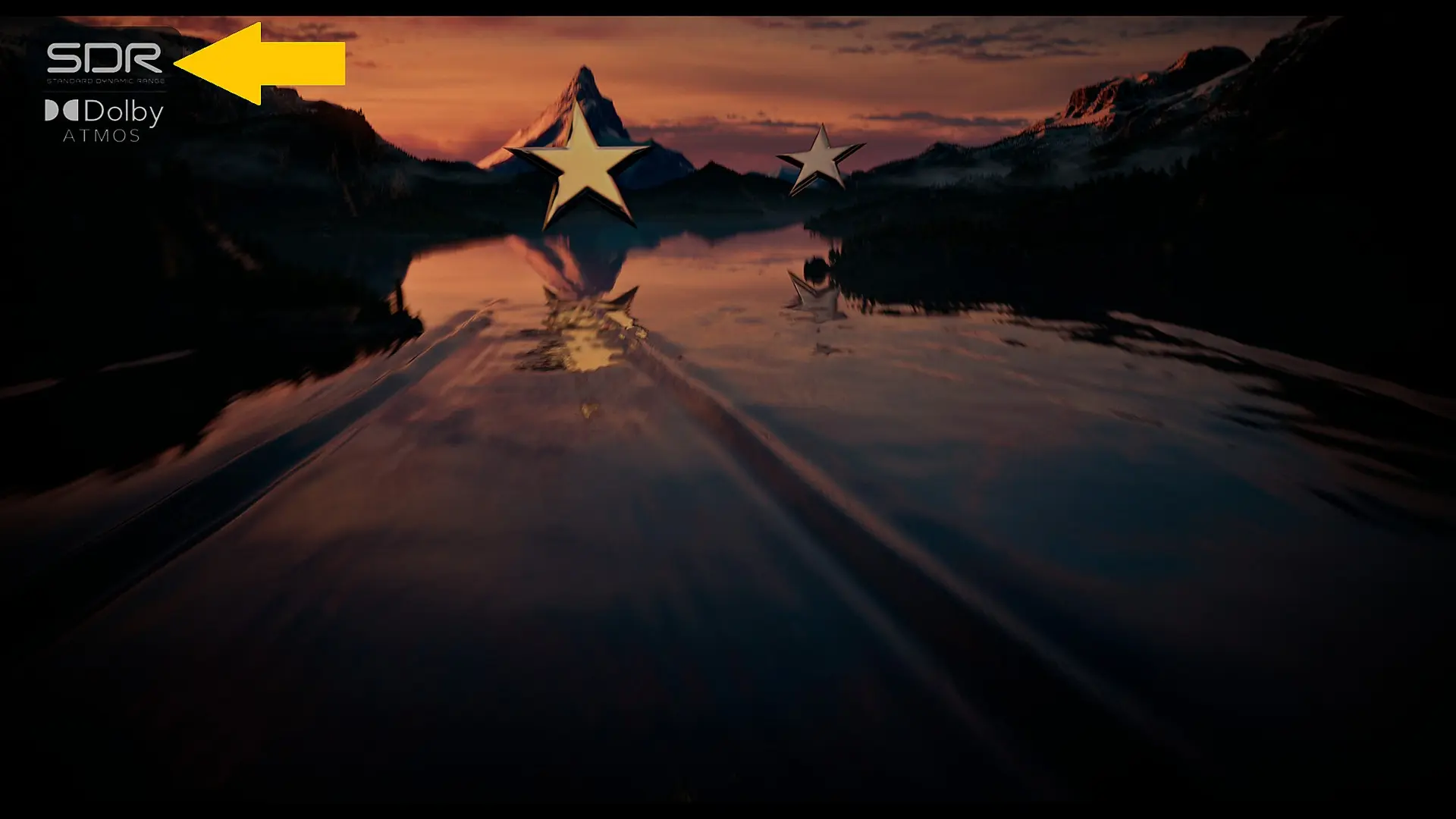
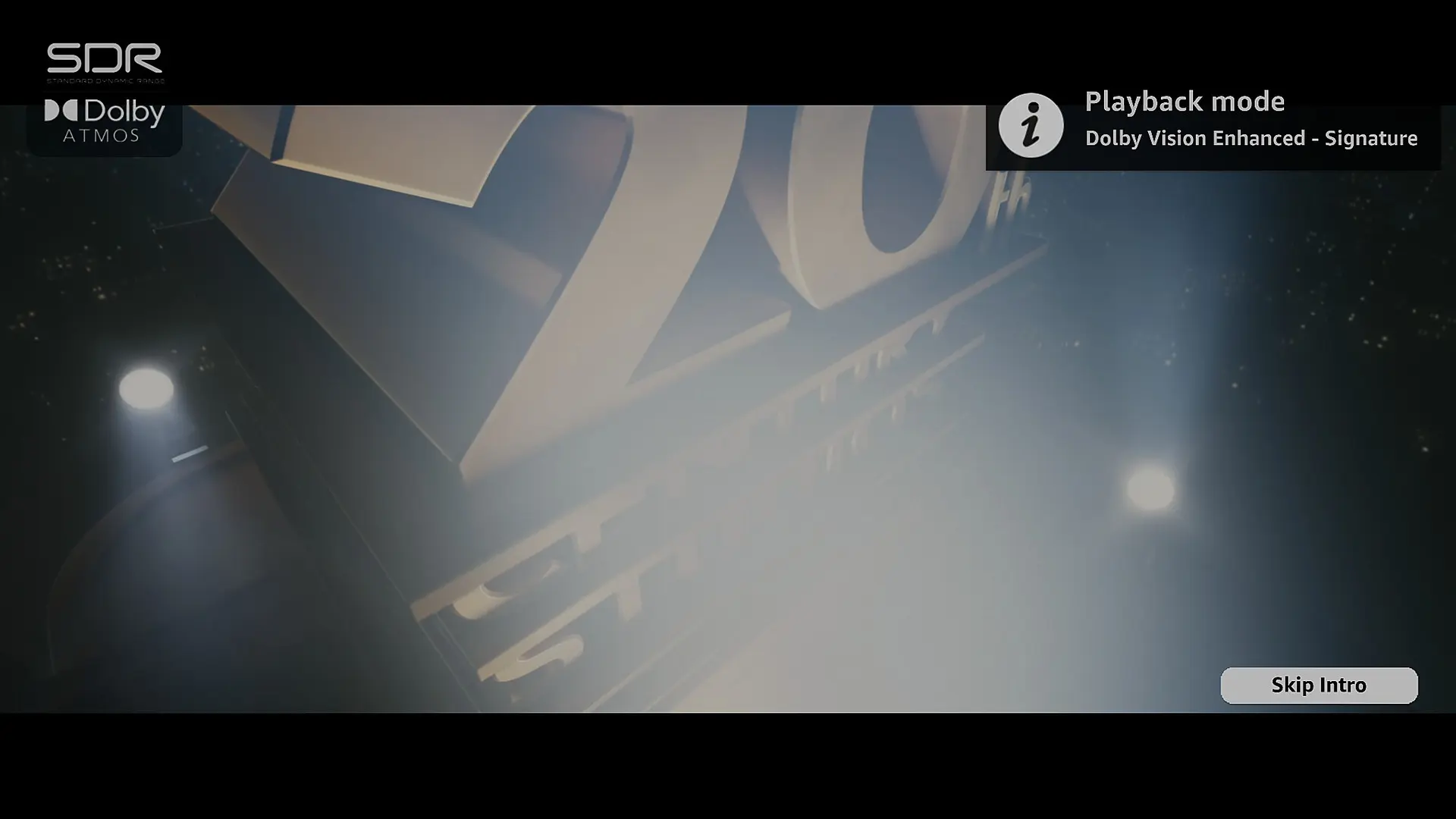
When playing a Dolby Vision or HDR10 movie, the Arctic Fuse 3 (AF3) skin still displays the SDR logo instead of the correct video format.
I actually contacted the AF3 skin developer about this. He explained that the skin reads the codec information directly from Player.Process/video.dovi, but Kodi isn't correctly identifying the video codec in this LibreELEC DV build, so the skin falls back to its default logo.
According to him, this would need to be addressed in the LibreELEC DV build itself rather than in the skin.
Would you mind taking a look at this for Beta4? It would be great if Kodi could correctly report Dolby Vision and HDR10 so the skin could display the appropriate logos automatically.
I've attached a screenshot showing what I mean.
I know it's a small visual detail compared to all the technical work you're doing, but I think it would be a really nice addition.
Overall, I'm genuinely impressed with Beta3. The improvement in 60fps playback alone makes a huge difference, and it's amazing to see how far this project has come.
Thanks again for your time, effort, and dedication. Really appreciate everything you're doing, and I'm looking forward to seeing what comes next! 🙂
Display MoreThanks for the precise feedbacks.
1 : For the 60fps it's a known issue, it's complicated to optimize at this point the DV engine, beta3 will improve a little bit this part but I don't think it will be possible on regular intel iGPU to read easely a 60fps DV movies yet, raw power is not necessary the main bottleneck we also see this issue on 1080p60fps DV movie. Regarding DV rendering settings, the pipeline is in place it was the most complicated part but the algorithm does not work as intended it will adjust the rendering in beta3 (or maybe in beta4 if I need some time to fine tune)2 : The stutter when a GUI is display at the same time of a movie is also a known issue and beta3 will improve this part a lot thanks to dangerouslaser optimization
3 : I fixed some instabilly in the next internal build, I will see in your log if it's something new or not
4 : Also a known issue
I think I fixed it, I will ask you an approval when beta3 will be pushed.
Laptop is very complicated and are not recommanded to use as a HTPC, sometime you can not use your iGPU on a HDMI port (your dedicated GPU will be responsible to render the HDMI signal) and sometime your HDMI port is not native you have a DP converter in the pipe, you can send me the kodi.log I will see precisely what is the cause of your black screen.
I did not work on HDR / DV to SDR, it's normal to have some issue with that,. My actual priority is getting flawless DV and HDR output, as that is the primary use case for this type of build. To be honest, I’m not sure if I’ll support SDR, it’s not simple. iGPU already struggle to convert DV to HDR, and converting to SDR is even more demanding on the GPU, it would require significant optimization and a lot of work. I think for SDR Screen I will just add a fallback on the default Kodi behavior, so no FEL reconstruction on SDR, unfortunately.
Really looking forward to Beta3, especially the improvements to GUI stuttering and DV rendering. I'll be happy to test it and share my feedback when it's released.
Keep up the great work.
 Display More
small bux fix for when using the kodi GUI in DV
https://github.com/dangerouslaser…/yblod-0.2-pre3
Need N100 testers and AMD testers
these optimizations are for for TV-Led DV only - they will also apply to HDR but not for DV->HDR or player led DV
Hi,
Just wondering, do you have any plans to add HDR10 or HDR10+ to Dolby Vision conversion in future releases? I think it would be a great feature for those who want to watch their HDR movies in Dolby Vision.
Thanks for your great work.
Hi CroqueMr,
I've been testing Beta2 for a while now. It's much better than Beta1 overall, so thanks for the update!
I ran into a few issues that I wanted to share:
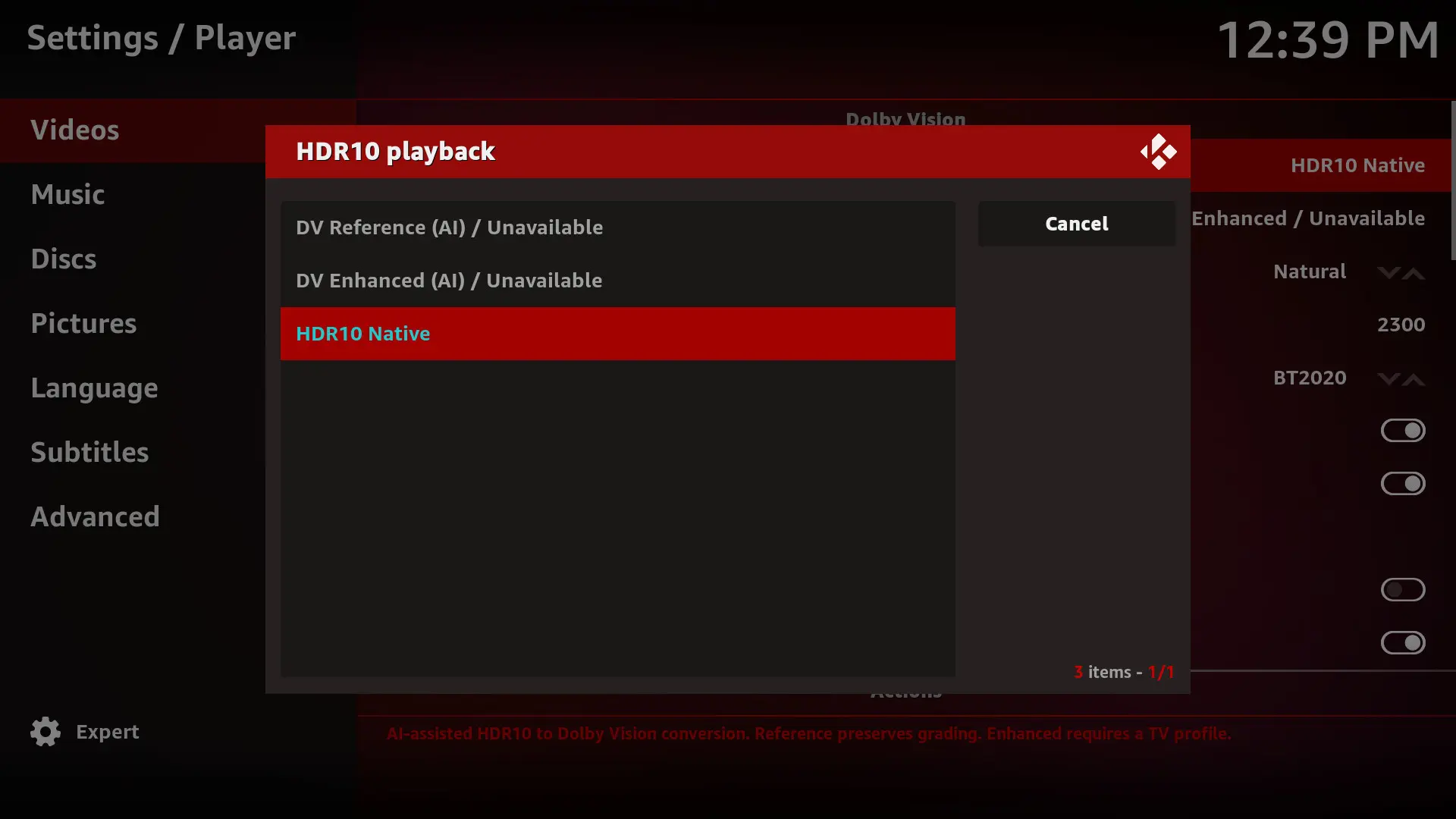
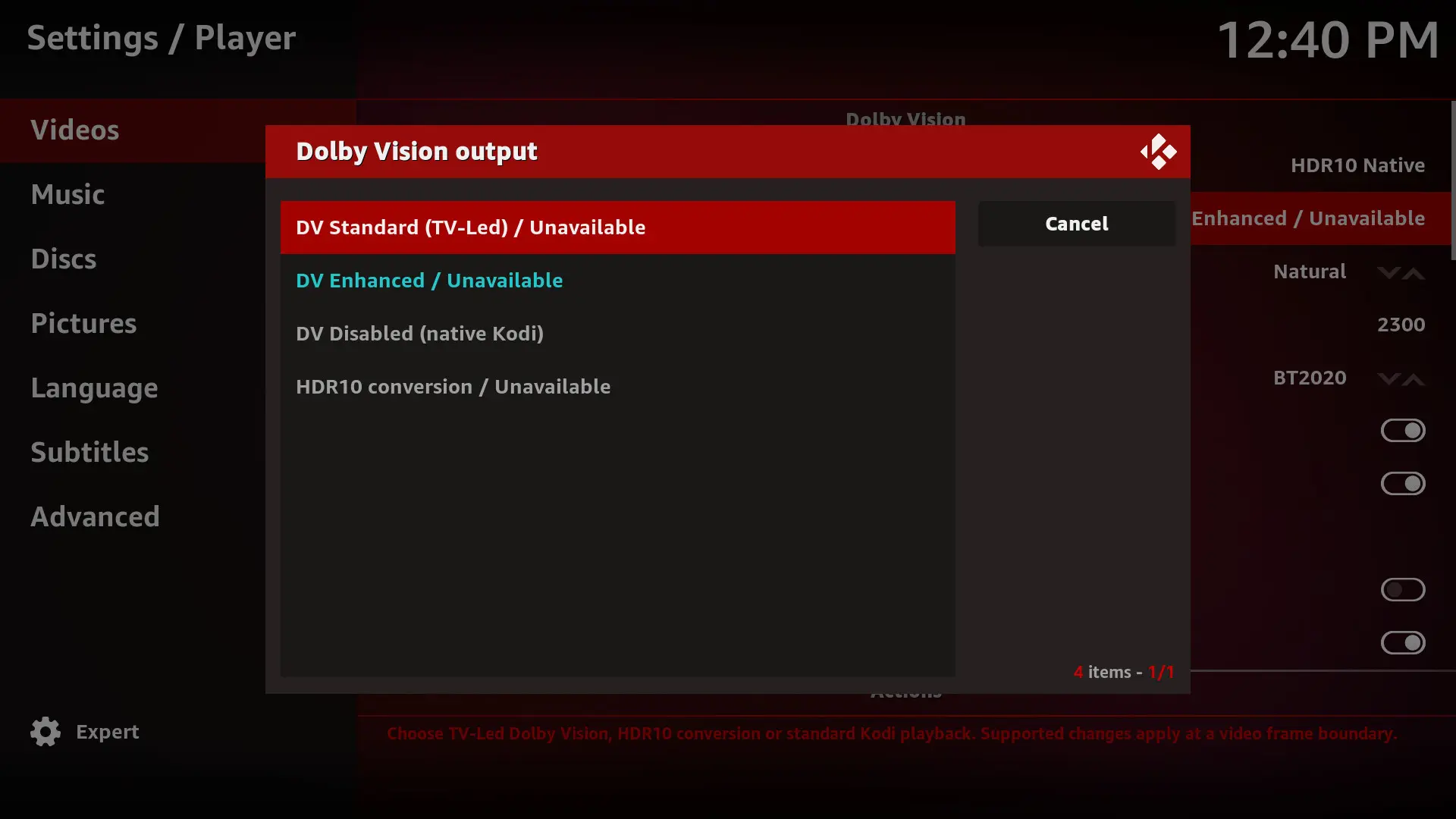
I've attached the screenshots and Kodi log.
Other than these issues, Beta2 has been working much better for me. Thanks for your work on this.
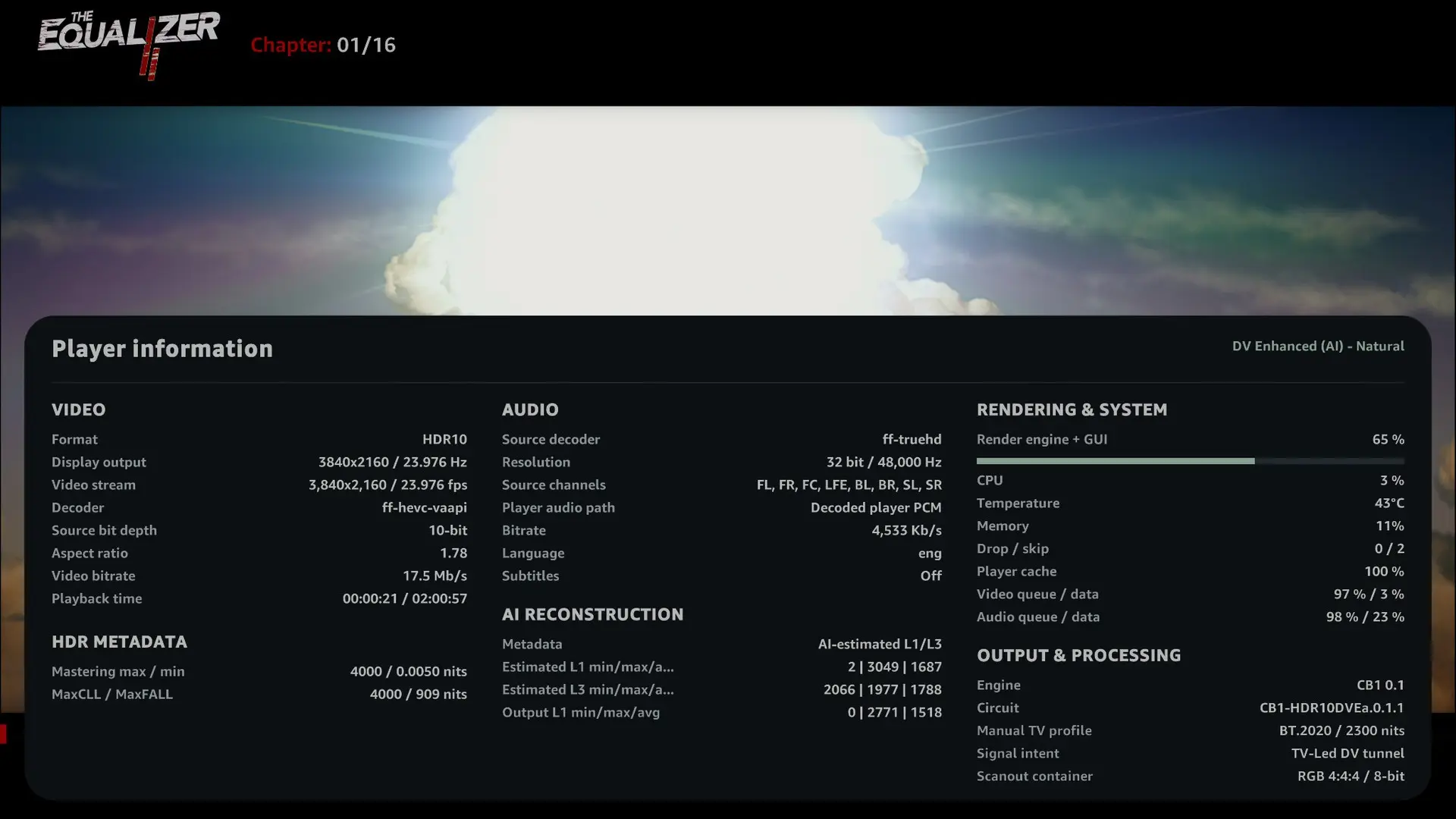
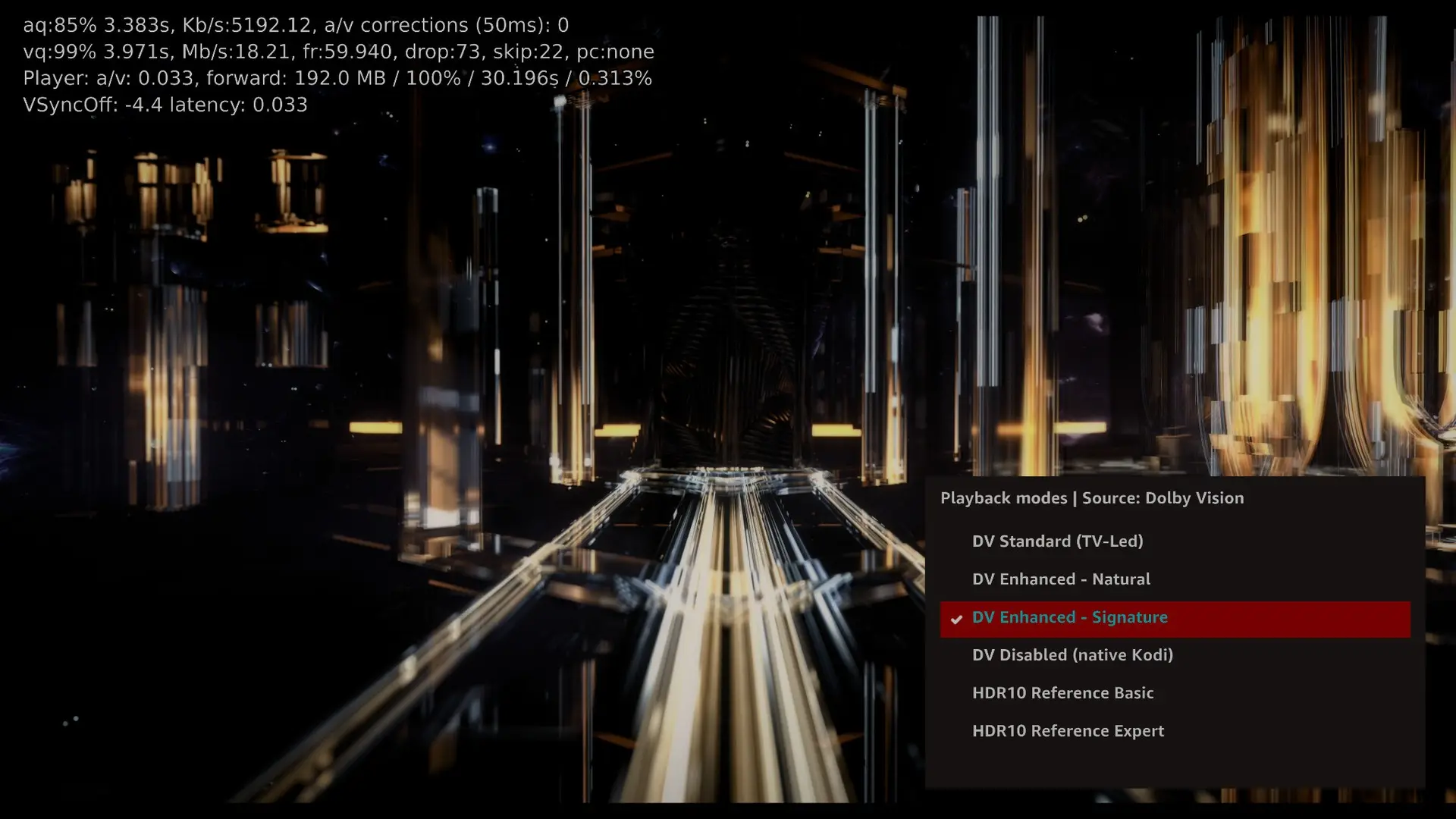
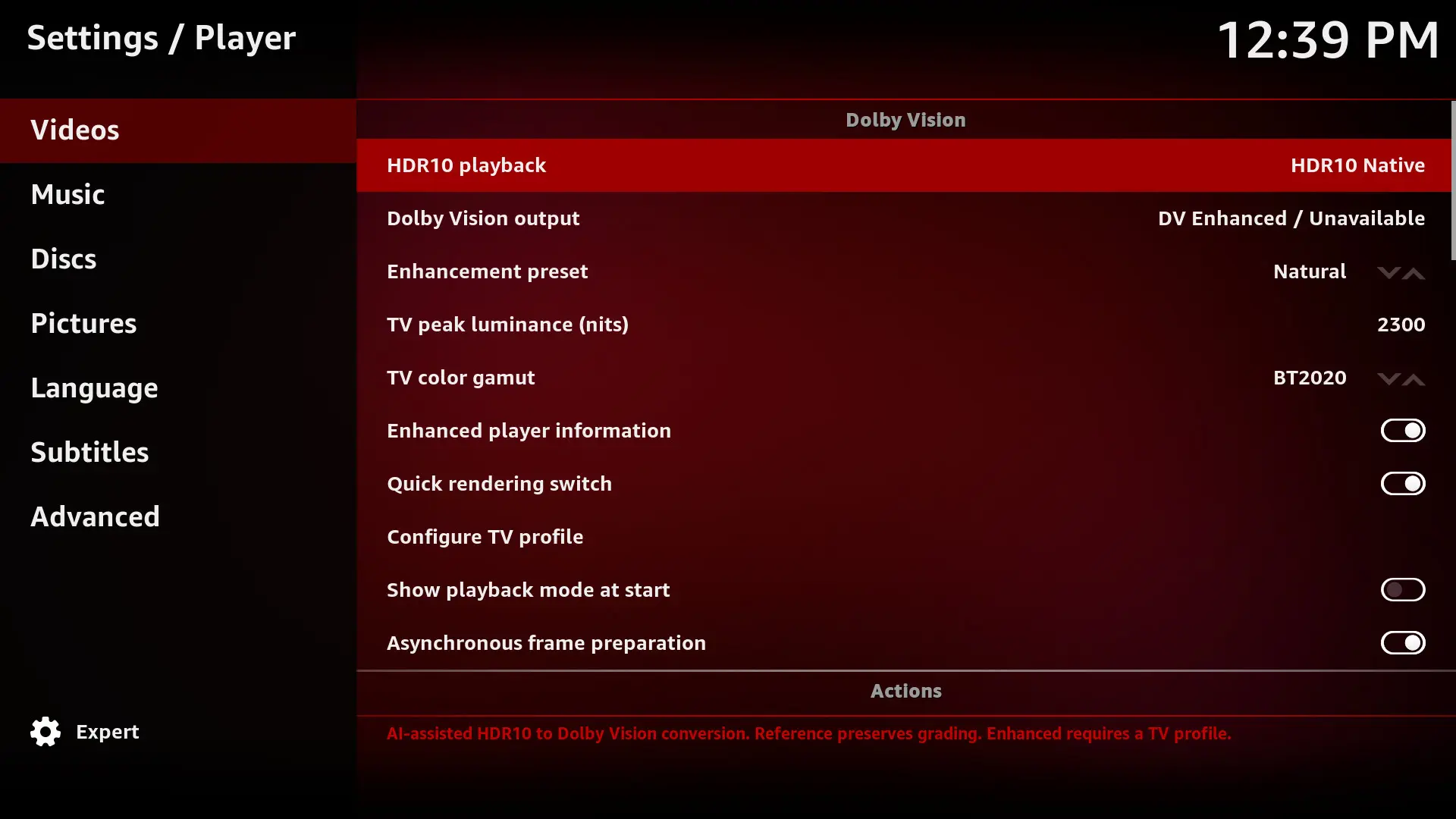
Display MoreR1.0.0 Beta2 : Major performance improvements
https://github.com/CroqueMr/libre…ag/R1.0.0-Beta2
Playback and performance
- Improved frame pacing for native Dolby Vision and DV Enhanced, including Profile 7 FEL with subtitles. (no more framedrop on N100 when reading a Dolby vision FEL 7 Remux file)
- Added optional asynchronous frame preparation, limited to one next frame.
- Reduced redundant GPU processing and repeated Enhanced metadata calculations.
- Improved recovery after seeks, pause/resume and rendering-mode changes.
Rendering and controls
- Adjust Natural and Signature stability.
- Automatically selects a compatible 2160p Dolby Vision output when the interface runs at 1080p.
- Separate settings for Enhanced Player information and Quick rendering switch.
- "O" cycles through player information, rendering selection and fullscreen video. Kodi's native information panel is also supported.
Diagnostics
- Added lightweight HDMI and display-route logging, including converter information when available.
Next focuses :
- Drivers : Address compatibility issues on DCN 3.1 AMD iGPU
- Performance : Integrate planar output from dangerouslaser (gain will be small, in the beta 2, I avoid the RGBA32F full screen texture but in a different way)
- 3D : Integrate cinemaONE AMD 3D builds
- Performance : Investigate on new performance lever
- Rendering profile : Fix DV Enhanced profil that do not behave as expected.
Thanks a lot for all the hard work. Really impressive progress, especially the performance improvements in Beta 2. It's great to see how much effort you're putting into this project. Really appreciate your time and dedication. Looking forward to testing the new build.

There is no forum rule banning CE from being mentioned. However comparison discussions have a habit of attracting trolls, and we prefer to avoid that kind of behaviour. Just keep the discussion sensible.
Thanks for clearing that up, Chewitt. I completely understand, and I'll keep the discussion sensible and constructive. Appreciate it.

We neither. No CoreELEC discussion please.
Sorry about that, Da Flex. I wasn't aware of the rule regarding CoreELEC discussions. Thanks for pointing it out, and it won't happen again.
I tested two different Profile 7 FEL "red test" samples without any issues, and other N100 users haven't reported problems either with this test files.
But with the log I will see your issue.
Are you on the R0.2.1 release or an older one? and what CPU do you have?
Yes, I am on the R0.2.1 release, and I am using a Mini PC with a 13th Gen Intel Core i7-1360P.
Also, I want to thank you so much for your incredible work and effort—no one has ever done this before, it's truly a groundbreaking project! and I really appreciate all your hard work. I hope you keep up the support and continuous updates.
Lastly, if possible, would it be feasible to add or integrate Dolby Vision processing options/codes similar to CoreELEC's Player.process/video.dovi settings? Thanks again for everything.

That was fast, thanks! Good news: the lady at 80s FEL clips now play properly. Bad news: Lots of dropped frames w/FEL movies... debug log w/component level logging here.
External Content youtu.beContent embedded from external sources will not be displayed without your consent.Through the activation of external content, you agree that personal data may be transferred to third party platforms. We have provided more information on this in our privacy policy.
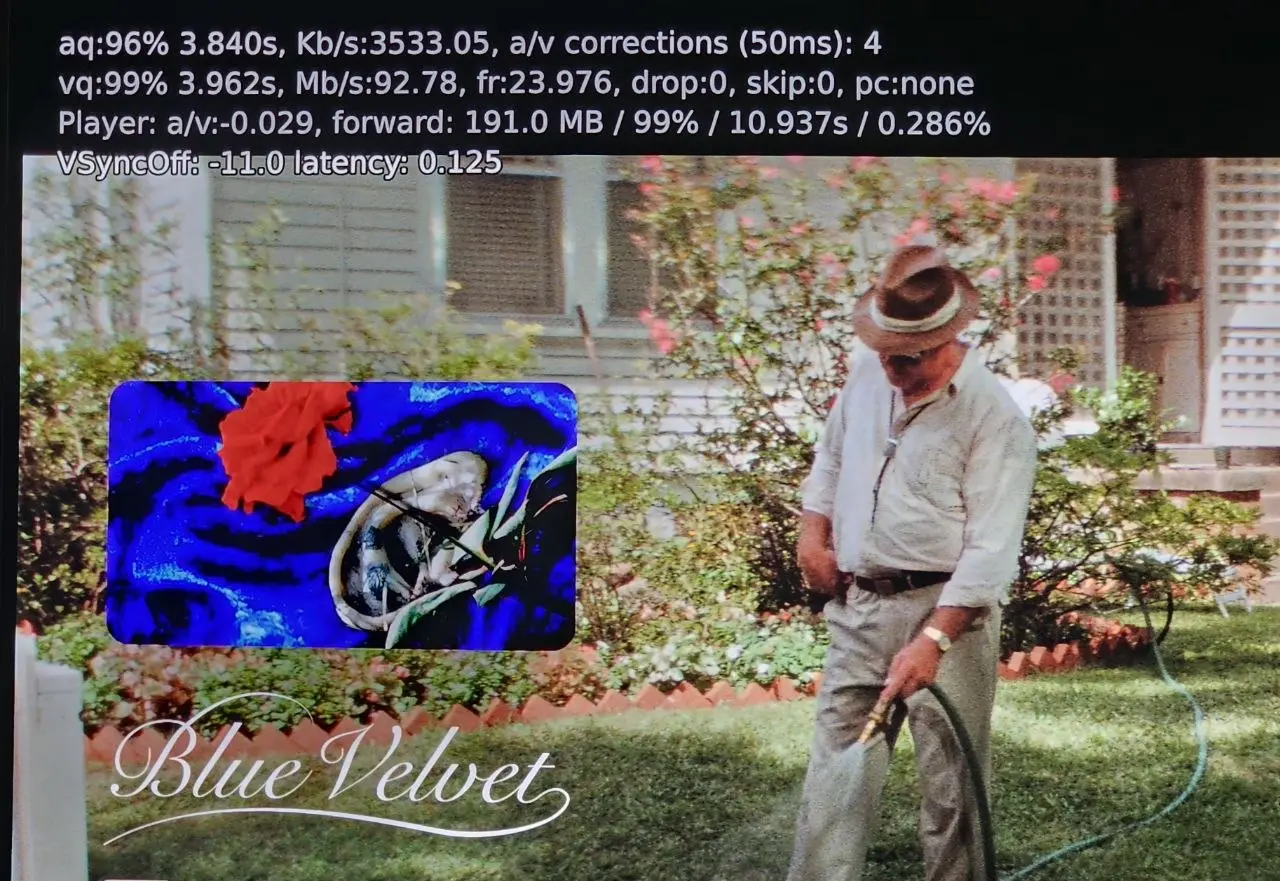
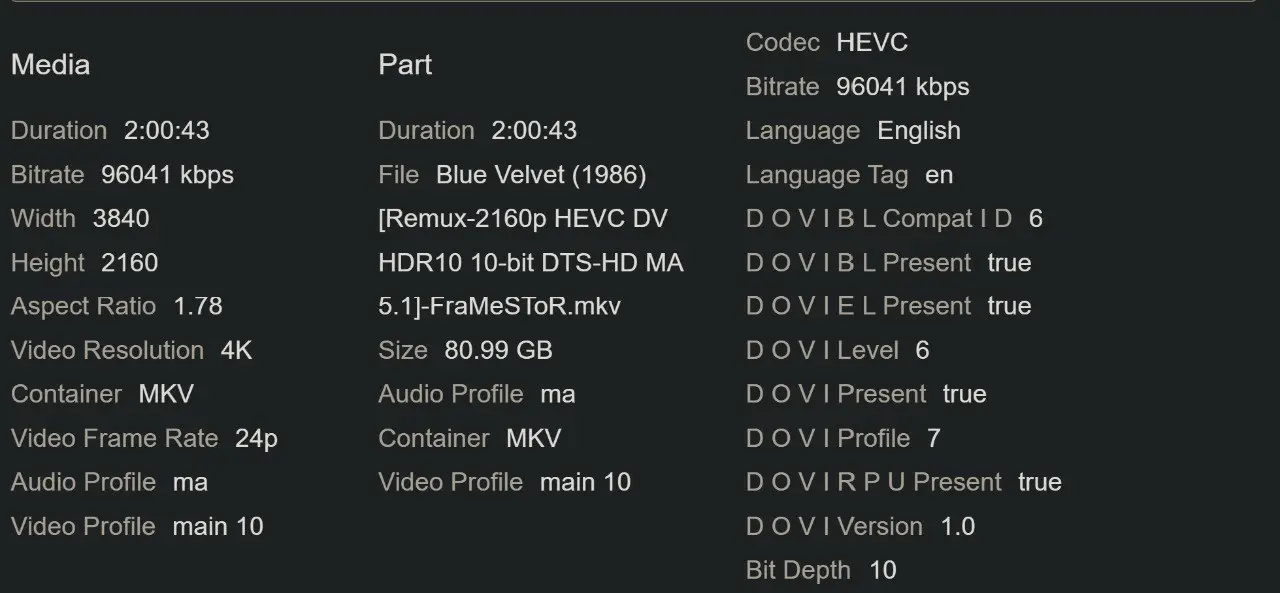
I just tested the exact same movie. As you can see in the attached screenshots, I don't have any dropped frames. The playback is flawless for me. By the way, I follow your YouTube channel—thanks for all your hard work and the helpful videos you provide!